Curly hair salon Joomla Template



Edit Template Offline
2. Create new page and search for id 1307665
Edit Template Online
Create Awesome Websites


Free Nicepage Builder
Keywords
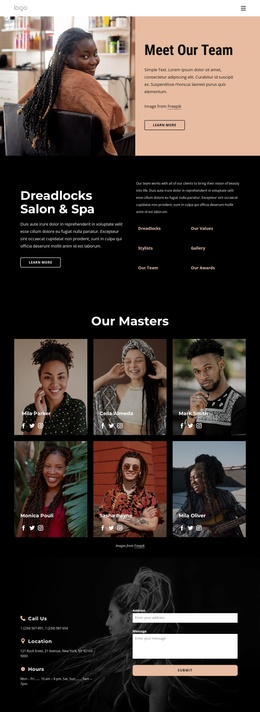
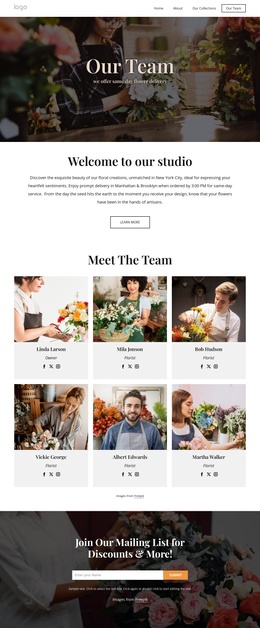
Service topics and contact regions divide the salon content clearly
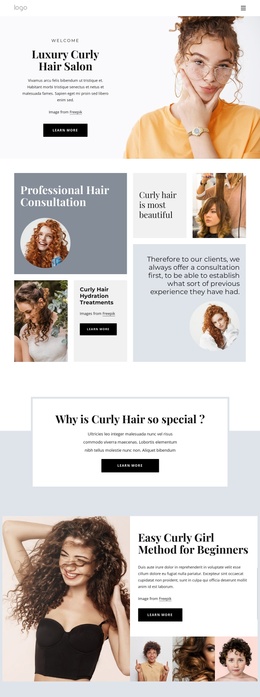
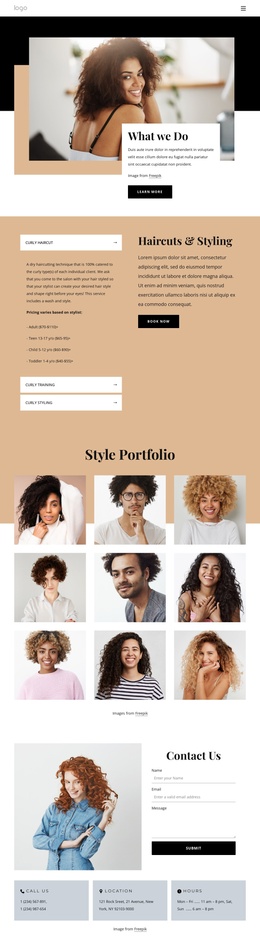
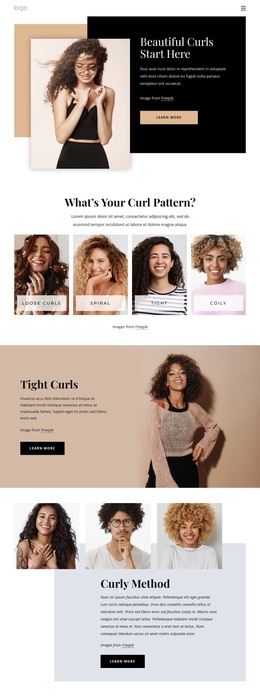
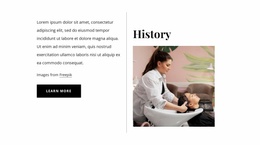
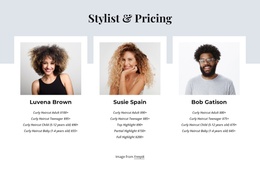
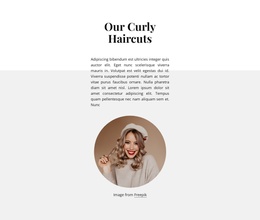
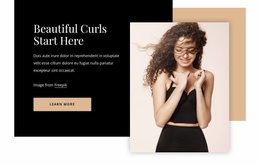
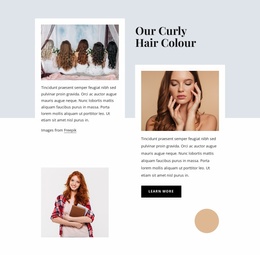
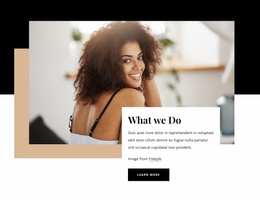
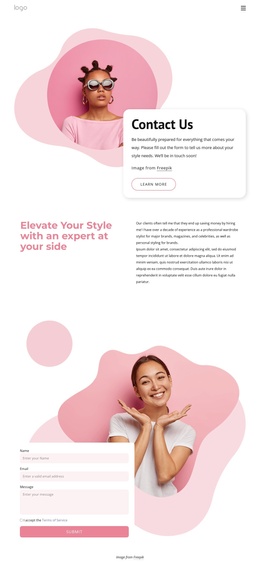
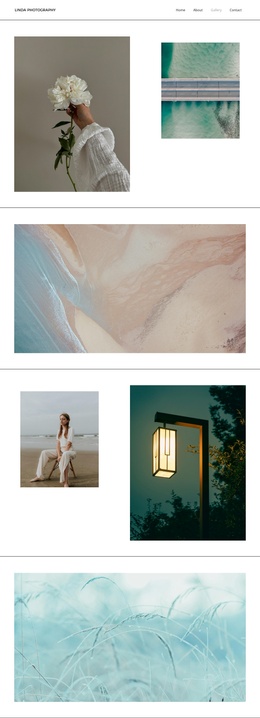
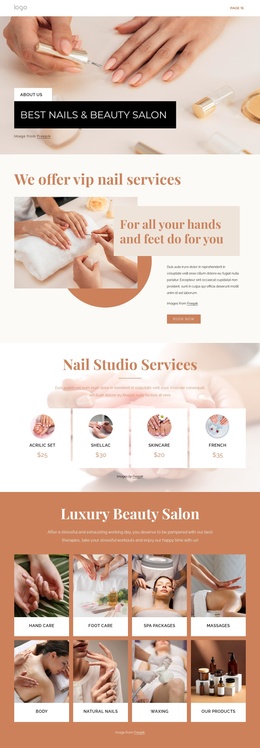
The consultation, education, colour, and haircut sections create distinct information regions that suit a CMS-managed salon page. Professional Hair Consultation introduces the service relationship, while the Curly Girl Method section gives beginner-oriented guidance a separate place. Curly hair colour and curly haircuts then work as two additional service areas, each supported by portrait imagery and explanatory text rather than being compressed into one undifferentiated list.
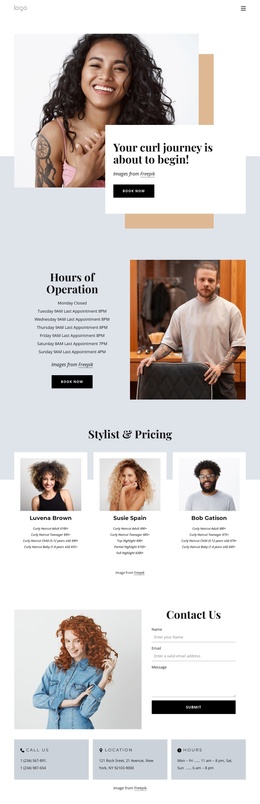
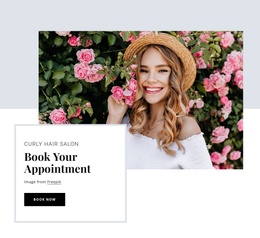
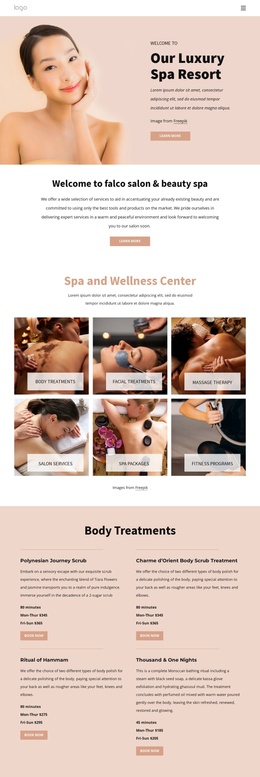
Navigation and the repeated Learn More buttons can connect these regions as visitors move through the page, while the later booking block gives appointment content a separate priority. Its Book Now action is followed by a Contact Us area containing name, email, and message fields, plus Call Us, Location, and Hours panels. That combination makes the bottom of the design a structured contact region rather than only a decorative ending. In a Joomla project, these service and informational areas can be mapped to managed site content while retaining their shared visual direction. The design therefore offers useful divisions for organizing salon information, recurring service descriptions, and contact details without claiming that specific Joomla Articles or modules already exist in the template.
Customize with Nicepage
Open this ready-made template in the Joomla Page Builder and customize it visually in the Nicepage editor. Replace demo content, edit page sections, and adapt the design to your project without rebuilding the template from scratch.
Work With This Template in Joomla
Customize and Install the Joomla Template
Start with this ready-made template instead of building the Joomla design from scratch. Customize its layout, content, typography, images, sections, and other design elements visually in the Nicepage application, then export and install the Joomla Template, Nicepage Extension, and supported content on your Joomla website.
Edit the Template Directly in Joomla
After installation, you can edit the Joomla Template directly in Joomla with the Nicepage Joomla Extension. Customize the Header, Footer, Colors, Fonts, typography, and Page Templates from the Joomla workflow while keeping the site design connected with your CMS content.
Edit Joomla Articles Visually
Use the Nicepage Joomla Extension to open and edit Joomla Articles visually from the Joomla Administrator. Change text, images, sections, layouts, and other page content in the Nicepage editor while continuing to manage the Articles through Joomla.
Joomla Content and Template Integration
Use the customized template together with Joomla Articles, module Positions, menus, forms, Blog Pages, and other supported CMS elements. With the Nicepage Extension used as the Site Style Source, shared design settings can be applied across Joomla Articles while Joomla continues to provide the CMS environment for managing site content.
This workflow combines a ready-made Joomla Template with visual customization, direct template editing in Joomla, and continued content management through the Nicepage Joomla Extension.