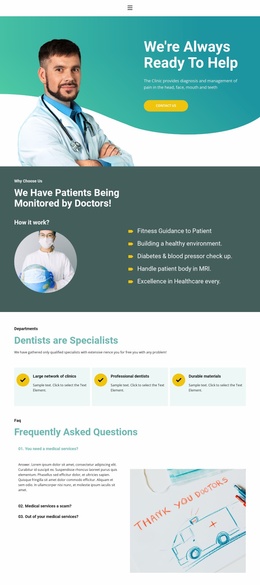
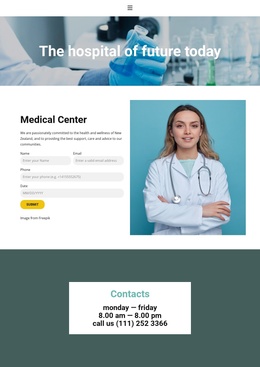
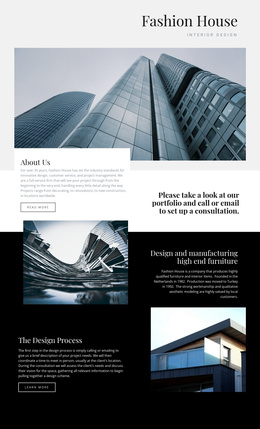
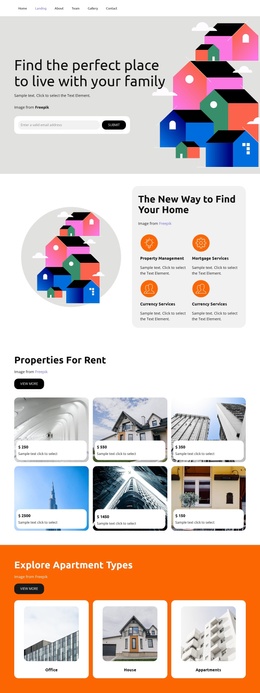
Questions to the real estate agent Joomla Template



Three Transformation Questions Form a Structured Content Region
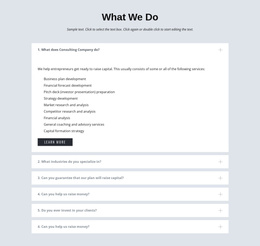
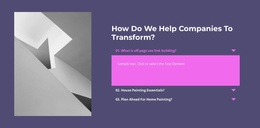
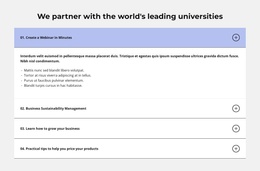
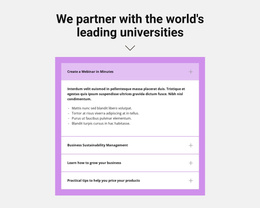
The heading and introductory text establish a clear subject for the section: how an organization can approach transformation. Beneath them, the three-item accordion divides that subject into separate questions. The first panel is open in the displayed state, showing how explanatory content can appear without making every answer occupy the full vertical space at once. This gives the left column a structured informational role rather than presenting one uninterrupted block of text.
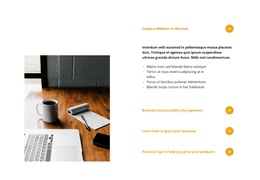
The right column adds a different kind of context. A grayscale architectural building image appears above a paragraph describing employee insight gathering, stakeholder interviews, and organizational review. Together, these elements broaden the section from a simple question list into a compact methodology explanation with both expandable detail and supporting organizational perspective. The warm beige accents and generous whitespace help the two regions remain visually related while preserving their different content functions.
Within a Joomla-managed page or site, this block can serve as a reusable informational region for structured consulting content. Its service-methodology questions can remain visually grouped, while the wider Joomla project manages other editorial areas around them. The section does not need to become a CMS-wide template to be useful; its strength is the clear relationship between the accordion’s focused questions and the adjacent image-led explanation. That makes it suitable for a page area where visitors need concise answers followed by deeper organizational context.
Customize with Nicepage
Open this ready-made template in the Joomla Page Builder and customize it visually in the Nicepage editor. Replace demo content, edit page sections, and adapt the design to your project without rebuilding the template from scratch.
Edit Template Offline
2. Create a new page or select existing
3. Click Add new block, search for id 2059479 and click enter
Edit Template Online
Create Awesome Websites


Free Nicepage Builder
Keywords
Work With This Template in Joomla
Customize and Install the Joomla Template
Start with this ready-made template instead of building the Joomla design from scratch. Customize its layout, content, typography, images, sections, and other design elements visually in the Nicepage application, then export and install the Joomla Template, Nicepage Extension, and supported content on your Joomla website.
Edit the Template Directly in Joomla
After installation, you can edit the Joomla Template directly in Joomla with the Nicepage Joomla Extension. Customize the Header, Footer, Colors, Fonts, typography, and Page Templates from the Joomla workflow while keeping the site design connected with your CMS content.
Edit Joomla Articles Visually
Use the Nicepage Joomla Extension to open and edit Joomla Articles visually from the Joomla Administrator. Change text, images, sections, layouts, and other page content in the Nicepage editor while continuing to manage the Articles through Joomla.
Joomla Content and Template Integration
Use the customized template together with Joomla Articles, module Positions, menus, forms, Blog Pages, and other supported CMS elements. With the Nicepage Extension used as the Site Style Source, shared design settings can be applied across Joomla Articles while Joomla continues to provide the CMS environment for managing site content.
This workflow combines a ready-made Joomla Template with visual customization, direct template editing in Joomla, and continued content management through the Nicepage Joomla Extension.