Find the perfect place Joomla Template


Edit Template Offline
2. Create new page and search for id 4480779
Edit Template Online
Create Awesome Websites


Free Nicepage Builder
Keywords
Rental Listings and Service Regions for CMS Content
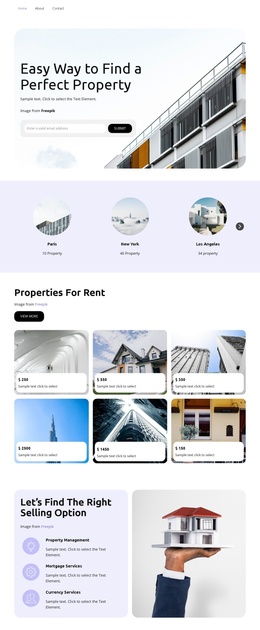
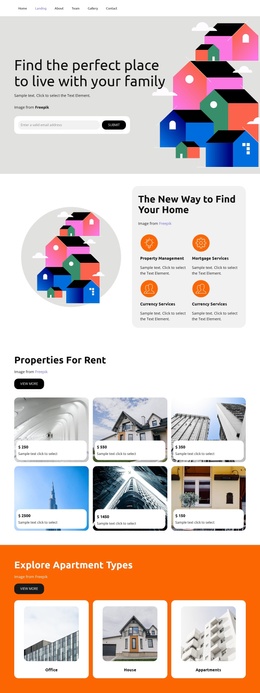
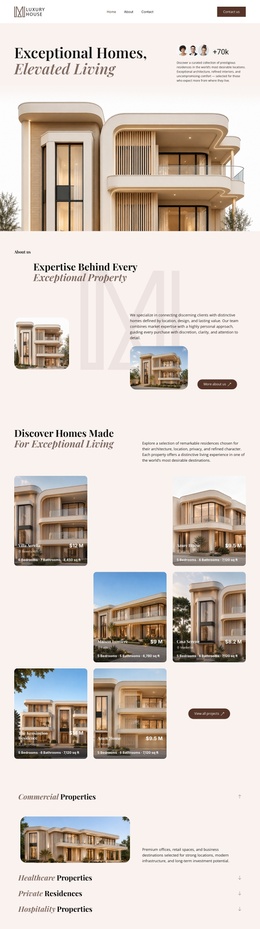
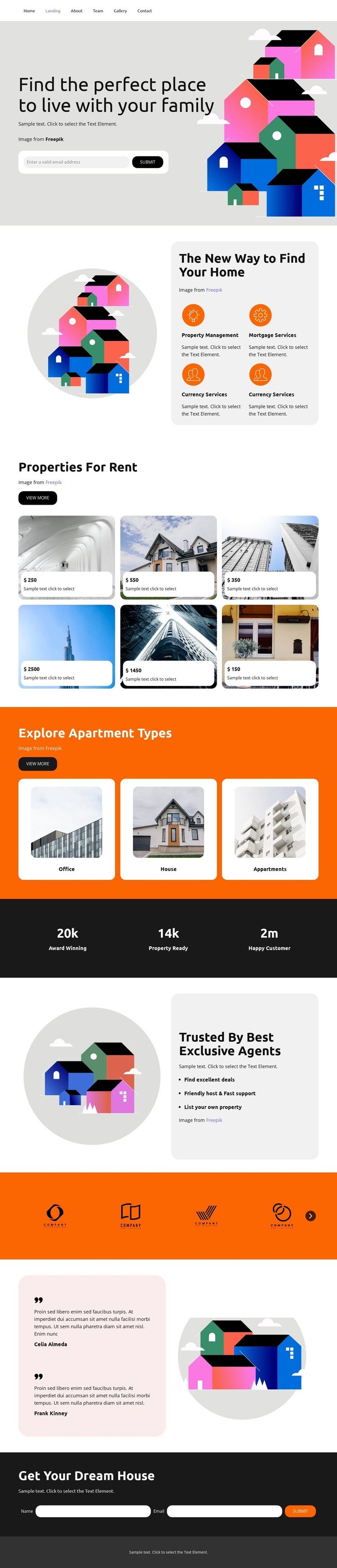
The four service entries create a useful first content region after the residential introduction. Property Management, Mortgage Services, and Currency Services show how the design separates related real estate information into labeled areas, while the surrounding illustration keeps the section visually connected to the housing topic. In a Joomla project, these structured regions can support organized informational content without losing the page’s visual sequence.
The six rental property cards provide a repeated listing area with image backgrounds and price labels. Because each card follows the same presentation pattern, the section can represent recurring property information while remaining distinct from the three apartment-type cards for Office, House, and Appartments. That separation gives the design two practical content levels: individual rental options and broader categories for exploration.
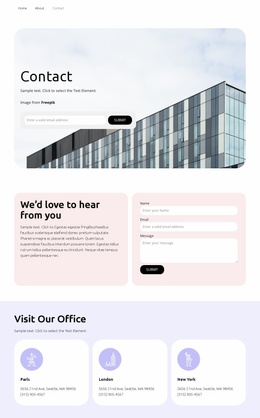
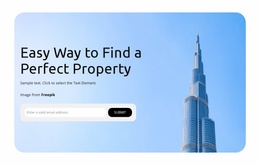
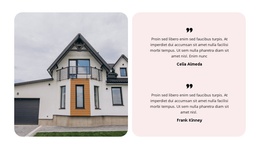
Navigation, the agent-focused section, partner-logo strip, testimonials, and the closing inquiry form extend the site beyond a simple listing grid. The two attributed testimonial entries add a dedicated trust area, while the final “Get Your Dream House” form creates a clear contact region for property questions. Shared header and footer areas can frame these sections as coordinated Joomla-managed content, with the CMS interpretation centered on structured services, listings, categories, and contact information rather than on a generic platform label.
Customize with Nicepage
Open this ready-made template in the Joomla Page Builder and customize it visually in the Nicepage editor. Replace demo content, edit page sections, and adapt the design to your project without rebuilding the template from scratch.
Work With This Template in Joomla
Customize and Install the Joomla Template
Start with this ready-made template instead of building the Joomla design from scratch. Customize its layout, content, typography, images, sections, and other design elements visually in the Nicepage application, then export and install the Joomla Template, Nicepage Extension, and supported content on your Joomla website.
Edit the Template Directly in Joomla
After installation, you can edit the Joomla Template directly in Joomla with the Nicepage Joomla Extension. Customize the Header, Footer, Colors, Fonts, typography, and Page Templates from the Joomla workflow while keeping the site design connected with your CMS content.
Edit Joomla Articles Visually
Use the Nicepage Joomla Extension to open and edit Joomla Articles visually from the Joomla Administrator. Change text, images, sections, layouts, and other page content in the Nicepage editor while continuing to manage the Articles through Joomla.
Joomla Content and Template Integration
Use the customized template together with Joomla Articles, module Positions, menus, forms, Blog Pages, and other supported CMS elements. With the Nicepage Extension used as the Site Style Source, shared design settings can be applied across Joomla Articles while Joomla continues to provide the CMS environment for managing site content.
This workflow combines a ready-made Joomla Template with visual customization, direct template editing in Joomla, and continued content management through the Nicepage Joomla Extension.