Luxury Real Estate Properties Joomla Template

Edit Template Offline
2. Create new page and search for id 6670117
Edit Template Online
Create Awesome Websites


Free Nicepage Builder
Keywords
Property Categories and Projects Divide the Design Into Manageable Content Regions
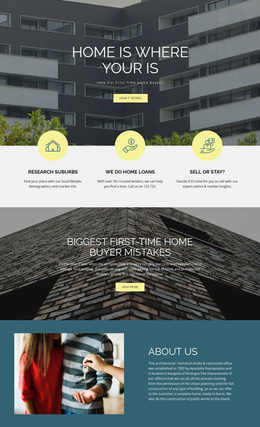
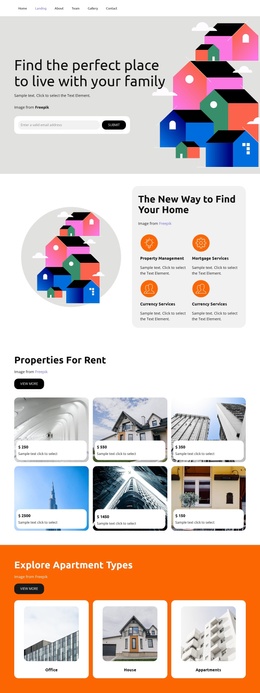
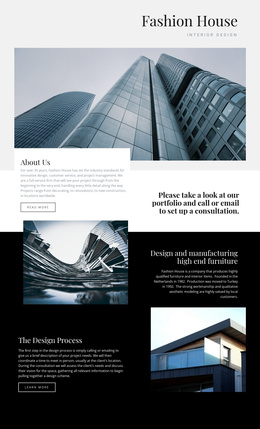
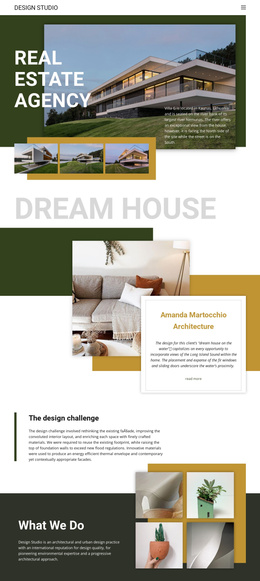
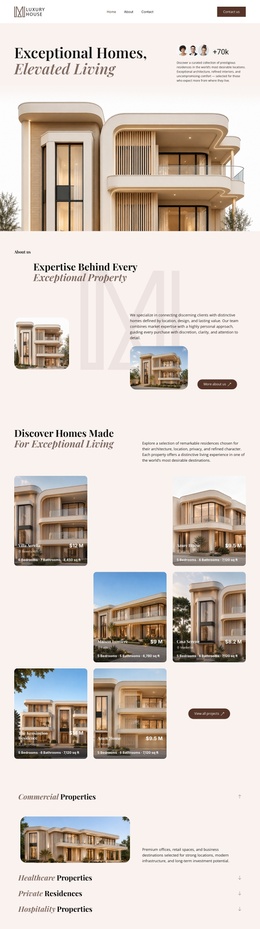
The four named categories give the page a natural set of structured information areas. Commercial Properties, Healthcare Properties, Private Residences, and Hospitality Properties are presented as distinct interests rather than as one long description, allowing a Joomla-managed project to organize broad property content around recognizable navigation and editorial regions. The residential gallery serves a different role: it supplies visual context for homes and gives the page an image-led content area that can remain separate from category-oriented information.
The project section adds a second repeated content pattern. Aurelia Residences, The Meridian, Solara Villas, and Azure Bay Resort appear as four image-and-copy cards with View details actions. That repeated structure can support an organized collection of development information while preserving a common presentation across entries. The about section provides a shared explanatory layer, linking the property groups to the expertise described near the top of the page.
The closing inquiry area brings phone, office, and email details into a dedicated contact region, while the primary navigation and Luxury House footer define shared site landmarks. In a Joomla implementation, these relationships make the design suitable for structured site content and reusable regions without requiring the visual arrangement to be rebuilt around each individual property entry.
Customize with Nicepage
Open this ready-made template in the Joomla Page Builder and customize it visually in the Nicepage editor. Replace demo content, edit page sections, and adapt the design to your project without rebuilding the template from scratch.
Work With This Template in Joomla
Customize and Install the Joomla Template
Start with this ready-made template instead of building the Joomla design from scratch. Customize its layout, content, typography, images, sections, and other design elements visually in the Nicepage application, then export and install the Joomla Template, Nicepage Extension, and supported content on your Joomla website.
Edit the Template Directly in Joomla
After installation, you can edit the Joomla Template directly in Joomla with the Nicepage Joomla Extension. Customize the Header, Footer, Colors, Fonts, typography, and Page Templates from the Joomla workflow while keeping the site design connected with your CMS content.
Edit Joomla Articles Visually
Use the Nicepage Joomla Extension to open and edit Joomla Articles visually from the Joomla Administrator. Change text, images, sections, layouts, and other page content in the Nicepage editor while continuing to manage the Articles through Joomla.
Joomla Content and Template Integration
Use the customized template together with Joomla Articles, module Positions, menus, forms, Blog Pages, and other supported CMS elements. With the Nicepage Extension used as the Site Style Source, shared design settings can be applied across Joomla Articles while Joomla continues to provide the CMS environment for managing site content.
This workflow combines a ready-made Joomla Template with visual customization, direct template editing in Joomla, and continued content management through the Nicepage Joomla Extension.