Financial projections, analysis, and strategy Joomla Template


The Service List Provides a Structured Joomla Content Region
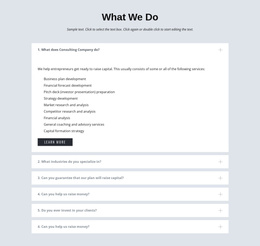
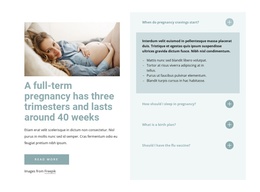
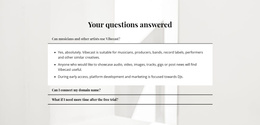
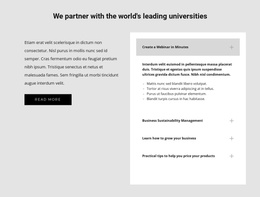
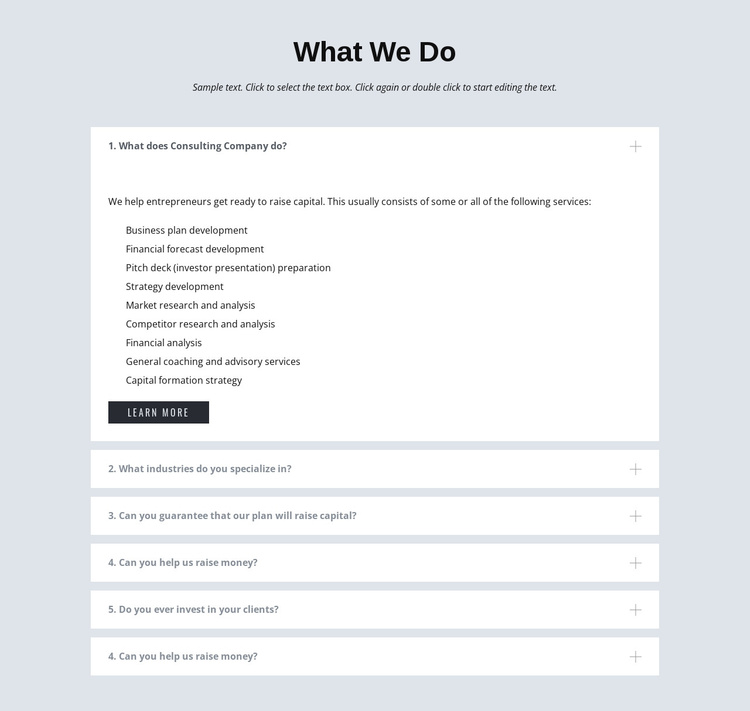
The centered heading and introductory paragraph give the section a stable subject: what the consulting service provides. Below them, six accordion questions divide the information into manageable content units. The visible questions cover consulting activities, industry specialization, capital-raising assistance, guarantees, and whether the firm invests in clients. The first item is expanded, making its detailed answer and nine service entries the main information region in the current presentation.
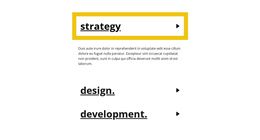
For a Joomla-managed page, this structure can function as a reusable content area for organized consulting information. The nine entries distinguish business plan development, financial forecast development, pitch deck preparation, strategy development, market research and analysis, competitor research and analysis, financial analysis, coaching and advisory services, and capital formation strategy. The accordion keeps those topics connected without presenting every answer at once, while the “Learn More” button provides a related next step. The section can remain a consistent visual region as surrounding Joomla content handles broader page organization and editorial material. Nicepage supports Joomla-oriented design and article workflows, but the block’s concrete contribution is narrower: it supplies one structured FAQ presentation with a service explanation and a related action.
Customize with Nicepage
Open this ready-made template in the Joomla Page Builder and customize it visually in the Nicepage editor. Replace demo content, edit page sections, and adapt the design to your project without rebuilding the template from scratch.
Edit Template Offline
2. Create a new page or select existing
3. Click Add new block, search for id 275598 and click enter
Edit Template Online
Create Awesome Websites


Free Nicepage Builder
Keywords
Work With This Template in Joomla
Customize and Install the Joomla Template
Start with this ready-made template instead of building the Joomla design from scratch. Customize its layout, content, typography, images, sections, and other design elements visually in the Nicepage application, then export and install the Joomla Template, Nicepage Extension, and supported content on your Joomla website.
Edit the Template Directly in Joomla
After installation, you can edit the Joomla Template directly in Joomla with the Nicepage Joomla Extension. Customize the Header, Footer, Colors, Fonts, typography, and Page Templates from the Joomla workflow while keeping the site design connected with your CMS content.
Edit Joomla Articles Visually
Use the Nicepage Joomla Extension to open and edit Joomla Articles visually from the Joomla Administrator. Change text, images, sections, layouts, and other page content in the Nicepage editor while continuing to manage the Articles through Joomla.
Joomla Content and Template Integration
Use the customized template together with Joomla Articles, module Positions, menus, forms, Blog Pages, and other supported CMS elements. With the Nicepage Extension used as the Site Style Source, shared design settings can be applied across Joomla Articles while Joomla continues to provide the CMS environment for managing site content.
This workflow combines a ready-made Joomla Template with visual customization, direct template editing in Joomla, and continued content management through the Nicepage Joomla Extension.