Renovate real estate Joomla Template


Edit Template Offline
2. Create new page and search for id 12454
Edit Template Online
Create Awesome Websites


Free Nicepage Builder
Keywords
Services, Company Information, and Gallery Content Form Reusable Site Regions
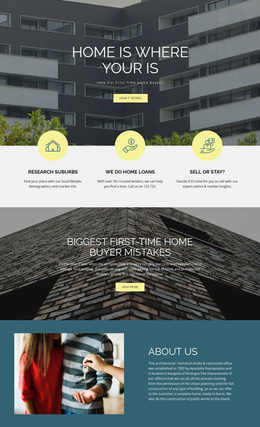
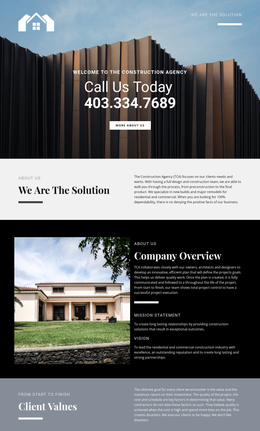
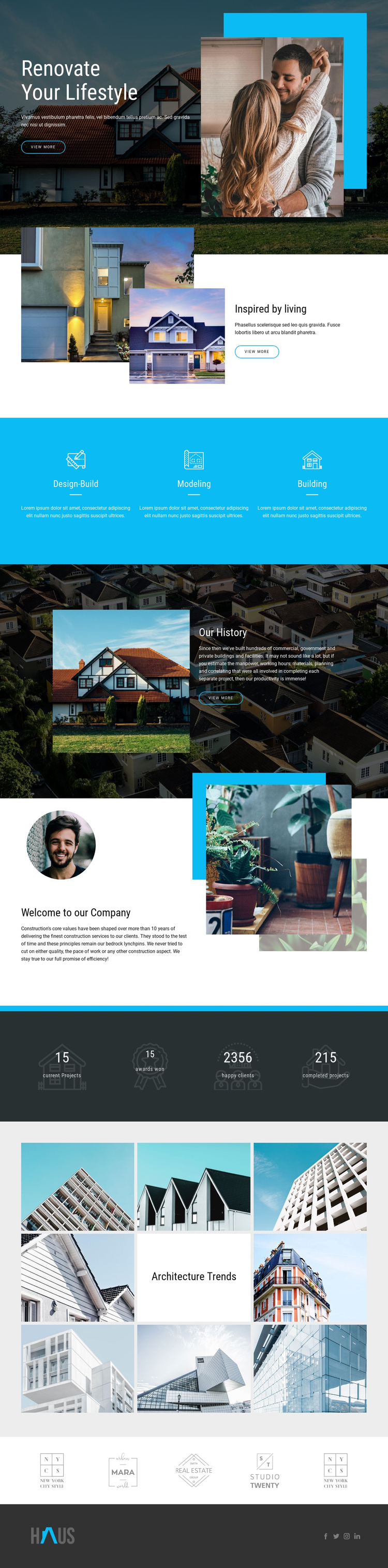
The service section divides the construction offering into three named areas: Design-Build, Modeling, and Building. Each appears as an evenly arranged panel with an icon, label, divider, and description, creating a structured group that can correspond to recurring informational content in a Joomla site. The consistent arrangement helps these categories remain visually related while their text can represent separate service information.
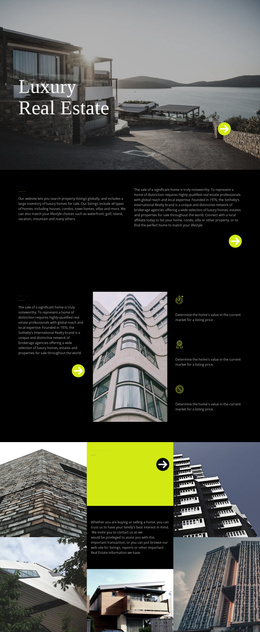
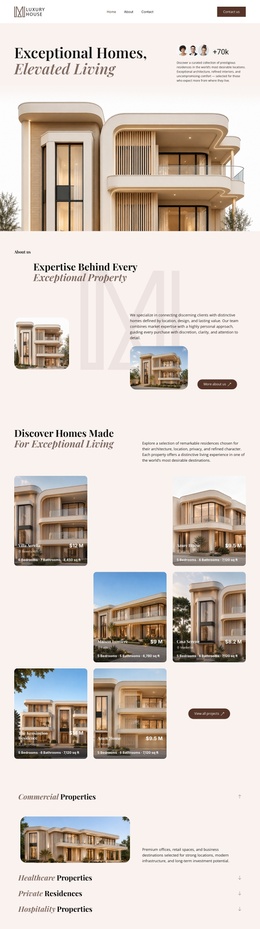
The company-history and company-introduction sections provide two different editorial roles. Our History places a narrative beside a large architectural image and dark panel, while Welcome to our Company uses layered circular and rectangular photographs around introductory text. Together, they separate organizational background from the broader company statement instead of placing all information in one undifferentiated block. The Architecture Trends gallery adds a third content region focused on eight architectural images around a centered title tile.
The hero and repeated View more actions provide entry points into the page, while the four-metric band offers a compact area for displayed project and client indicators. Beneath it, five brand-style marks and the footer’s Facebook, Twitter, Instagram, and LinkedIn links create shared site regions that can support navigation and external connections. In a Joomla project, these structured areas can remain part of one coordinated visual system while the site’s construction information is organized through CMS-managed content. The design does not by itself verify Joomla Articles or module positions; those would depend on the implementation.
Customize with Nicepage
Open this ready-made template in the Joomla Page Builder and customize it visually in the Nicepage editor. Replace demo content, edit page sections, and adapt the design to your project without rebuilding the template from scratch.
Work With This Template in Joomla
Customize and Install the Joomla Template
Start with this ready-made template instead of building the Joomla design from scratch. Customize its layout, content, typography, images, sections, and other design elements visually in the Nicepage application, then export and install the Joomla Template, Nicepage Extension, and supported content on your Joomla website.
Edit the Template Directly in Joomla
After installation, you can edit the Joomla Template directly in Joomla with the Nicepage Joomla Extension. Customize the Header, Footer, Colors, Fonts, typography, and Page Templates from the Joomla workflow while keeping the site design connected with your CMS content.
Edit Joomla Articles Visually
Use the Nicepage Joomla Extension to open and edit Joomla Articles visually from the Joomla Administrator. Change text, images, sections, layouts, and other page content in the Nicepage editor while continuing to manage the Articles through Joomla.
Joomla Content and Template Integration
Use the customized template together with Joomla Articles, module Positions, menus, forms, Blog Pages, and other supported CMS elements. With the Nicepage Extension used as the Site Style Source, shared design settings can be applied across Joomla Articles while Joomla continues to provide the CMS environment for managing site content.
This workflow combines a ready-made Joomla Template with visual customization, direct template editing in Joomla, and continued content management through the Nicepage Joomla Extension.