Luxury real estate Joomla Template


Edit Template Offline
2. Create new page and search for id 29649
Edit Template Online
Create Awesome Websites


Free Nicepage Builder
Keywords
Property Categories and Service Regions Give CMS Content a Clear Framework
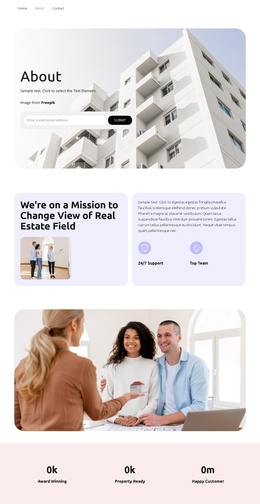
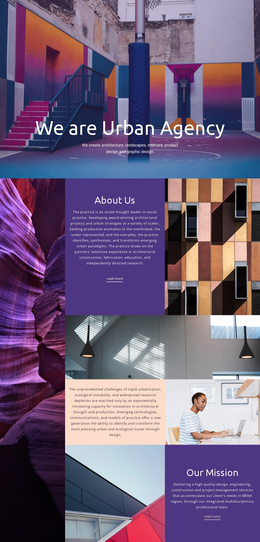
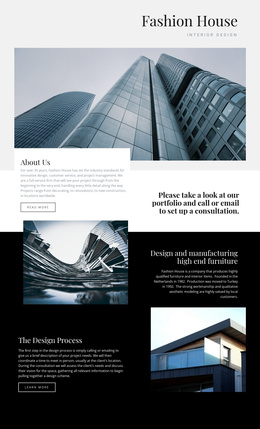
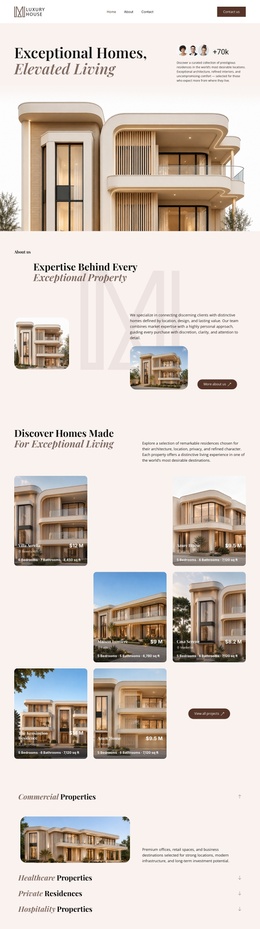
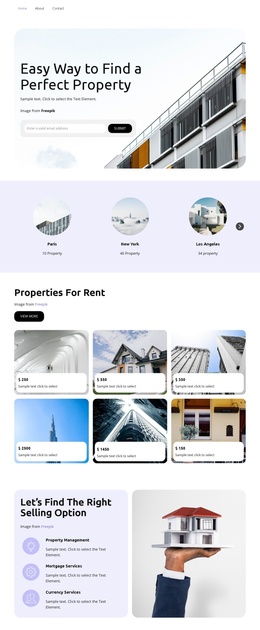
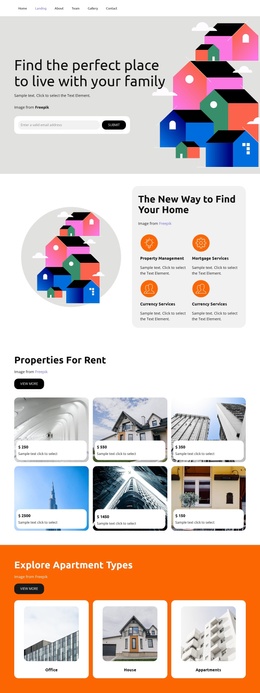
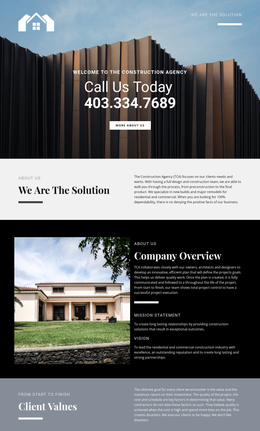
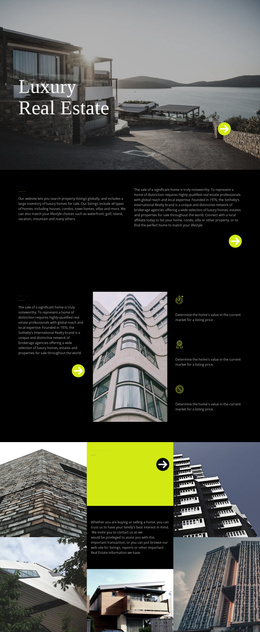
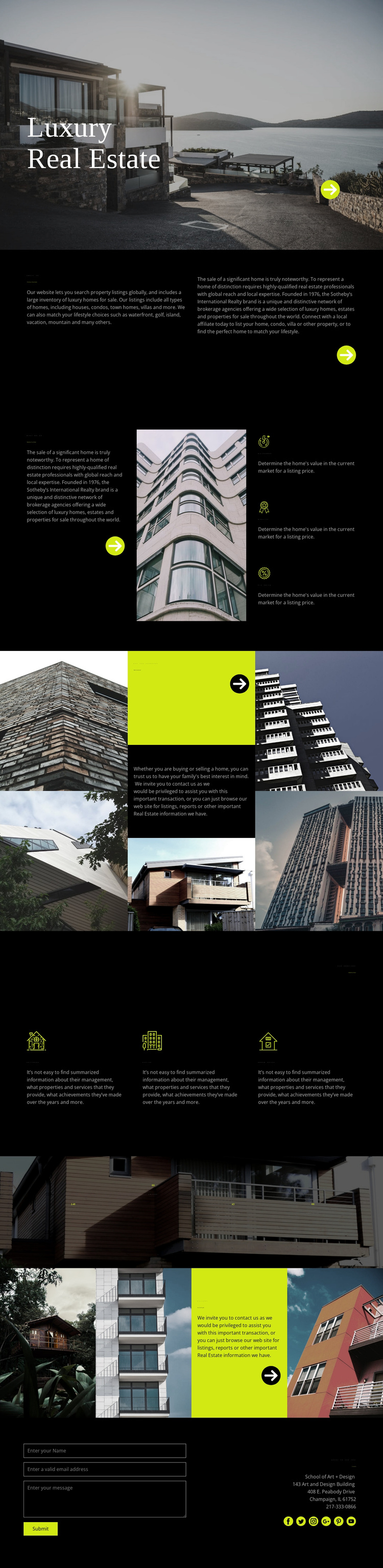
The property-search section divides the design into recognizable informational content: an About Us introduction, a heading about home search, and categories such as houses, condos, town homes, villas, waterfront properties, golf locations, islands, vacations, and mountains. These areas give a Joomla project structured subject matter to organize while the dark visual system keeps the page regions visually connected. The content can be treated as a coordinated property-services presentation rather than as unrelated promotional panels.
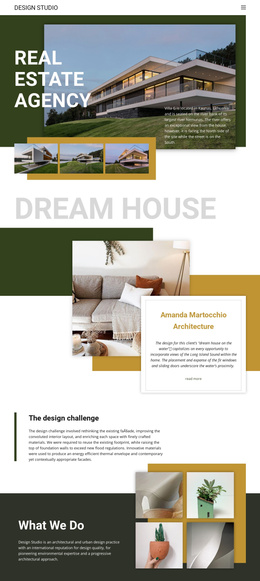
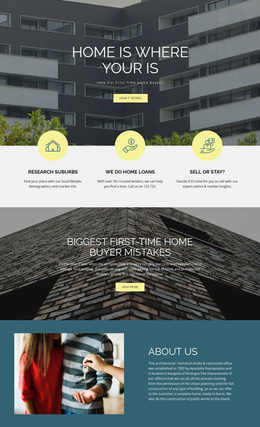
The middle of the page adds two different types of recurring information. The marketing section groups Quickness, Quality, and Fix price beside architectural imagery, while the services section presents Cottages, Office, and Dream house as repeated categories. The home-loan mosaic adds a separate “Get pre-approved” message and residential images. Together, these regions suggest a content hierarchy in which service information, financing guidance, property categories, and project presentation have distinct roles.
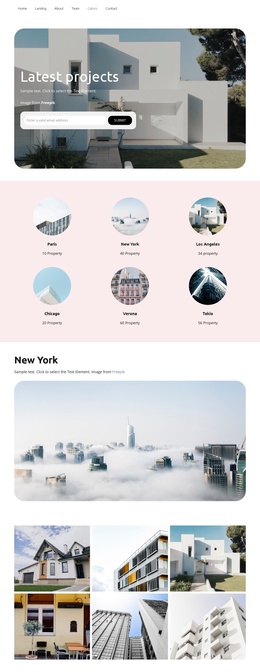
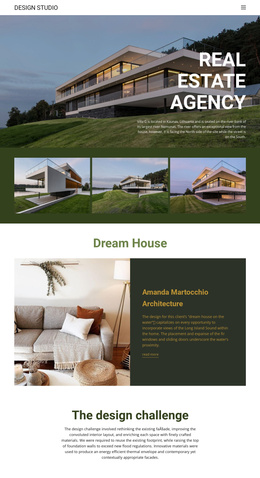
The project gallery and closing contact block complete the CMS-oriented structure. Four project images provide a visual showcase, and the final section combines an inquiry form with contact details and social links. In a Joomla implementation, these regions can remain coordinated as shared site content while the underlying informational areas are maintained through the CMS. The design’s value lies in the relationship between structured content regions and a repeatable visual presentation, not in any claim that Joomla Articles or modules already exist in the template.
Customize with Nicepage
Open this ready-made template in the Joomla Page Builder and customize it visually in the Nicepage editor. Replace demo content, edit page sections, and adapt the design to your project without rebuilding the template from scratch.
Work With This Template in Joomla
Customize and Install the Joomla Template
Start with this ready-made template instead of building the Joomla design from scratch. Customize its layout, content, typography, images, sections, and other design elements visually in the Nicepage application, then export and install the Joomla Template, Nicepage Extension, and supported content on your Joomla website.
Edit the Template Directly in Joomla
After installation, you can edit the Joomla Template directly in Joomla with the Nicepage Joomla Extension. Customize the Header, Footer, Colors, Fonts, typography, and Page Templates from the Joomla workflow while keeping the site design connected with your CMS content.
Edit Joomla Articles Visually
Use the Nicepage Joomla Extension to open and edit Joomla Articles visually from the Joomla Administrator. Change text, images, sections, layouts, and other page content in the Nicepage editor while continuing to manage the Articles through Joomla.
Joomla Content and Template Integration
Use the customized template together with Joomla Articles, module Positions, menus, forms, Blog Pages, and other supported CMS elements. With the Nicepage Extension used as the Site Style Source, shared design settings can be applied across Joomla Articles while Joomla continues to provide the CMS environment for managing site content.
This workflow combines a ready-made Joomla Template with visual customization, direct template editing in Joomla, and continued content management through the Nicepage Joomla Extension.