We are a full service travel agency Website Template


Edit Template Offline
2. Create new page and search for id 6000414
Edit Template Online
Create Awesome Websites


Free Nicepage Builder
Keywords
Tour content and experience themes establish a broader site foundation
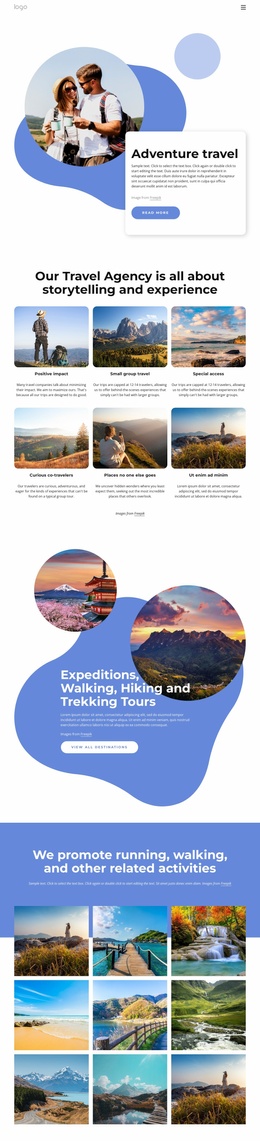
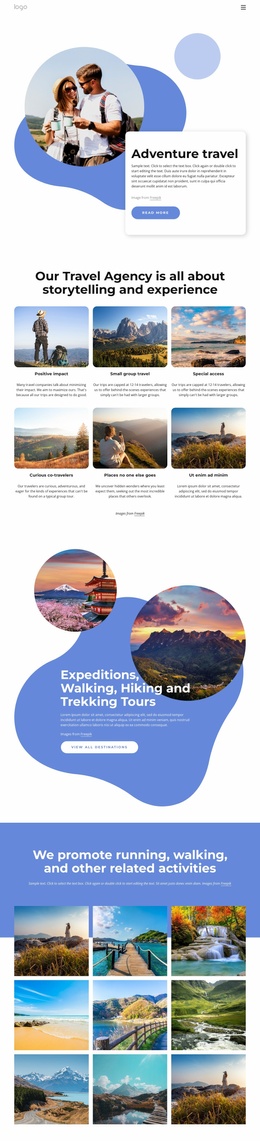
The design already defines several major content areas that can serve as the basis for an adventure travel website project. The hero introduces the agency direction with Adventure travel, a circular outdoor photograph, organic blue shapes, and a Read more action. This establishes a visual and informational starting point, while the six feature cards create recurring categories for ideas such as positive impact, small-group travel, special access, curious co-travelers, and less familiar destinations.
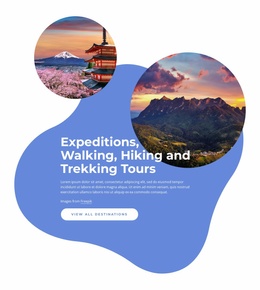
The dedicated section for expeditions, walking, hiking, and trekking tours adds a clear service area to that foundation. Its layered destination imagery and View all destinations button suggest a natural place from which a broader project could lead visitors toward more detailed destination or tour content. The page does not by itself prove that additional pages already exist, but its separation of experience themes, tour offerings, activity imagery, and contact content gives a larger site recognizable areas to expand.
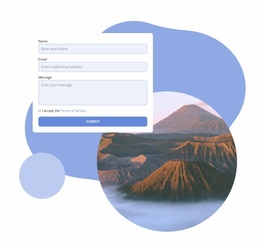
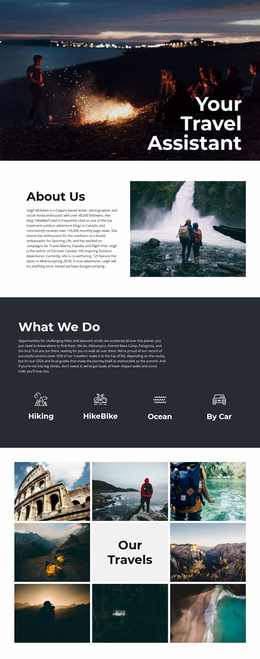
The nine-image gallery can support a portfolio or activity category, showing running, walking, and related outdoor experiences in a consistent visual format. At the end, the contact form gathers a name, email, and message, creating a reusable inquiry region for the project. Navigation and mobile navigation provide the shared framework for moving between future content areas, while the repeated blue shapes, circular images, bold headings, and open spacing can connect those additions to the original design. The result is more than a single promotional block: it is a coherent content foundation with clear directions for growth.
Customize with Nicepage
Open this ready-made template in the Website Template Builder and customize it visually in the Nicepage editor. Replace demo content, edit page sections, and adapt the design to your project without rebuilding the template from scratch.
Build a Complete Website From This Template
Customize the Website Visually
Use this ready-made website template as a starting point for your project and adapt its pages visually in Nicepage. Change content, images, typography, navigation, sections, and other design elements while keeping the website together as a single editable project.
Manage Website Pages in One Project
Use the Pages panel to open, add, duplicate, and manage the pages of your website. Work on individual pages while keeping navigation and the overall site structure accessible from the same project, making it easier to develop a complete website instead of managing separate page files.
Expand the Website With Matching Designs
When you need additional pages or sections, use Page Design Sets to find Page and Block Designs created in the same visual style. Design Sets group matching designs together, making it easier to expand the website with new content while maintaining a consistent look across its pages and sections.
Organize Larger Multi-Page Websites
As the website grows, use Page Folders to organize related pages and keep larger multi-page projects easier to navigate in the editor. This is especially useful for websites with separate service pages, company information, contacts, landing pages, and other content areas.
This workflow makes the template a practical foundation for building and expanding a complete website while managing its pages, content, and visual design within one Nicepage project.