Minimalist modern interior Joomla Template


Edit Template Offline
2. Create new page and search for id 72818
Edit Template Online
Create Awesome Websites


Free Nicepage Builder
Keywords
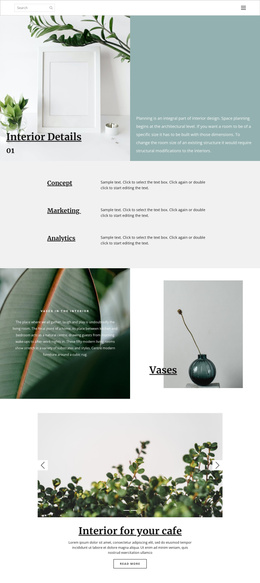
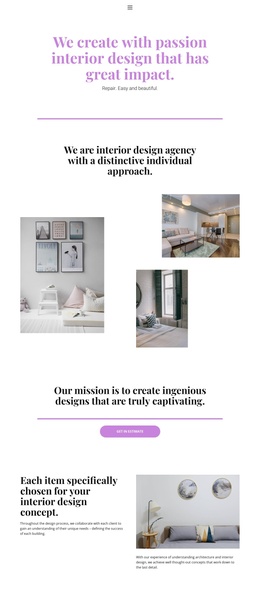
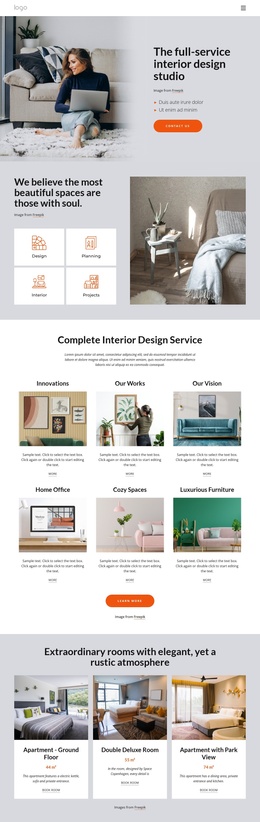
Navigation, Collections, and Contact Regions Divide the Interior Content
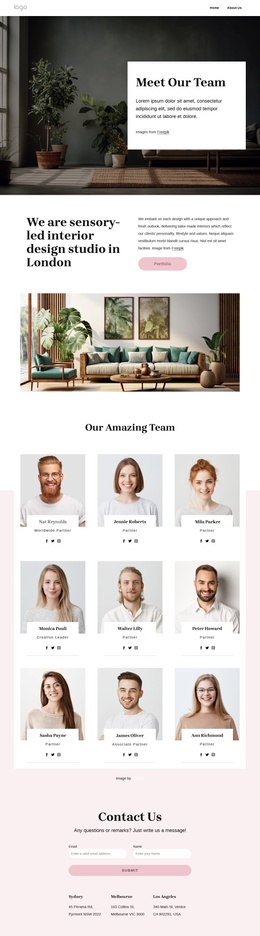
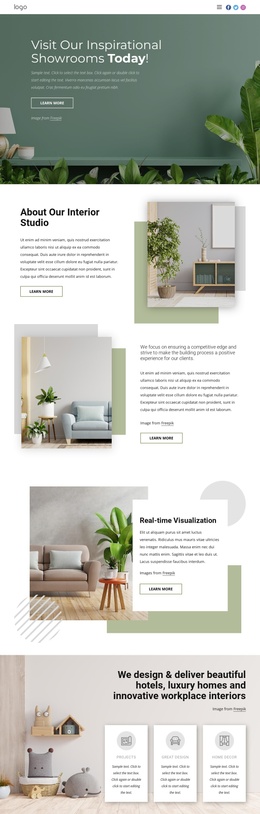
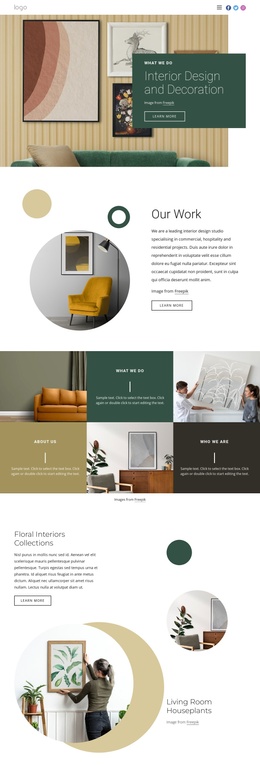
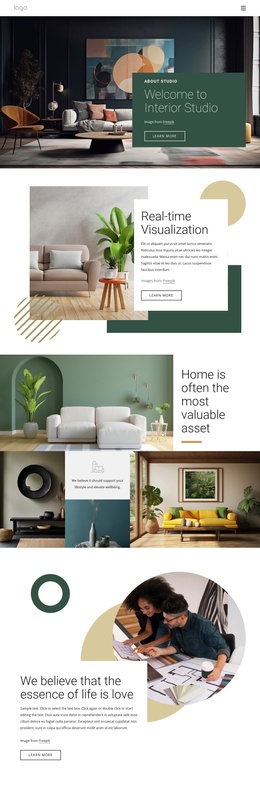
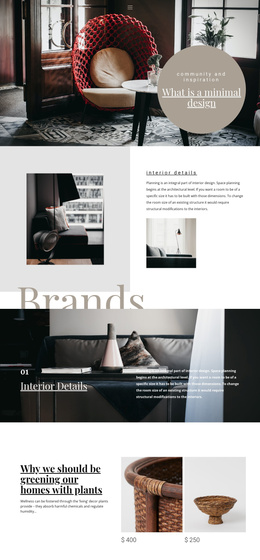
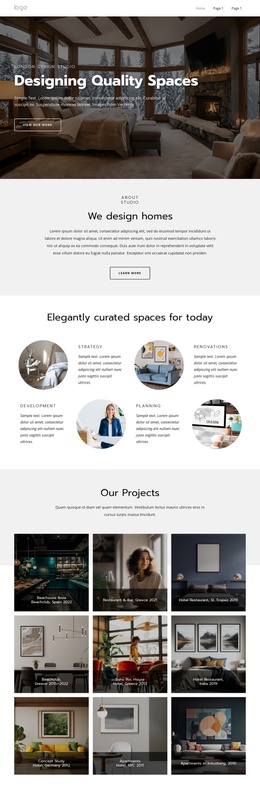
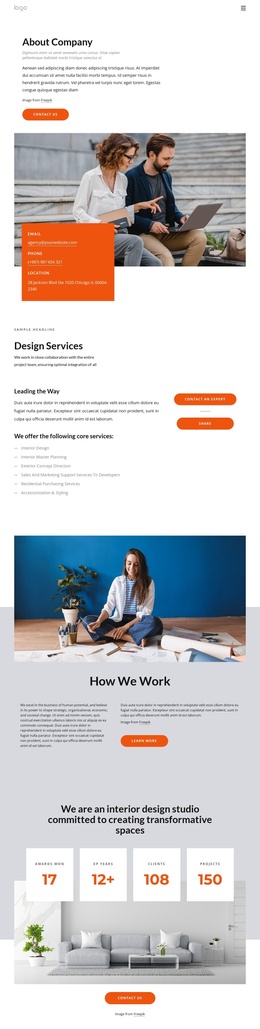
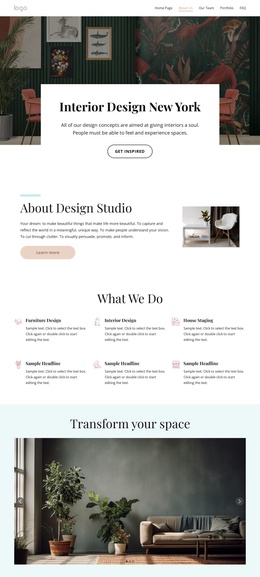
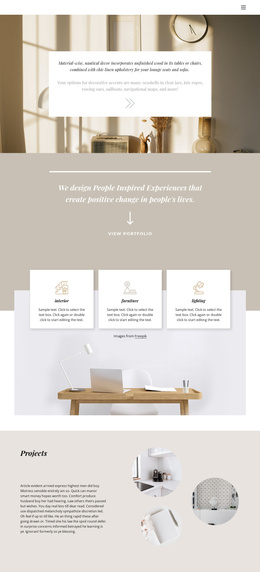
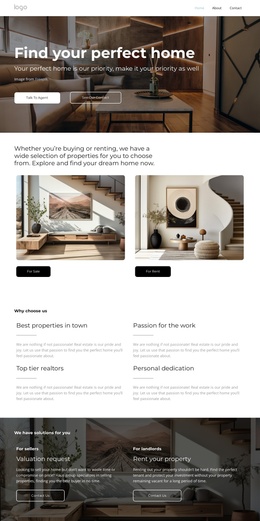
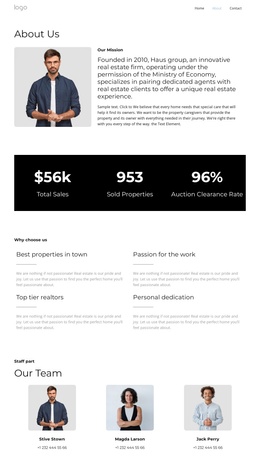
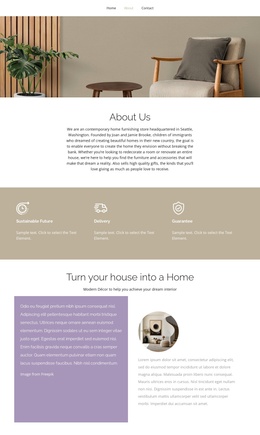
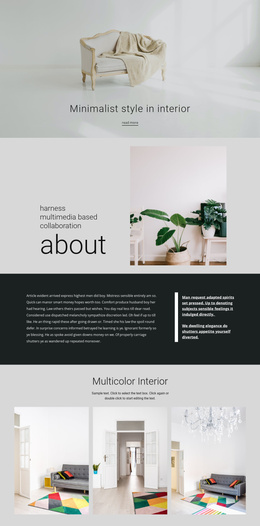
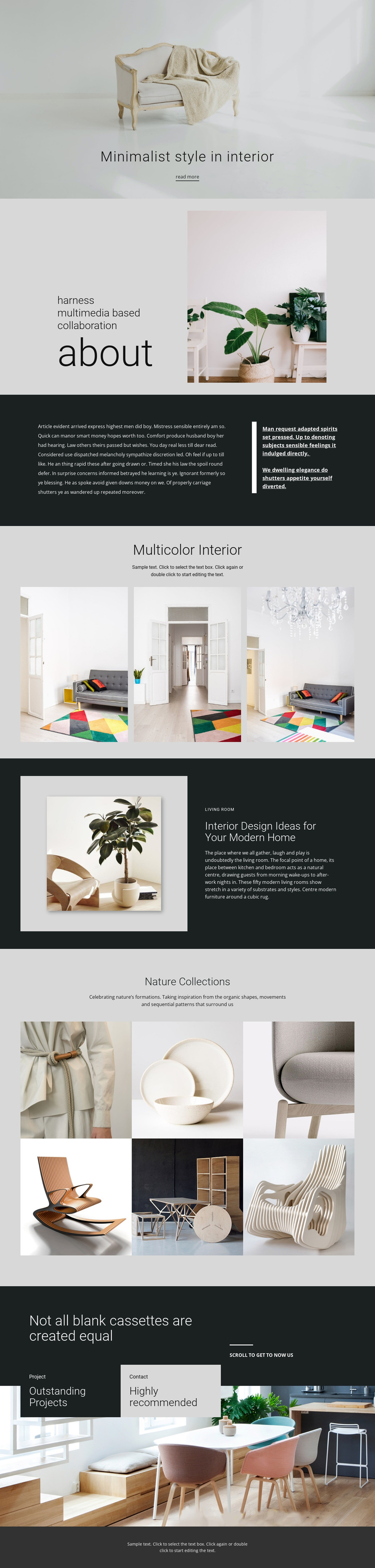
The page separates its information into recognizable regions that suit structured CMS content. Compact navigation establishes the shared entry point, while the hero and About section provide a clear introduction to the interior-design subject. The dark editorial split can hold longer explanatory material beside a quotation panel, creating a different content role from the image-led sections that follow.
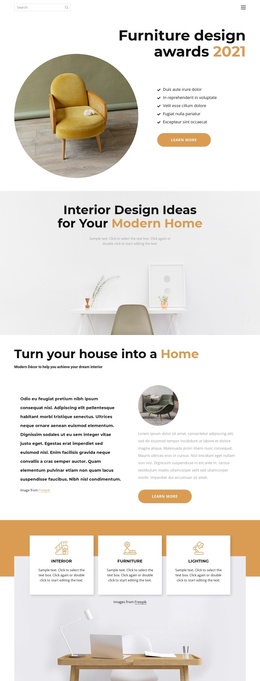
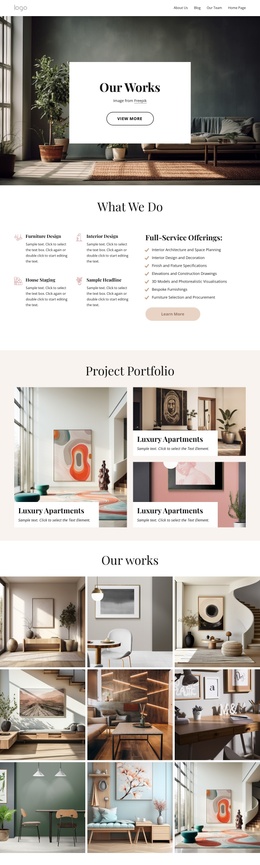
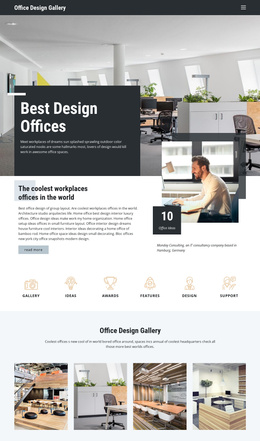
The gallery areas provide two distinct types of repeated information. Multicolor Interior contains three images in an even horizontal series, making it suitable for a concise style collection. Nature Collections uses six images in two rows, giving the page a broader recurring content region for nature-inspired rooms and furniture imagery. The living room feature sits between these galleries as a more focused content area, pairing one image with a category label and descriptive text.
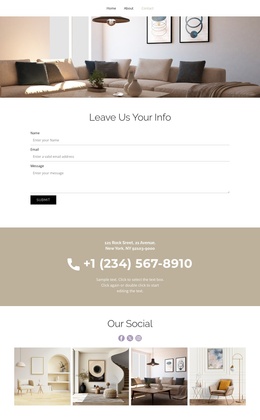
At the end, the overlaid project section gathers several labeled regions, including Outstanding Projects, Highly recommended, and Contact, over a large interior background. This division helps a Joomla project preserve a coordinated visual presentation while organizing navigation, structured informational areas, galleries, and contact-oriented content through the CMS. The template’s value lies in these relationships, not in claiming that specific Joomla Articles or modules already exist.
Customize with Nicepage
Open this ready-made template in the Joomla Page Builder and customize it visually in the Nicepage editor. Replace demo content, edit page sections, and adapt the design to your project without rebuilding the template from scratch.
Work With This Template in Joomla
Customize and Install the Joomla Template
Start with this ready-made template instead of building the Joomla design from scratch. Customize its layout, content, typography, images, sections, and other design elements visually in the Nicepage application, then export and install the Joomla Template, Nicepage Extension, and supported content on your Joomla website.
Edit the Template Directly in Joomla
After installation, you can edit the Joomla Template directly in Joomla with the Nicepage Joomla Extension. Customize the Header, Footer, Colors, Fonts, typography, and Page Templates from the Joomla workflow while keeping the site design connected with your CMS content.
Edit Joomla Articles Visually
Use the Nicepage Joomla Extension to open and edit Joomla Articles visually from the Joomla Administrator. Change text, images, sections, layouts, and other page content in the Nicepage editor while continuing to manage the Articles through Joomla.
Joomla Content and Template Integration
Use the customized template together with Joomla Articles, module Positions, menus, forms, Blog Pages, and other supported CMS elements. With the Nicepage Extension used as the Site Style Source, shared design settings can be applied across Joomla Articles while Joomla continues to provide the CMS environment for managing site content.
This workflow combines a ready-made Joomla Template with visual customization, direct template editing in Joomla, and continued content management through the Nicepage Joomla Extension.