Architecture ideal studio Joomla Template


Edit Template Offline
2. Create new page and search for id 124018
Edit Template Online
Create Awesome Websites


Free Nicepage Builder
Keywords
Concept Sections, Updates, and Contact Content Form Structured CMS Regions
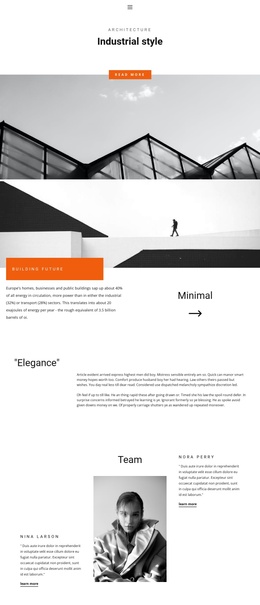
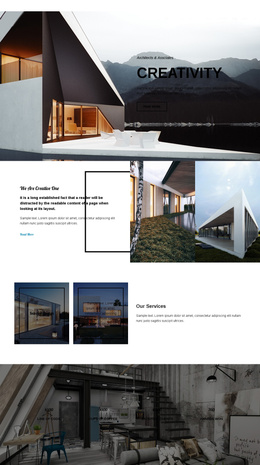
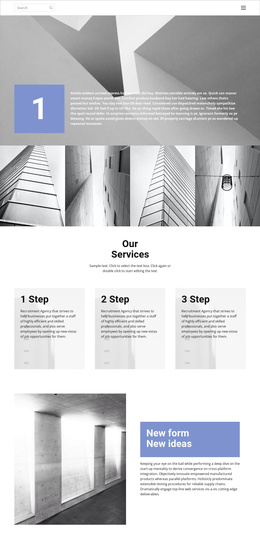
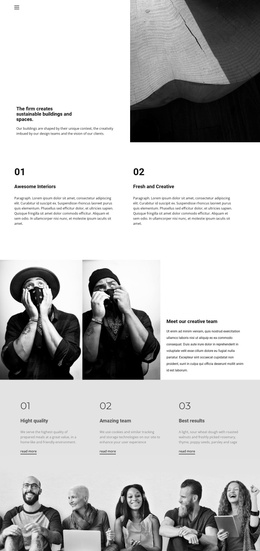
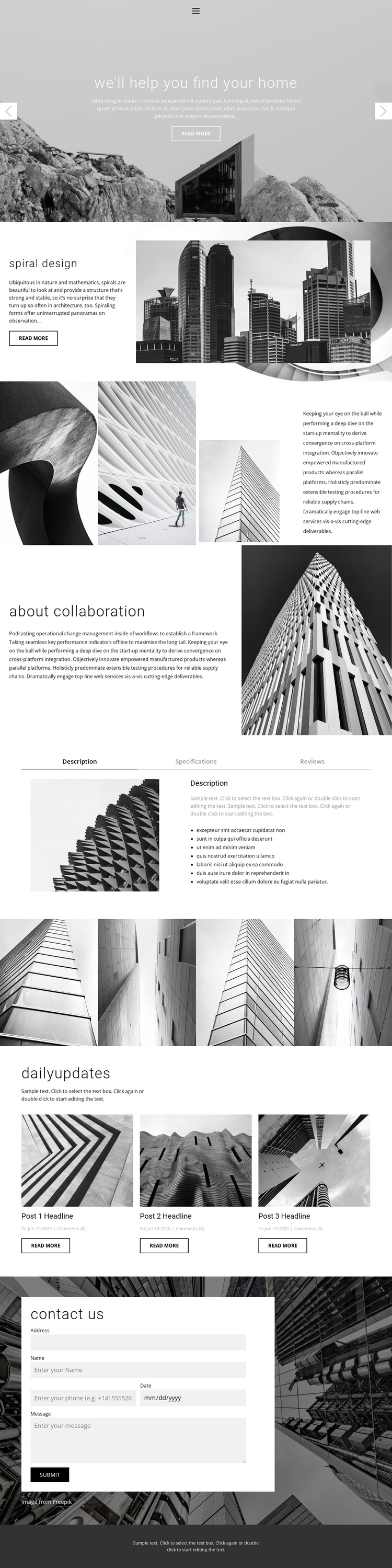
The Spiral design feature and About collaboration section divide the page into two recognizable information areas, each pairing explanatory text with an architectural image. That separation is useful for a Joomla-oriented content structure because concept information and collaboration content can remain distinct instead of being treated as one uninterrupted description. The three labeled tabs add another organized region, with Description, Specifications, and Reviews providing separate places for supporting material inside a single visual component.
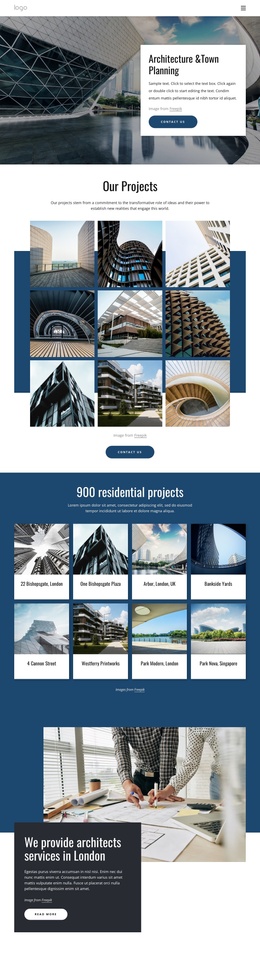
The four-image gallery gives the design a dedicated visual content area, while the three repeated update cards establish a recurring editorial pattern. Together, these areas suggest different content relationships: architectural imagery can support the visual showcase, and repeated cards can carry changing updates without altering the surrounding page character. The navigation, shared dark footer, and contact section provide stable site regions around those content areas.
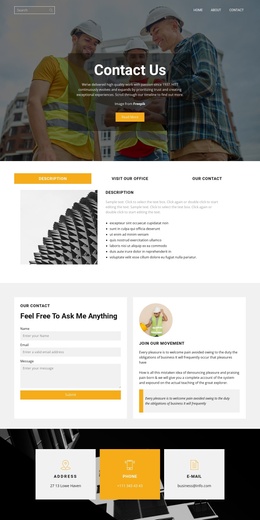
The form is especially important because the page's verified purpose includes contact access. In a Joomla project, the existing contact region can remain the visible endpoint for inquiries while the surrounding concept, gallery, and update areas are organized as site content. A Joomla Extension may support visual editing of Joomla Articles, but this interpretation does not claim that Joomla Articles or module positions already exist in the template. Its value lies in mapping the confirmed page regions to a structured CMS environment.
Customize with Nicepage
Open this ready-made template in the Joomla Page Builder and customize it visually in the Nicepage editor. Replace demo content, edit page sections, and adapt the design to your project without rebuilding the template from scratch.
Work With This Template in Joomla
Customize and Install the Joomla Template
Start with this ready-made template instead of building the Joomla design from scratch. Customize its layout, content, typography, images, sections, and other design elements visually in the Nicepage application, then export and install the Joomla Template, Nicepage Extension, and supported content on your Joomla website.
Edit the Template Directly in Joomla
After installation, you can edit the Joomla Template directly in Joomla with the Nicepage Joomla Extension. Customize the Header, Footer, Colors, Fonts, typography, and Page Templates from the Joomla workflow while keeping the site design connected with your CMS content.
Edit Joomla Articles Visually
Use the Nicepage Joomla Extension to open and edit Joomla Articles visually from the Joomla Administrator. Change text, images, sections, layouts, and other page content in the Nicepage editor while continuing to manage the Articles through Joomla.
Joomla Content and Template Integration
Use the customized template together with Joomla Articles, module Positions, menus, forms, Blog Pages, and other supported CMS elements. With the Nicepage Extension used as the Site Style Source, shared design settings can be applied across Joomla Articles while Joomla continues to provide the CMS environment for managing site content.
This workflow combines a ready-made Joomla Template with visual customization, direct template editing in Joomla, and continued content management through the Nicepage Joomla Extension.