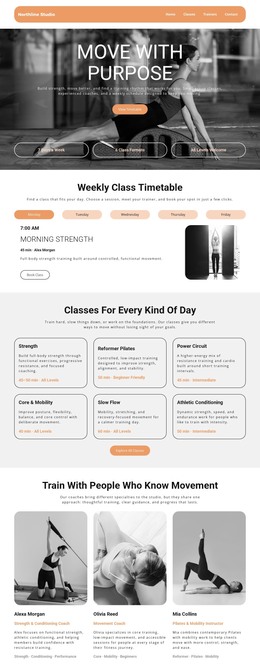
Be stylish in fitness WordPress Theme


Certification Content With a Clear WordPress Page Role
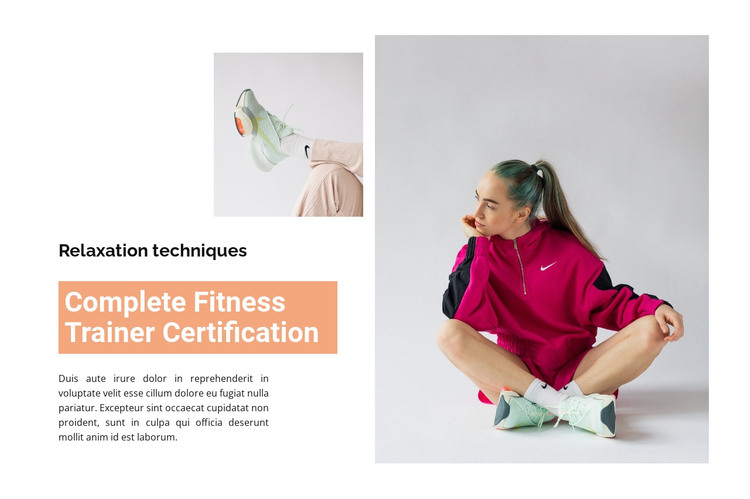
The left column gives the section a durable page-content structure: “Relaxation techniques” acts as a focused label, “Complete Fitness Trainer Certification” states the main subject, and the supporting paragraph develops that introduction. Above the text, a smaller fitness photograph adds an immediate visual cue. On the opposite side, the large portrait image supplies stronger visual weight, creating an asymmetrical balance that keeps the section from reading like a plain text panel.
Within a WordPress-managed page, this block can serve as stable introductory content for a fitness or wellness offering. It can sit alongside other page sections that explain services, training details, credentials, or ways to make contact, while retaining its own established visual role. The coral-orange rectangle behind the heading makes the principal message easy to locate, and the black type against the white background maintains contrast between the label, heading, and paragraph. Generous spacing separates the written content from both photographs, helping the section remain understandable when placed between denser page areas. Its static interaction keeps attention on the certification message and the image pairing; no carousel or expandable behavior is needed for the block to provide a recognizable, reusable page section.
Customize with Nicepage
Open this ready-made template in the WordPress Website Builder and customize it visually in the Nicepage editor. Replace demo content, edit page sections, and adapt the design to your project without rebuilding the template from scratch.
Edit Template Offline
2. Create a new page or select existing
3. Click Add new block, search for id 858333 and click enter
Edit Template Online
Create Awesome Websites


Free Nicepage Builder
Keywords
Manage and Edit This Theme in WordPress
Customize and Install the WordPress Theme
Start with this ready-made theme instead of building the WordPress design from scratch. Customize its layout, content, typography, images, sections, and other design elements visually in Nicepage editor, then export and install the WordPress Theme, Plugin, and Pages on your WordPress site. The Nicepage WordPress Plugin lets you continue working with the site after installation.
Edit the Theme Directly in WordPress
After installation, you can edit the WordPress Theme directly in WordPress with the Nicepage WordPress Plugin. Use Site Style to customize site Colors, Fonts, Header, Footer, Blog, and Post Page Templates while working within your WordPress website.
Edit WordPress Pages Visually
Use the Nicepage WordPress Plugin to edit page content directly from the WordPress admin area. Open a WordPress Page with Nicepage and visually change its text, images, sections, and other page elements while continuing to manage the Page through WordPress.
WordPress Content and Theme Integration
Use the customized theme with WordPress Pages, Posts, Blog and Post Templates, menus, widgets, and other CMS-managed content. Shared theme elements such as Colors, Fonts, Header, Footer, Blog, and Post Page Templates can be managed as part of the overall site design, while WordPress provides the CMS environment for managing site content.
This workflow combines a ready-made WordPress Theme with visual customization, direct theme editing in WordPress, and continued content management through the Nicepage WordPress Plugin.