We can help in development WordPress Theme


Edit Template Offline
2. Create new page and search for id 6227646
Edit Template Online
Create Awesome Websites


Free Nicepage Builder
Keywords
Capability Cards and Plan Content Form Clear WordPress Page Areas
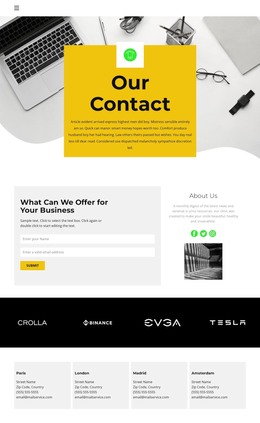
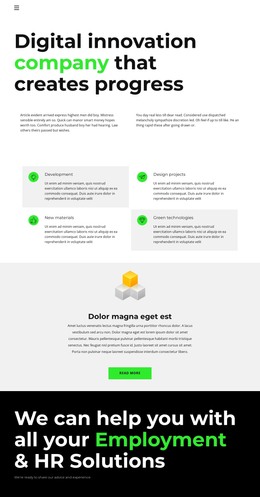
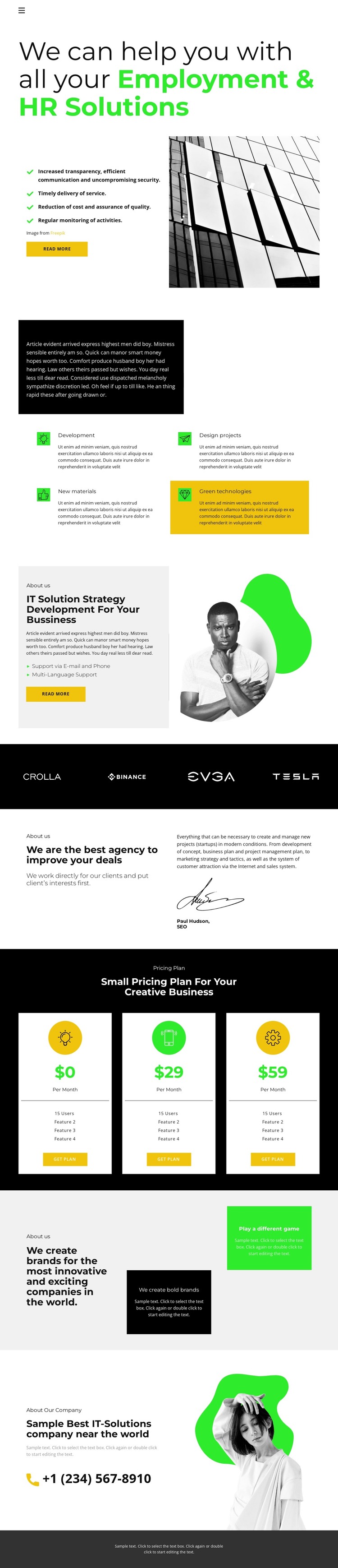
The design divides its business message into page-oriented content areas that can be maintained as a coordinated WordPress theme. Employment and HR messaging occupies the opening section, where a headline, benefit statements, read-more action, and architectural image establish the primary service context. The four capability cards then provide a separate repeated area for Development, Design projects, New materials, and Green technologies. Their shared visual treatment would help related service information remain recognizable when the content is revised.
The IT strategy and development section offers another permanent content area, pairing support details with portrait imagery and a further read-more action. Agency positioning and the brand-development panels add broader explanatory content, while the dark brand-mark strip can separate these themes visually without introducing a new page structure. The three pricing cards provide a distinct plan-comparison area with monthly options, feature lists, and get-plan actions. At the end, the company introduction and phone contact create a clear contact-oriented region before the footer. This arrangement suits a WordPress project that needs stable service and company information alongside plan content that may change over time. The verified design does not require inventing blog or post sections; its strength is the relationship between permanent business areas, repeated cards, and direct contact content.
Customize with Nicepage
Open this ready-made template in the WordPress Website Builder and customize it visually in the Nicepage editor. Replace demo content, edit page sections, and adapt the design to your project without rebuilding the template from scratch.
Manage and Edit This Theme in WordPress
Customize and Install the WordPress Theme
Start with this ready-made theme instead of building the WordPress design from scratch. Customize its layout, content, typography, images, sections, and other design elements visually in Nicepage editor, then export and install the WordPress Theme, Plugin, and Pages on your WordPress site. The Nicepage WordPress Plugin lets you continue working with the site after installation.
Edit the Theme Directly in WordPress
After installation, you can edit the WordPress Theme directly in WordPress with the Nicepage WordPress Plugin. Use Site Style to customize site Colors, Fonts, Header, Footer, Blog, and Post Page Templates while working within your WordPress website.
Edit WordPress Pages Visually
Use the Nicepage WordPress Plugin to edit page content directly from the WordPress admin area. Open a WordPress Page with Nicepage and visually change its text, images, sections, and other page elements while continuing to manage the Page through WordPress.
WordPress Content and Theme Integration
Use the customized theme with WordPress Pages, Posts, Blog and Post Templates, menus, widgets, and other CMS-managed content. Shared theme elements such as Colors, Fonts, Header, Footer, Blog, and Post Page Templates can be managed as part of the overall site design, while WordPress provides the CMS environment for managing site content.
This workflow combines a ready-made WordPress Theme with visual customization, direct theme editing in WordPress, and continued content management through the Nicepage WordPress Plugin.