Cheap surf holiday WordPress Theme


Stable surf holiday information beneath a visual image pair
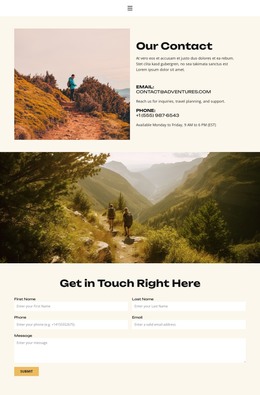
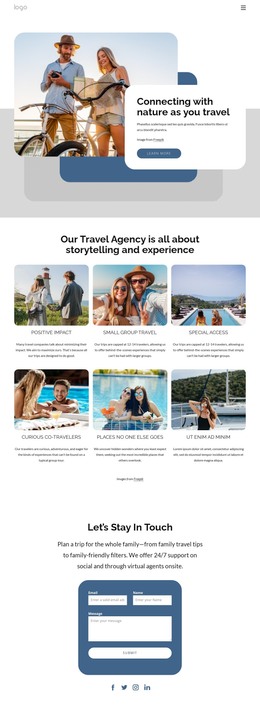
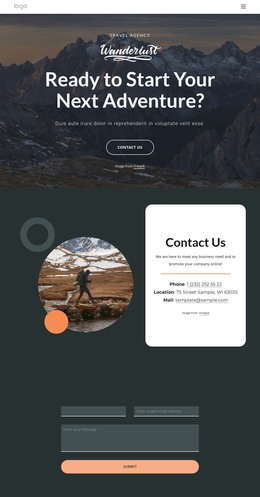
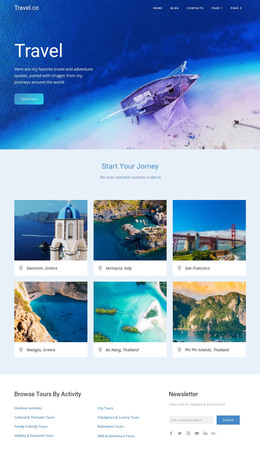
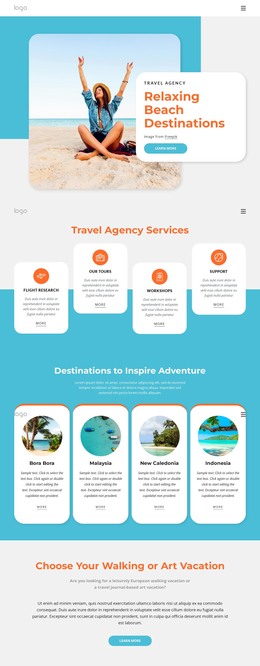
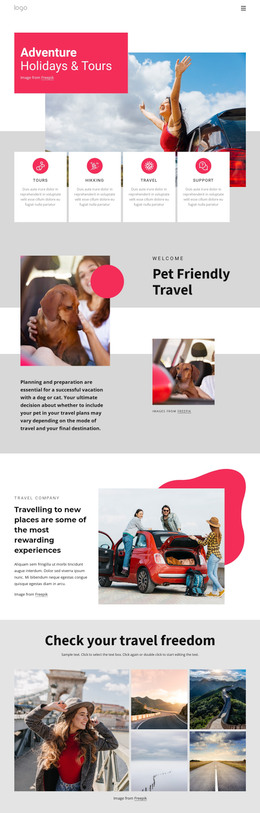
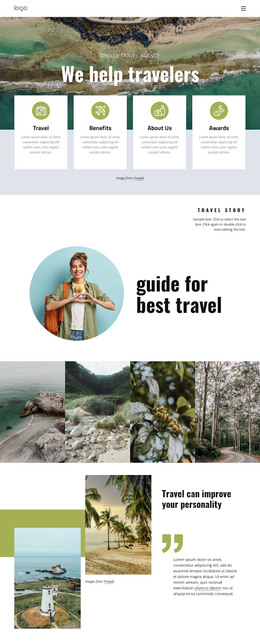
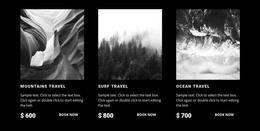
The centered heading and paragraph make this block read as stable page content rather than a rotating feed or a collection of changing cards. Above them, two sunset surfing photographs establish the subject visually, with dark offset rectangular outlines that distinguish each image and reinforce the section’s identity. The bright yellow field and black typography keep the content legible while the open space around the text prevents the visual treatment from overwhelming the message.
For a WordPress-oriented project, this section can fit naturally into a managed page that needs a lasting introduction to surf holidays. The paragraph groups several related ideas—surf camps, equipment, lessons, atmosphere, and professional coaches—so the block can remain a concise overview while surrounding content provides more detailed destinations, schedules, or inquiries. Its role is not to act as a standalone WordPress Theme, but to supply one finished visual and editorial region inside a broader page structure.
The block’s content can retain its visual consistency as the surrounding project evolves: the image pair continues to introduce the topic, the centered heading identifies the section, and the framed photographs preserve a recognizable presentation. That separation between a stable content area and the wider CMS-managed page makes the section practical for a WordPress site without requiring extra components or interaction.
Customize with Nicepage
Open this ready-made template in the WordPress Website Builder and customize it visually in the Nicepage editor. Replace demo content, edit page sections, and adapt the design to your project without rebuilding the template from scratch.
Edit Template Offline
2. Create a new page or select existing
3. Click Add new block, search for id 53836 and click enter
Edit Template Online
Create Awesome Websites


Free Nicepage Builder
Keywords
Manage and Edit This Theme in WordPress
Customize and Install the WordPress Theme
Start with this ready-made theme instead of building the WordPress design from scratch. Customize its layout, content, typography, images, sections, and other design elements visually in Nicepage editor, then export and install the WordPress Theme, Plugin, and Pages on your WordPress site. The Nicepage WordPress Plugin lets you continue working with the site after installation.
Edit the Theme Directly in WordPress
After installation, you can edit the WordPress Theme directly in WordPress with the Nicepage WordPress Plugin. Use Site Style to customize site Colors, Fonts, Header, Footer, Blog, and Post Page Templates while working within your WordPress website.
Edit WordPress Pages Visually
Use the Nicepage WordPress Plugin to edit page content directly from the WordPress admin area. Open a WordPress Page with Nicepage and visually change its text, images, sections, and other page elements while continuing to manage the Page through WordPress.
WordPress Content and Theme Integration
Use the customized theme with WordPress Pages, Posts, Blog and Post Templates, menus, widgets, and other CMS-managed content. Shared theme elements such as Colors, Fonts, Header, Footer, Blog, and Post Page Templates can be managed as part of the overall site design, while WordPress provides the CMS environment for managing site content.
This workflow combines a ready-made WordPress Theme with visual customization, direct theme editing in WordPress, and continued content management through the Nicepage WordPress Plugin.