Combining quantitative data with qualitative insights WordPress Theme



Structured design content for a WordPress-managed page
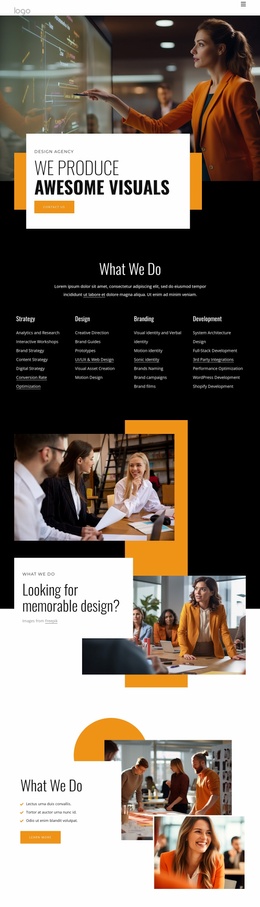
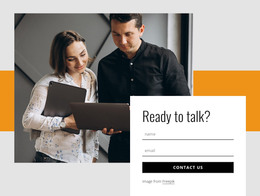
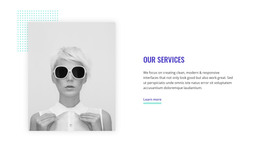
The heading, label, photographs, and supporting paragraph form a coherent page-content unit rather than a stream of time-sensitive entries. “Design studio” establishes the section context, and “Combining quantitative data with qualitative insights” states the central idea. The upper photograph of a collaborative workspace gives that idea a broad setting, while the lower image of a woman holding a tablet or notebook creates a closer visual focal point.
The lower split supports a clear content relationship: the left column holds the primary text emphasis, and the right column combines the portrait-style image with supporting copy, the attribution line, and a Learn more button. In a WordPress-managed project, this arrangement can remain a stable section on a page while other content areas handle additional editorial material, services, portfolio items, or contact information. The button provides a natural route to related information without making the section responsible for the whole page journey.
Black and warm orange rectangular accents, together with the light gray field and open spacing, make the section visually identifiable when placed among other page blocks. Its value in this context is the combination of publishable concept-led content and a contained visual treatment that can sit within a wider WordPress page design.
Customize with Nicepage
Open this ready-made template in the WordPress Website Builder and customize it visually in the Nicepage editor. Replace demo content, edit page sections, and adapt the design to your project without rebuilding the template from scratch.
Edit Template Offline
2. Create a new page or select existing
3. Click Add new block, search for id 5370963 and click enter
Edit Template Online
Create Awesome Websites


Free Nicepage Builder
Keywords
Manage and Edit This Theme in WordPress
Customize and Install the WordPress Theme
Start with this ready-made theme instead of building the WordPress design from scratch. Customize its layout, content, typography, images, sections, and other design elements visually in Nicepage editor, then export and install the WordPress Theme, Plugin, and Pages on your WordPress site. The Nicepage WordPress Plugin lets you continue working with the site after installation.
Edit the Theme Directly in WordPress
After installation, you can edit the WordPress Theme directly in WordPress with the Nicepage WordPress Plugin. Use Site Style to customize site Colors, Fonts, Header, Footer, Blog, and Post Page Templates while working within your WordPress website.
Edit WordPress Pages Visually
Use the Nicepage WordPress Plugin to edit page content directly from the WordPress admin area. Open a WordPress Page with Nicepage and visually change its text, images, sections, and other page elements while continuing to manage the Page through WordPress.
WordPress Content and Theme Integration
Use the customized theme with WordPress Pages, Posts, Blog and Post Templates, menus, widgets, and other CMS-managed content. Shared theme elements such as Colors, Fonts, Header, Footer, Blog, and Post Page Templates can be managed as part of the overall site design, while WordPress provides the CMS environment for managing site content.
This workflow combines a ready-made WordPress Theme with visual customization, direct theme editing in WordPress, and continued content management through the Nicepage WordPress Plugin.