Our client results speak for themselves WordPress Theme


Edit Template Offline
2. Create new page and search for id 429507
Edit Template Online
Create Awesome Websites


Free Nicepage Builder
Keywords
Capability Cards and Service Pages Create WordPress Content Areas
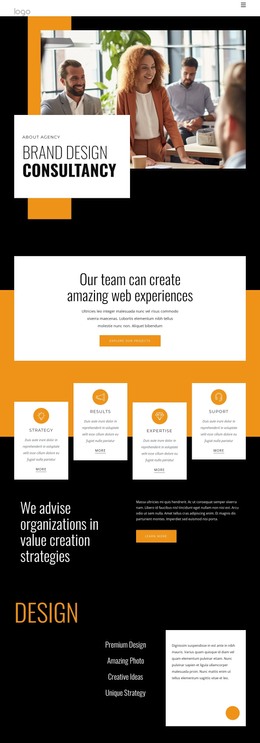
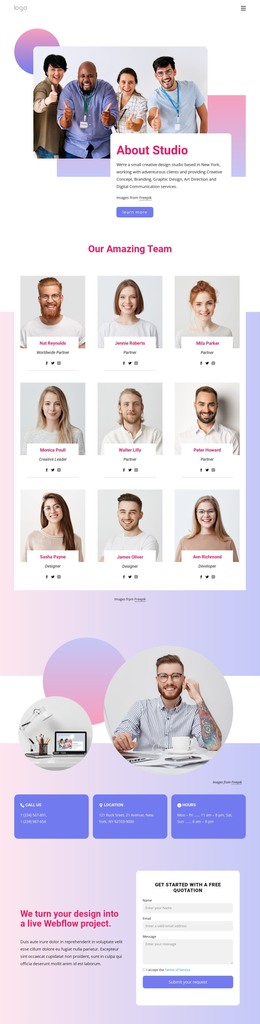
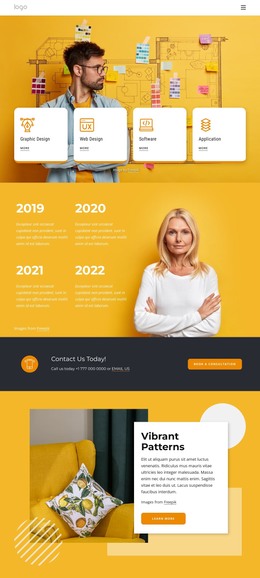
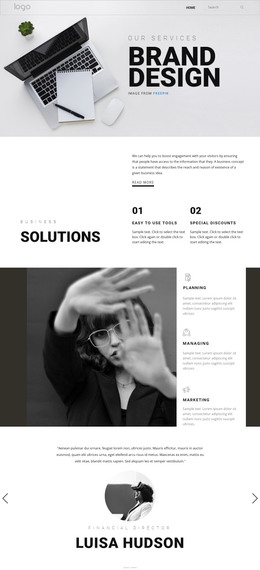
The four capability cards give the design a compact starting point for organizing recurring consultancy information. Strategy, Results, Expertise, and Support appear as distinct content units after the opening Brand Design Consultancy presentation, allowing a WordPress-oriented project to keep its overview separate from longer service explanations. The project prompt and “Explore our projects” action add a page-oriented entry point, while the large team photograph supplies visual context for the organization rather than acting as a standalone decoration.
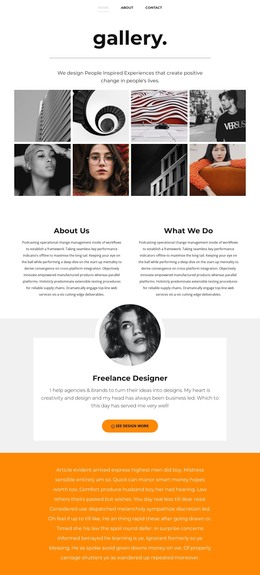
Further down, the design divides its subject matter into reusable content themes. Design includes Premium Design, Amazing Photo, Creative Ideas, and Unique Strategy; Marketing lists SEO and PPC, Email marketing, Content Marketing, and Website Design; Branding focuses on Logo design, Branding Strategy, Brand Identity, and Unique Strategy. These separate groups can guide permanent page content or future editorial expansion without claiming that posts, categories, or blog structures already exist in the template. The repeated split layouts and white explanatory panels help keep those areas visually related.
The closing “Ready to talk?” section gives the project a clear contact destination with name and email inputs, and the footer connects Facebook, Twitter, Instagram, and LinkedIn. In a WordPress-managed implementation, the design therefore offers a visual framework for organizing fixed consultancy information, project-related content, and contact communication while preserving one recognizable theme direction.
Customize with Nicepage
Open this ready-made template in the WordPress Website Builder and customize it visually in the Nicepage editor. Replace demo content, edit page sections, and adapt the design to your project without rebuilding the template from scratch.
Manage and Edit This Theme in WordPress
Customize and Install the WordPress Theme
Start with this ready-made theme instead of building the WordPress design from scratch. Customize its layout, content, typography, images, sections, and other design elements visually in Nicepage editor, then export and install the WordPress Theme, Plugin, and Pages on your WordPress site. The Nicepage WordPress Plugin lets you continue working with the site after installation.
Edit the Theme Directly in WordPress
After installation, you can edit the WordPress Theme directly in WordPress with the Nicepage WordPress Plugin. Use Site Style to customize site Colors, Fonts, Header, Footer, Blog, and Post Page Templates while working within your WordPress website.
Edit WordPress Pages Visually
Use the Nicepage WordPress Plugin to edit page content directly from the WordPress admin area. Open a WordPress Page with Nicepage and visually change its text, images, sections, and other page elements while continuing to manage the Page through WordPress.
WordPress Content and Theme Integration
Use the customized theme with WordPress Pages, Posts, Blog and Post Templates, menus, widgets, and other CMS-managed content. Shared theme elements such as Colors, Fonts, Header, Footer, Blog, and Post Page Templates can be managed as part of the overall site design, while WordPress provides the CMS environment for managing site content.
This workflow combines a ready-made WordPress Theme with visual customization, direct theme editing in WordPress, and continued content management through the Nicepage WordPress Plugin.