Cconcert gallery WordPress Theme


A Stable Concert Gallery Region for WordPress Pages
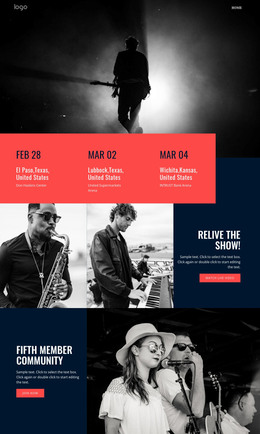
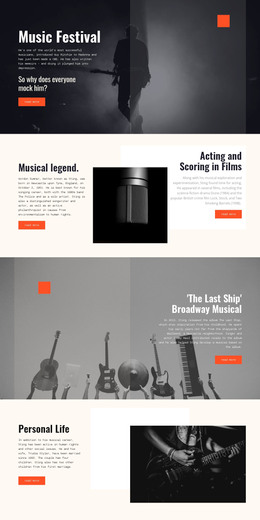
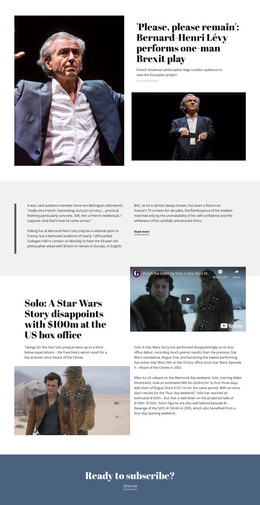
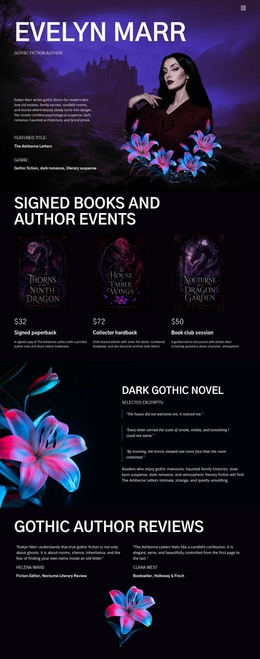
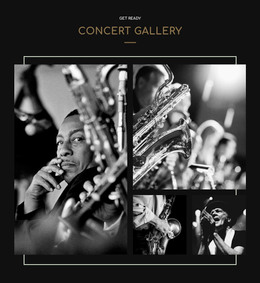
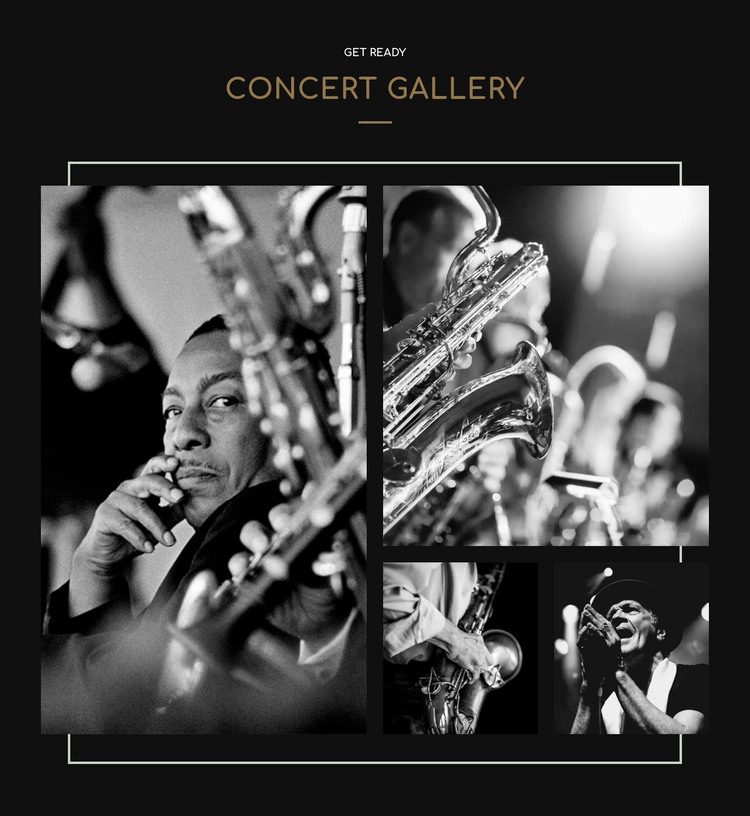
The four photographs give this block a clear page-content role: it presents live musicians and musical instruments as a visual concert record rather than as a text-heavy information panel. The centered “concert GALLERY” heading sits above the collection, with “Get Ready” acting as a brief lead-in. Below it, the collage uses one tall left image and a three-image right grouping made from one larger upper photograph and two smaller lower photographs. That asymmetry creates a visual focal point while preserving several distinct views within one section.
For a WordPress-managed page, the block can serve as a stable gallery area surrounded by other publishable content, such as event context, artist information, or supporting descriptions. The section remains a reusable visual unit; it does not need to carry the wider page structure. Its black background contains the monochrome photography, and the warm gold heading supplies contrast against the image-led composition. Pale geometric lines and an outlined frame add a consistent boundary around the content without introducing extra interaction. Since the gallery is static, visitors see the four photographs together, making the section suitable for a permanent concert or entertainment page area where the image arrangement itself carries the emphasis.
Customize with Nicepage
Open this ready-made template in the WordPress Website Builder and customize it visually in the Nicepage editor. Replace demo content, edit page sections, and adapt the design to your project without rebuilding the template from scratch.
Edit Template Offline
2. Create a new page or select existing
3. Click Add new block, search for id 44955 and click enter
Edit Template Online
Create Awesome Websites


Free Nicepage Builder
Keywords
Manage and Edit This Theme in WordPress
Customize and Install the WordPress Theme
Start with this ready-made theme instead of building the WordPress design from scratch. Customize its layout, content, typography, images, sections, and other design elements visually in Nicepage editor, then export and install the WordPress Theme, Plugin, and Pages on your WordPress site. The Nicepage WordPress Plugin lets you continue working with the site after installation.
Edit the Theme Directly in WordPress
After installation, you can edit the WordPress Theme directly in WordPress with the Nicepage WordPress Plugin. Use Site Style to customize site Colors, Fonts, Header, Footer, Blog, and Post Page Templates while working within your WordPress website.
Edit WordPress Pages Visually
Use the Nicepage WordPress Plugin to edit page content directly from the WordPress admin area. Open a WordPress Page with Nicepage and visually change its text, images, sections, and other page elements while continuing to manage the Page through WordPress.
WordPress Content and Theme Integration
Use the customized theme with WordPress Pages, Posts, Blog and Post Templates, menus, widgets, and other CMS-managed content. Shared theme elements such as Colors, Fonts, Header, Footer, Blog, and Post Page Templates can be managed as part of the overall site design, while WordPress provides the CMS environment for managing site content.
This workflow combines a ready-made WordPress Theme with visual customization, direct theme editing in WordPress, and continued content management through the Nicepage WordPress Plugin.