Text and woman in black WordPress Theme


Crowdfunding Context Becomes Stable Page Content Beside a Portrait
The left column gives this section a stable content role for a WordPress-managed page. Its single explanatory paragraph discusses ideas, donors, companies, and vetted nonprofits, so the block can present background information about a crowdfunding community without depending on a list, form, or changing content feed. The absence of a heading makes the paragraph the primary interpretive element; its opening lines need to establish the subject clearly when the section is placed among other page content.
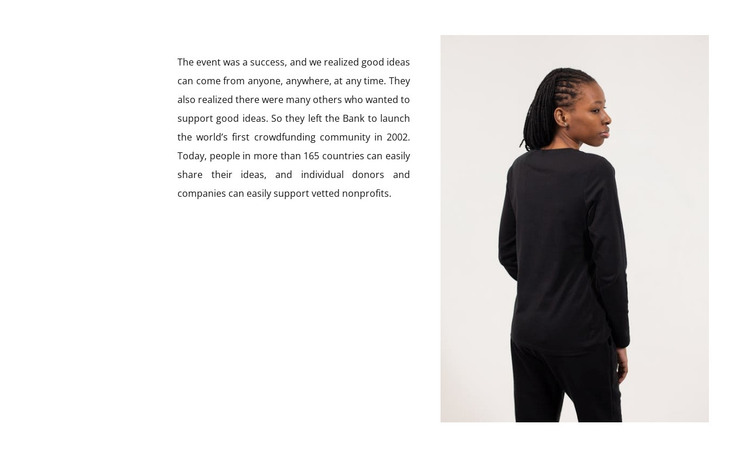
The portrait column works as contextual support rather than a second information stream. A person viewed from behind and in profile occupies a tall rectangular image area on the right, balancing the compact text on the left and leaving generous white space around both. Small dark text with justified alignment maintains a restrained reading surface, while the equal-column split gives the content a recognizable visual boundary that can remain consistent when reused in a broader site.
Within WordPress-oriented page content, this block can function as an organization-history or background section between more action-focused areas. The references to a crowdfunding community and vetted nonprofits provide a substantive editorial purpose, while sample historical details such as a launch date or geographic reach should be adapted to the project’s own content. The section supplies one finished content region; other page areas can handle headings, navigation, donation actions, updates, or further nonprofit information.
Customize with Nicepage
Open this ready-made template in the WordPress Website Builder and customize it visually in the Nicepage editor. Replace demo content, edit page sections, and adapt the design to your project without rebuilding the template from scratch.
Edit Template Offline
2. Create a new page or select existing
3. Click Add new block, search for id 446785 and click enter
Edit Template Online
Create Awesome Websites


Free Nicepage Builder
Keywords
Manage and Edit This Theme in WordPress
Customize and Install the WordPress Theme
Start with this ready-made theme instead of building the WordPress design from scratch. Customize its layout, content, typography, images, sections, and other design elements visually in Nicepage editor, then export and install the WordPress Theme, Plugin, and Pages on your WordPress site. The Nicepage WordPress Plugin lets you continue working with the site after installation.
Edit the Theme Directly in WordPress
After installation, you can edit the WordPress Theme directly in WordPress with the Nicepage WordPress Plugin. Use Site Style to customize site Colors, Fonts, Header, Footer, Blog, and Post Page Templates while working within your WordPress website.
Edit WordPress Pages Visually
Use the Nicepage WordPress Plugin to edit page content directly from the WordPress admin area. Open a WordPress Page with Nicepage and visually change its text, images, sections, and other page elements while continuing to manage the Page through WordPress.
WordPress Content and Theme Integration
Use the customized theme with WordPress Pages, Posts, Blog and Post Templates, menus, widgets, and other CMS-managed content. Shared theme elements such as Colors, Fonts, Header, Footer, Blog, and Post Page Templates can be managed as part of the overall site design, while WordPress provides the CMS environment for managing site content.
This workflow combines a ready-made WordPress Theme with visual customization, direct theme editing in WordPress, and continued content management through the Nicepage WordPress Plugin.