Gallery with business WordPress Theme


Four Business Images Provide Stable WordPress Page Content
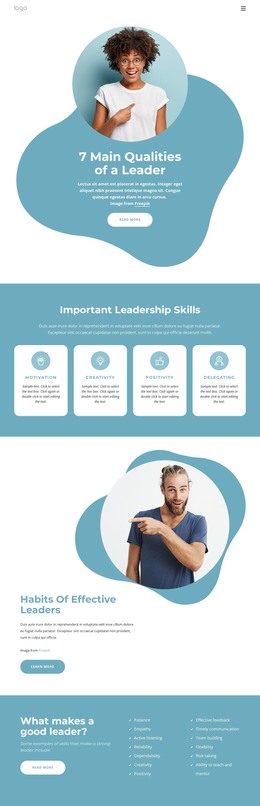
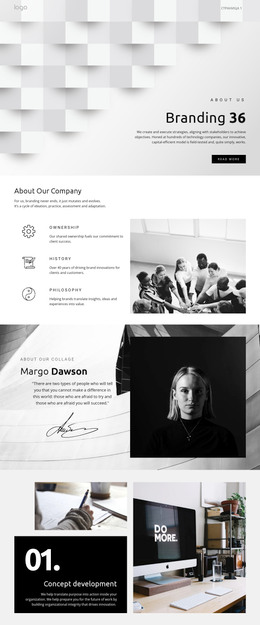
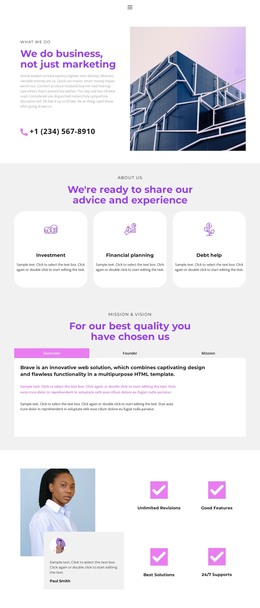
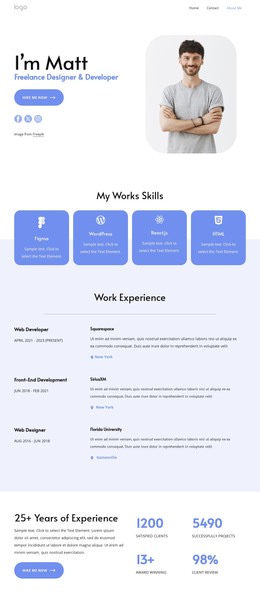
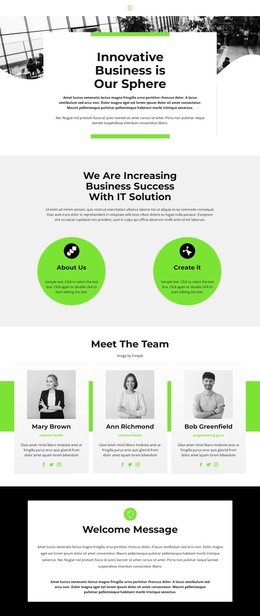
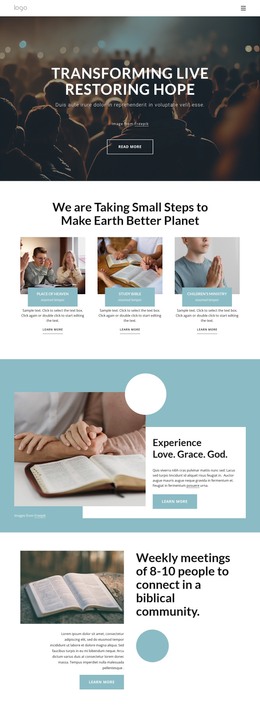
The image strip can function as a stable visual section within a WordPress-managed page. Four equal-width panels present an office interior, a seated professional, a presentation scene, and a modern corridor, giving the page a sequence of related workplace views without requiring a written explanation inside the block. Their shared edge-to-edge alignment makes the gallery feel like one intentional content area rather than a collection of separate cards.
The section contains no heading, paragraph, button, visible text, overlay, border, or other decorative treatment. In a WordPress-oriented content structure, that makes its role especially clear: it supplies visual material that can sit beside or between more descriptive page content, while the surrounding project handles titles, editorial copy, links, and other publishing needs. The static image-grid arrangement also avoids implying a carousel or gallery control that is not part of the block.
For a broader WordPress site, the gallery can remain a reusable business image section on a permanent page or another suitable content area. Its strongest contribution is visual continuity: the four photographs share one wide presentation while retaining different workplace scenes and light conditions. This allows the section to support an office, teamwork, or professional-environment theme without turning the block itself into a complete page or WordPress theme.
Customize with Nicepage
Open this ready-made template in the WordPress Website Builder and customize it visually in the Nicepage editor. Replace demo content, edit page sections, and adapt the design to your project without rebuilding the template from scratch.
Edit Template Offline
2. Create a new page or select existing
3. Click Add new block, search for id 41401 and click enter
Edit Template Online
Create Awesome Websites


Free Nicepage Builder
Keywords
Manage and Edit This Theme in WordPress
Customize and Install the WordPress Theme
Start with this ready-made theme instead of building the WordPress design from scratch. Customize its layout, content, typography, images, sections, and other design elements visually in Nicepage editor, then export and install the WordPress Theme, Plugin, and Pages on your WordPress site. The Nicepage WordPress Plugin lets you continue working with the site after installation.
Edit the Theme Directly in WordPress
After installation, you can edit the WordPress Theme directly in WordPress with the Nicepage WordPress Plugin. Use Site Style to customize site Colors, Fonts, Header, Footer, Blog, and Post Page Templates while working within your WordPress website.
Edit WordPress Pages Visually
Use the Nicepage WordPress Plugin to edit page content directly from the WordPress admin area. Open a WordPress Page with Nicepage and visually change its text, images, sections, and other page elements while continuing to manage the Page through WordPress.
WordPress Content and Theme Integration
Use the customized theme with WordPress Pages, Posts, Blog and Post Templates, menus, widgets, and other CMS-managed content. Shared theme elements such as Colors, Fonts, Header, Footer, Blog, and Post Page Templates can be managed as part of the overall site design, while WordPress provides the CMS environment for managing site content.
This workflow combines a ready-made WordPress Theme with visual customization, direct theme editing in WordPress, and continued content management through the Nicepage WordPress Plugin.