We design impactful digital products WordPress Theme


Corporate Identity content arranged for a WordPress page section
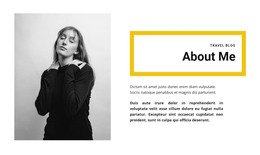
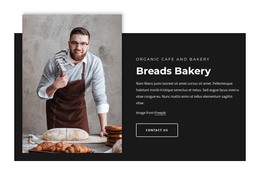
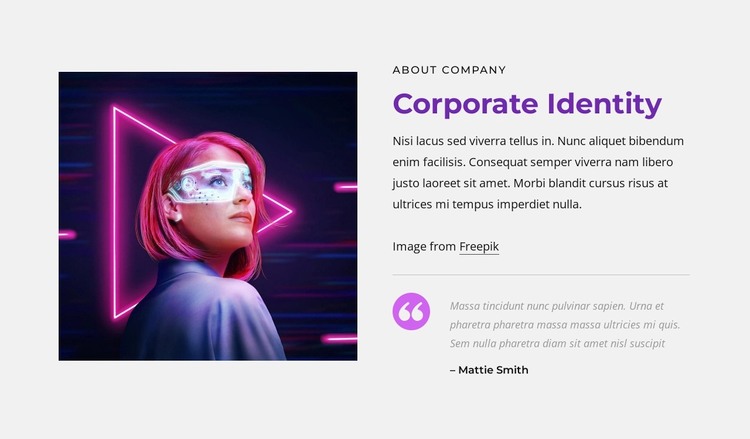
The block’s content reads as stable company information rather than a time-sensitive update. Its left portrait provides visual context, while the right column establishes a clear reading sequence: the “about company” label introduces the subject, the “Corporate Identity” heading names it, and the supporting paragraph develops the introduction. This makes the section suitable for permanent About-style content within a WordPress-managed page, where the surrounding project can contain other independent content areas.
The divider creates a deliberate boundary before the supporting quote. Below it, the quotation icon and displayed “Mattie Smith” author label give the quote a recognizable content role without competing with the main heading. The result is a compact combination of identity explanation and supporting voice, useful when a page needs more depth than an image-and-paragraph pairing alone.
The visual treatment helps the section remain identifiable as part of a wider design system. A light gray background frames the dark portrait, the purple heading accent provides a clear typographic signal, and the magenta quotation detail distinguishes the lower content group. In a WordPress-oriented project, this block can serve as reusable page content while other pages or sections address services, portfolio work, or contact details. The section contributes a focused content area; it does not constitute a complete WordPress Theme.
Customize with Nicepage
Open this ready-made template in the WordPress Website Builder and customize it visually in the Nicepage editor. Replace demo content, edit page sections, and adapt the design to your project without rebuilding the template from scratch.
Edit Template Offline
2. Create a new page or select existing
3. Click Add new block, search for id 2328053 and click enter
Edit Template Online
Create Awesome Websites


Free Nicepage Builder
Keywords
Manage and Edit This Theme in WordPress
Customize and Install the WordPress Theme
Start with this ready-made theme instead of building the WordPress design from scratch. Customize its layout, content, typography, images, sections, and other design elements visually in Nicepage editor, then export and install the WordPress Theme, Plugin, and Pages on your WordPress site. The Nicepage WordPress Plugin lets you continue working with the site after installation.
Edit the Theme Directly in WordPress
After installation, you can edit the WordPress Theme directly in WordPress with the Nicepage WordPress Plugin. Use Site Style to customize site Colors, Fonts, Header, Footer, Blog, and Post Page Templates while working within your WordPress website.
Edit WordPress Pages Visually
Use the Nicepage WordPress Plugin to edit page content directly from the WordPress admin area. Open a WordPress Page with Nicepage and visually change its text, images, sections, and other page elements while continuing to manage the Page through WordPress.
WordPress Content and Theme Integration
Use the customized theme with WordPress Pages, Posts, Blog and Post Templates, menus, widgets, and other CMS-managed content. Shared theme elements such as Colors, Fonts, Header, Footer, Blog, and Post Page Templates can be managed as part of the overall site design, while WordPress provides the CMS environment for managing site content.
This workflow combines a ready-made WordPress Theme with visual customization, direct theme editing in WordPress, and continued content management through the Nicepage WordPress Plugin.