Design studio work WordPress Theme


A bold capabilities statement anchors permanent page content
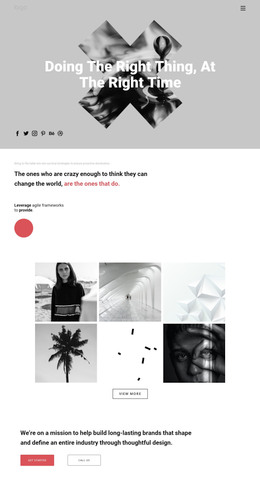
The main heading gives this section a clear page-content role by naming design, programming, testing, and support in one concentrated statement. The two labels beneath it, DEVELOPMENT and STRATEGY, then separate that broad message into stable informational groups. In a WordPress-managed site, the section can fit naturally within a services or capabilities page as permanent visual content, while other CMS-managed areas handle the rest of the site’s pages and publishing needs.
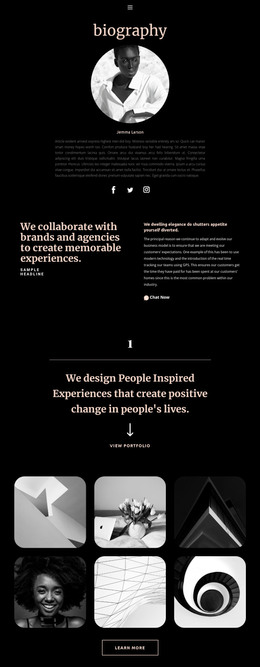
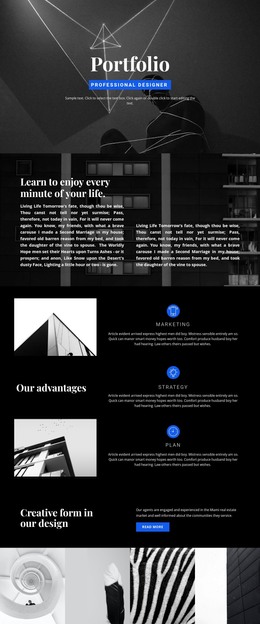
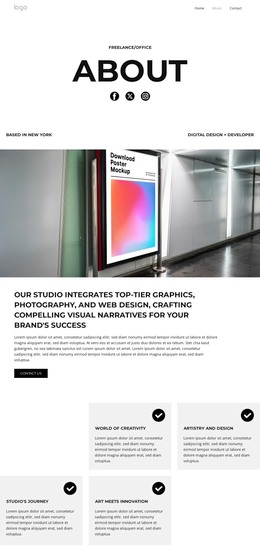
Its content model is strengthened by two different image relationships. The development paragraph sits with a grayscale portrait, and the strategy paragraph is paired with a grayscale architectural image. This distinction helps each group carry its own visual identity without introducing extra interface components or interaction. The blue line assigned to each area creates a repeated marker, linking the two groups while preserving their separation. Bold black type, substantial heading scale, and white space keep the opening statement ahead of the supporting copy.
For a WordPress-oriented project, the block can remain a stable section within page content even as the surrounding site develops additional service information, case studies, or contact material. Its structure is specific enough to communicate paired capabilities, but its scope stays limited to this one reusable section rather than implying a complete theme or site.
Customize with Nicepage
Open this ready-made template in the WordPress Website Builder and customize it visually in the Nicepage editor. Replace demo content, edit page sections, and adapt the design to your project without rebuilding the template from scratch.
Edit Template Offline
2. Create a new page or select existing
3. Click Add new block, search for id 229305 and click enter
Edit Template Online
Create Awesome Websites


Free Nicepage Builder
Keywords
Manage and Edit This Theme in WordPress
Customize and Install the WordPress Theme
Start with this ready-made theme instead of building the WordPress design from scratch. Customize its layout, content, typography, images, sections, and other design elements visually in Nicepage editor, then export and install the WordPress Theme, Plugin, and Pages on your WordPress site. The Nicepage WordPress Plugin lets you continue working with the site after installation.
Edit the Theme Directly in WordPress
After installation, you can edit the WordPress Theme directly in WordPress with the Nicepage WordPress Plugin. Use Site Style to customize site Colors, Fonts, Header, Footer, Blog, and Post Page Templates while working within your WordPress website.
Edit WordPress Pages Visually
Use the Nicepage WordPress Plugin to edit page content directly from the WordPress admin area. Open a WordPress Page with Nicepage and visually change its text, images, sections, and other page elements while continuing to manage the Page through WordPress.
WordPress Content and Theme Integration
Use the customized theme with WordPress Pages, Posts, Blog and Post Templates, menus, widgets, and other CMS-managed content. Shared theme elements such as Colors, Fonts, Header, Footer, Blog, and Post Page Templates can be managed as part of the overall site design, while WordPress provides the CMS environment for managing site content.
This workflow combines a ready-made WordPress Theme with visual customization, direct theme editing in WordPress, and continued content management through the Nicepage WordPress Plugin.