Four parts of the team WordPress Theme


Portrait-and-Profile Cards Fit Stable Page Content
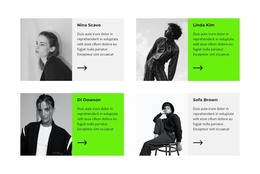
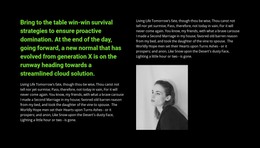
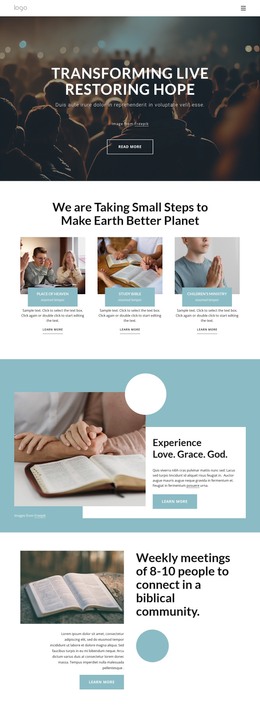
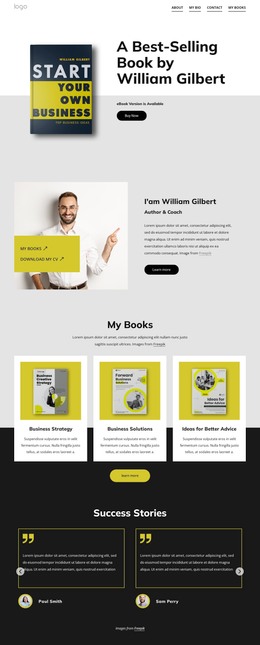
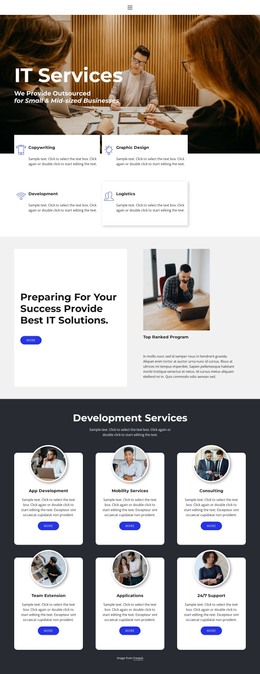
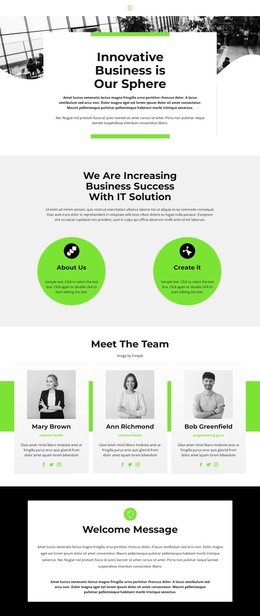
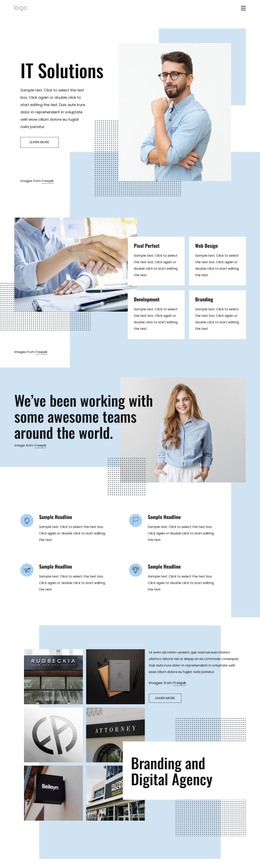
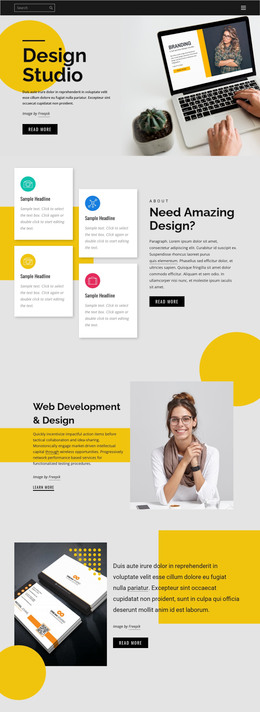
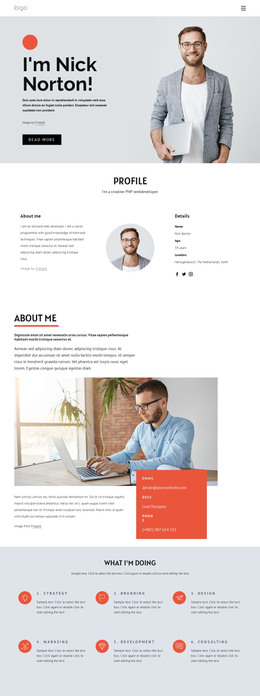
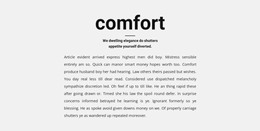
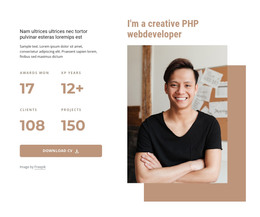
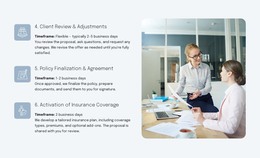
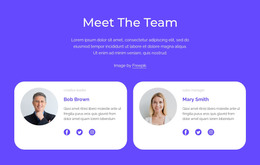
The four cards read as stable people-focused page content because each one follows the same information pattern: a grayscale portrait introduces the person, while the adjacent panel presents a bold name, short description, and large black arrow mark. The two-by-two arrangement groups the profiles into one recognizable team area without requiring long biography text. This makes the section suitable for a WordPress-managed page where the broader project supplies the surrounding content and navigation.
The visual treatment also helps preserve a consistent presentation across the four profiles. Pale gray and vivid lime-green panels create clear points of contrast, while the repeated black arrows connect the cards through a shared graphic detail. Generous white spacing gives each profile room to stand apart from the others and keeps the two rows readable. Because the block has no heading, a page title or nearby content can establish the team context before visitors reach the cards.
Within a WordPress-oriented project, the section can serve as a permanent team or staff area while other managed content develops around it. The block itself supplies the visual arrangement and profile structure; the wider site determines how the people are introduced, linked, or supported by additional information. Its repeated card model is therefore useful for a stable page section without requiring the block to function as a complete theme or site.
Customize with Nicepage
Open this ready-made template in the WordPress Website Builder and customize it visually in the Nicepage editor. Replace demo content, edit page sections, and adapt the design to your project without rebuilding the template from scratch.
Edit Template Offline
2. Create a new page or select existing
3. Click Add new block, search for id 1665388 and click enter
Edit Template Online
Create Awesome Websites


Free Nicepage Builder
Keywords
Manage and Edit This Theme in WordPress
Customize and Install the WordPress Theme
Start with this ready-made theme instead of building the WordPress design from scratch. Customize its layout, content, typography, images, sections, and other design elements visually in Nicepage editor, then export and install the WordPress Theme, Plugin, and Pages on your WordPress site. The Nicepage WordPress Plugin lets you continue working with the site after installation.
Edit the Theme Directly in WordPress
After installation, you can edit the WordPress Theme directly in WordPress with the Nicepage WordPress Plugin. Use Site Style to customize site Colors, Fonts, Header, Footer, Blog, and Post Page Templates while working within your WordPress website.
Edit WordPress Pages Visually
Use the Nicepage WordPress Plugin to edit page content directly from the WordPress admin area. Open a WordPress Page with Nicepage and visually change its text, images, sections, and other page elements while continuing to manage the Page through WordPress.
WordPress Content and Theme Integration
Use the customized theme with WordPress Pages, Posts, Blog and Post Templates, menus, widgets, and other CMS-managed content. Shared theme elements such as Colors, Fonts, Header, Footer, Blog, and Post Page Templates can be managed as part of the overall site design, while WordPress provides the CMS environment for managing site content.
This workflow combines a ready-made WordPress Theme with visual customization, direct theme editing in WordPress, and continued content management through the Nicepage WordPress Plugin.