Time management ideas WordPress Theme


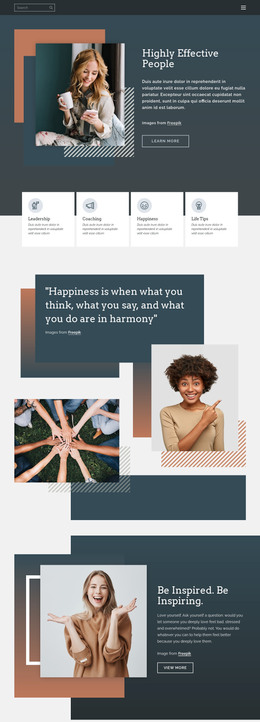
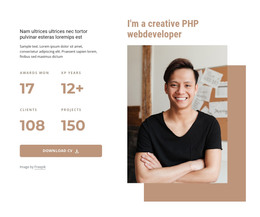
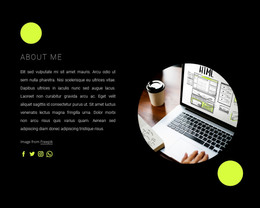
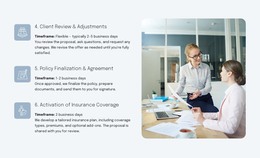
Stable Page Content Built Around Guidance and Work-Focused Imagery
The upper-left panel gives the section a durable page-content role through the heading “Principles of Time Management,” supporting text, and one “more” action. It reads as an introductory information area rather than a stream of dated updates. That makes the block suitable for a WordPress-oriented page where the section can remain part of the visual content while other areas of the site handle changing material.
The quotation and image relationships add supporting depth. A yellow panel presents the statement about lost time beside a photograph of a person surrounded by colorful notes, creating a separate reflective unit. On the right, the black panel introduces the instruction “Record all the information on your tool only,” and the wide photograph below shows a woman writing beside a note-covered wall. The two photographic panels make the written principles easier to distinguish spatially, while the contrasting surfaces prevent the content from collapsing into one long text area.
Within a WordPress-managed page or site, this block can remain a reusable section for time-management guidance, professional development content, or a related informational topic. Its content structure is already clear enough to stand on its own as one page region, but the wider project would still provide other sections and site functions. The block’s gray, yellow, and black treatment can be retained as a visual pattern or coordinated with nearby content. The result is stable, publishable page content expressed through a focused four-panel layout rather than a standalone theme.
Customize with Nicepage
Open this ready-made template in the WordPress Website Builder and customize it visually in the Nicepage editor. Replace demo content, edit page sections, and adapt the design to your project without rebuilding the template from scratch.
Edit Template Offline
2. Create a new page or select existing
3. Click Add new block, search for id 1033718 and click enter
Edit Template Online
Create Awesome Websites


Free Nicepage Builder
Keywords
Manage and Edit This Theme in WordPress
Customize and Install the WordPress Theme
Start with this ready-made theme instead of building the WordPress design from scratch. Customize its layout, content, typography, images, sections, and other design elements visually in Nicepage editor, then export and install the WordPress Theme, Plugin, and Pages on your WordPress site. The Nicepage WordPress Plugin lets you continue working with the site after installation.
Edit the Theme Directly in WordPress
After installation, you can edit the WordPress Theme directly in WordPress with the Nicepage WordPress Plugin. Use Site Style to customize site Colors, Fonts, Header, Footer, Blog, and Post Page Templates while working within your WordPress website.
Edit WordPress Pages Visually
Use the Nicepage WordPress Plugin to edit page content directly from the WordPress admin area. Open a WordPress Page with Nicepage and visually change its text, images, sections, and other page elements while continuing to manage the Page through WordPress.
WordPress Content and Theme Integration
Use the customized theme with WordPress Pages, Posts, Blog and Post Templates, menus, widgets, and other CMS-managed content. Shared theme elements such as Colors, Fonts, Header, Footer, Blog, and Post Page Templates can be managed as part of the overall site design, while WordPress provides the CMS environment for managing site content.
This workflow combines a ready-made WordPress Theme with visual customization, direct theme editing in WordPress, and continued content management through the Nicepage WordPress Plugin.