Who do we work with WordPress Theme


Stable Logo Content for a WordPress-Managed Page
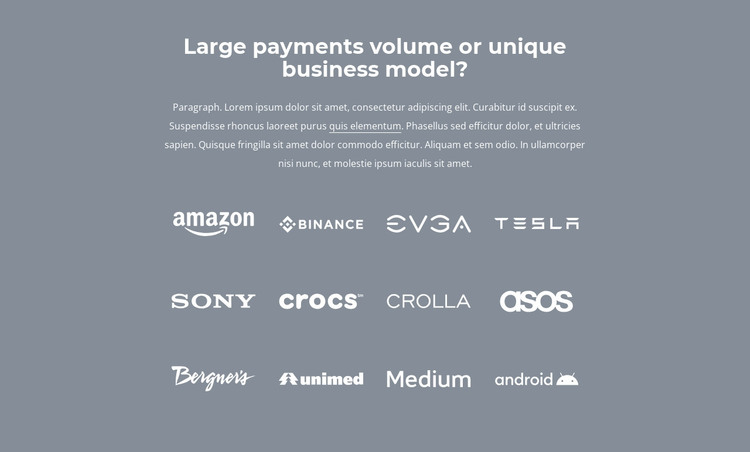
The heading and supporting paragraph establish a durable content area before the repeated brand group begins. Twelve contained wordmarks then present the section’s main information in three rows of four. This structure suits page-oriented content that needs to remain recognizable over time, such as a partner, client, or associated-brand area. The logos are visual references rather than a changing editorial feed, so the block can maintain a stable place within a WordPress-managed page while other content develops around it.
The muted blue-gray background and white logo treatment create a strong, consistent presentation for the image group. Centered typography keeps the introduction aligned with the grid, and generous vertical spacing gives the section a deliberate beginning and end. The varied wordmark designs remain individual, but the equal cells and shared color treatment keep them connected. The inline text link can support the introductory message without displacing the logo group as the primary content.
In a WordPress-oriented project, the section can function as permanent page content within a wider theme and publishing environment. The surrounding site may manage other pages, posts, or content areas separately, while this block preserves its own partner or client role. Its usefulness comes from the combination of a clear introduction, repeated visual references, and a contained layout that can be inserted into a page without requiring the block itself to carry the site’s full structure.
Customize with Nicepage
Open this ready-made template in the WordPress Website Builder and customize it visually in the Nicepage editor. Replace demo content, edit page sections, and adapt the design to your project without rebuilding the template from scratch.
Edit Template Offline
2. Create a new page or select existing
3. Click Add new block, search for id 1027104 and click enter
Edit Template Online
Create Awesome Websites


Free Nicepage Builder
Keywords
Manage and Edit This Theme in WordPress
Customize and Install the WordPress Theme
Start with this ready-made theme instead of building the WordPress design from scratch. Customize its layout, content, typography, images, sections, and other design elements visually in Nicepage editor, then export and install the WordPress Theme, Plugin, and Pages on your WordPress site. The Nicepage WordPress Plugin lets you continue working with the site after installation.
Edit the Theme Directly in WordPress
After installation, you can edit the WordPress Theme directly in WordPress with the Nicepage WordPress Plugin. Use Site Style to customize site Colors, Fonts, Header, Footer, Blog, and Post Page Templates while working within your WordPress website.
Edit WordPress Pages Visually
Use the Nicepage WordPress Plugin to edit page content directly from the WordPress admin area. Open a WordPress Page with Nicepage and visually change its text, images, sections, and other page elements while continuing to manage the Page through WordPress.
WordPress Content and Theme Integration
Use the customized theme with WordPress Pages, Posts, Blog and Post Templates, menus, widgets, and other CMS-managed content. Shared theme elements such as Colors, Fonts, Header, Footer, Blog, and Post Page Templates can be managed as part of the overall site design, while WordPress provides the CMS environment for managing site content.
This workflow combines a ready-made WordPress Theme with visual customization, direct theme editing in WordPress, and continued content management through the Nicepage WordPress Plugin.