Programs for all levels of athletes Template


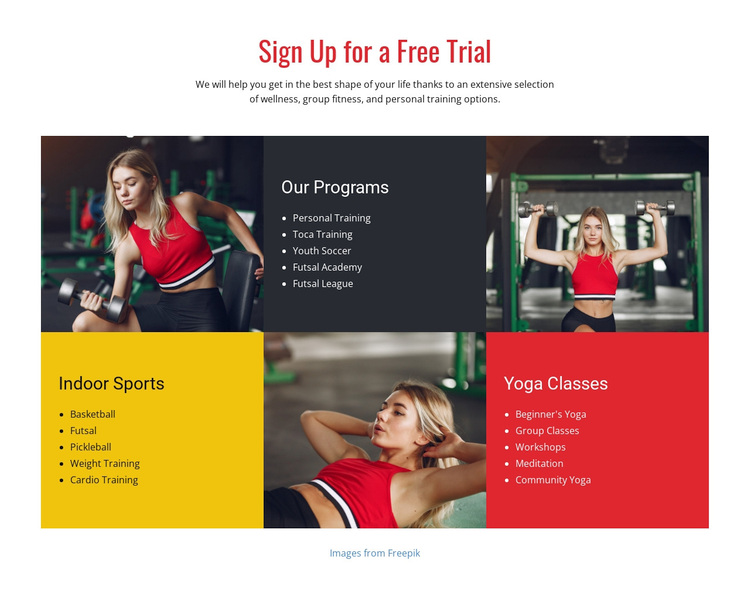
Alternating Photography Makes the Program Choice More Distinctive
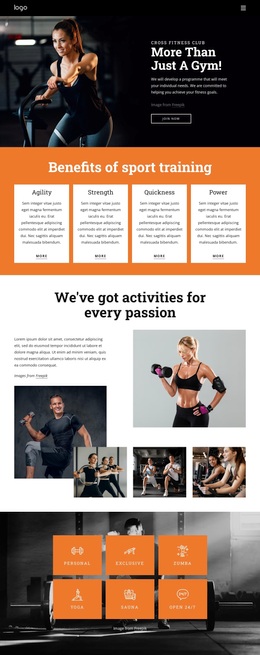
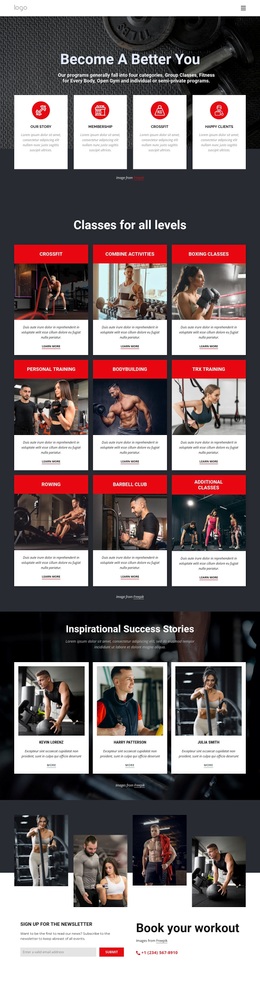
The section stands out through the combination of broad program coverage and a disciplined repeated pattern. Instead of placing activities in one long list, it divides them into three equal groups: “Our Programs,” with Personal Training, Toca Training, Youth Soccer, Futsal Academy, and Futsal League; “Indoor Sports,” with Basketball, Futsal, Pickleball, Weight Training, and Cardio Training; and “Yoga Classes,” with five forms of group, individual, and community practice. The equal item count makes comparison straightforward while preserving distinct category identities.
Its visual treatment gives the design more presence than a basic services grid. Three fitness photographs alternate with charcoal, yellow, and red panels across three rows, creating a clear image-to-information rhythm. The centered “Sign Up for a Free Trial” heading adds an offer-oriented introduction without displacing the program details. This option is useful when a sports or wellness page needs to show variety quickly, retain a strong editorial image contrast, and guide visitors through several program families in one coordinated section. The block’s value comes from that specific balance of coverage, repetition, and visual alternation. It is especially distinctive for projects that need equal attention on category clarity and photographic energy rather than choosing between a plain list and an image-led feature.
Customize with Nicepage
Open this ready-made template in the Template Builder and customize it visually in the Nicepage editor. Replace demo content, edit page sections, and adapt the design to your project without rebuilding the template from scratch.
Edit Template Offline
2. Create a new page or select existing
3. Click Add new block, search for id 68015 and click enter
Edit Template Online
Create Awesome Websites


Free Nicepage Builder
Keywords
Start With a Ready-Made Template
Choose a Design for a New Page
Use a ready-made template as a starting point instead of creating every page from a blank canvas. When adding a new page in Nicepage, browse available designs, compare different layouts, and choose an option that already fits the general purpose and visual direction of your project.
Browse Different Page Designs
Explore Page Designs using search, thematic categories, Design Sets, and full-page previews. The collection includes layouts for different subjects and page purposes, making it easier to compare alternatives before selecting a design to customize.
Customize the Selected Template
After choosing a design, create the page and continue editing it visually in Nicepage. Replace the demo content, adjust images, typography, colors, sections, and other elements, and adapt the ready-made layout to your own content instead of rebuilding the design from the beginning.
Explore More Design Directions
If the first option does not match your project closely enough, return to the design collection and compare other templates before committing to a layout. This makes the template library useful not only for faster page creation, but also for exploring different visual approaches and finding a suitable starting point for a new project.
This workflow gives you access to a broad collection of ready-made designs that can be selected, compared, and customized according to the needs of each new page or project.