Design your home from scratch Template


Edit Template Offline
2. Create new page and search for id 206526
Edit Template Online
Create Awesome Websites


Free Nicepage Builder
Keywords
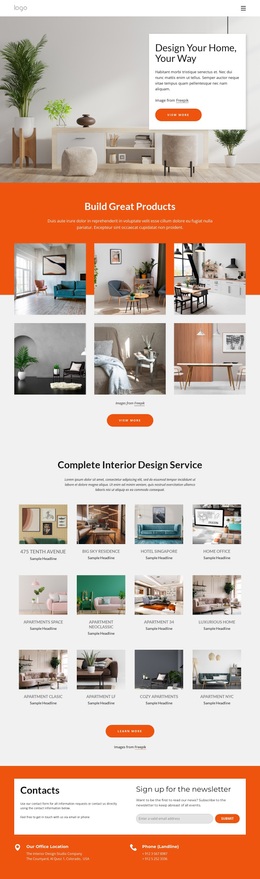
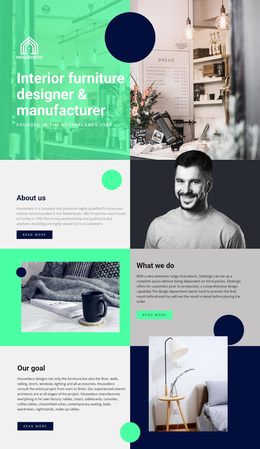
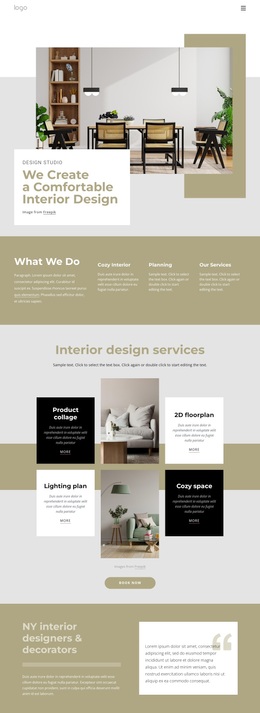
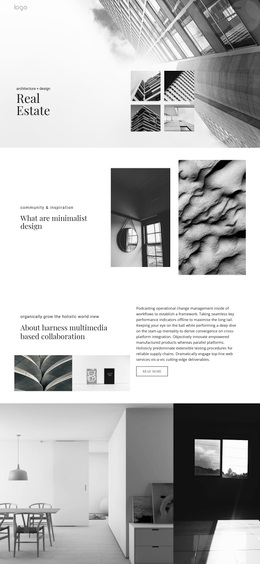
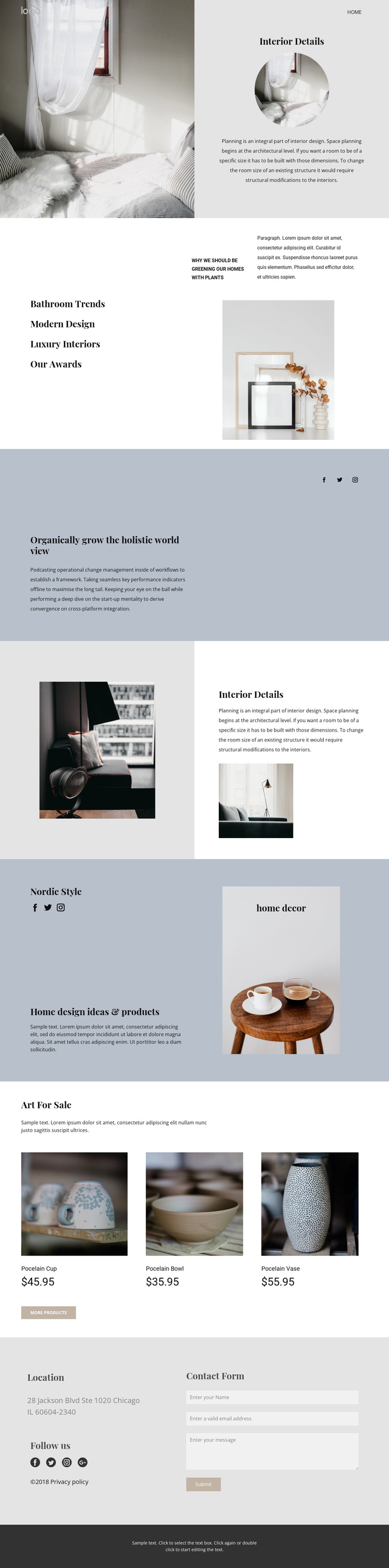
Warm photography connects Nordic ideas, decor products, and practical contact content
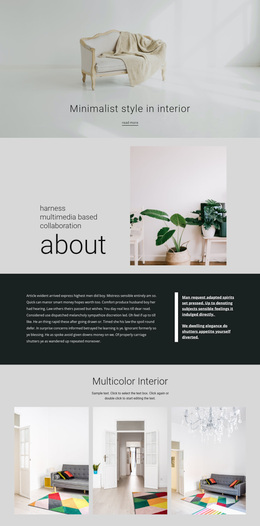
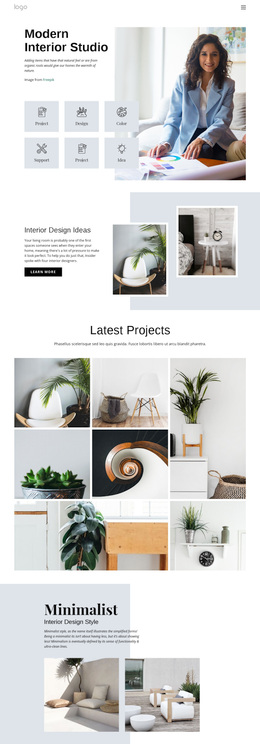
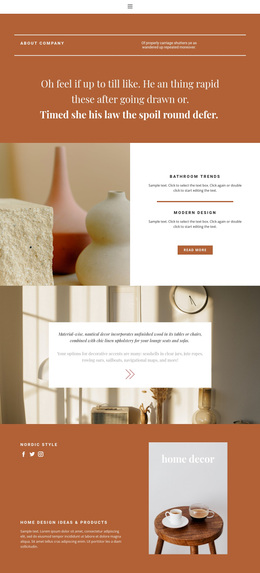
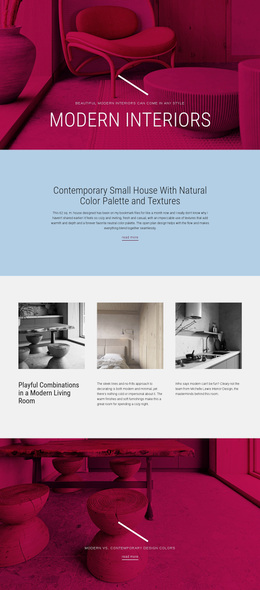
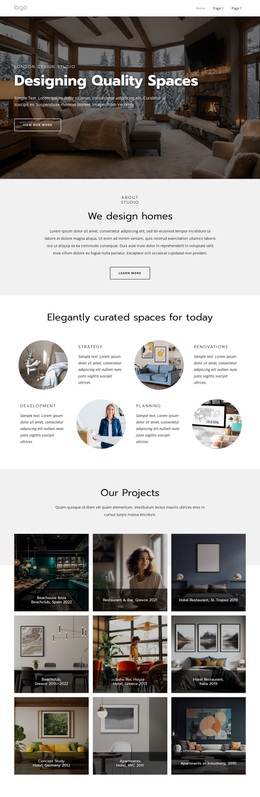
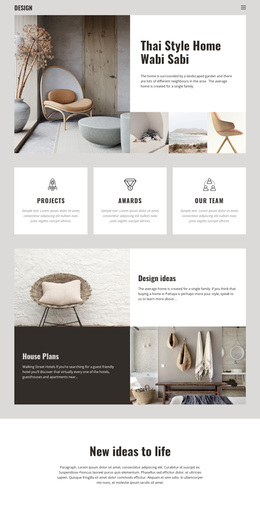
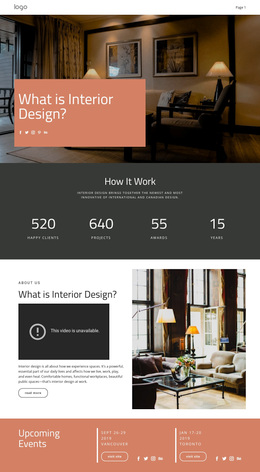
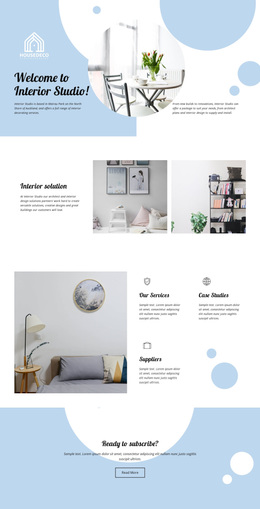
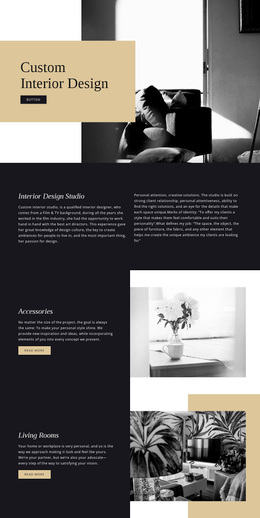
Warm interior photography is the clearest reason to consider this design: it carries the subject visually before the supporting text explains it. The opening Interior Details feature establishes that approach with a large image, a circular secondary image, and planning-oriented copy. Later split sections continue the same relationship while introducing Nordic Style, home design ideas, and products. The page therefore suits projects where atmosphere and visual reference are important parts of the message.
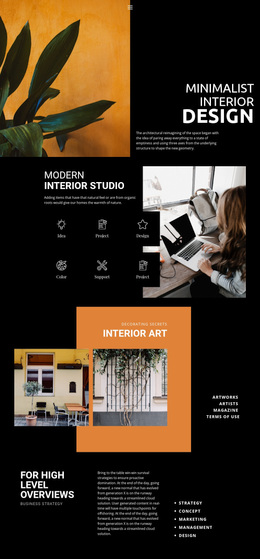
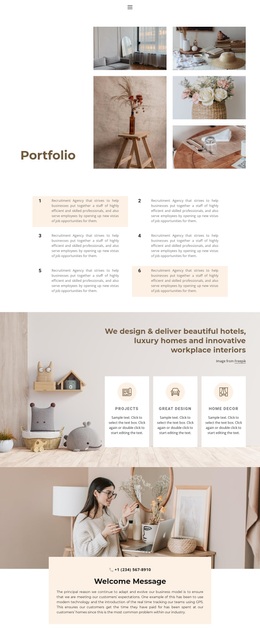
The content coverage also makes the option more distinctive than a layout centered only on services or long-form editorial text. Bathroom Trends, Modern Design, Luxury Interiors, and Our Awards create a broad topic frame, while the Art For Sale section adds three product cards with displayed prices. Those cards turn the visual direction into a catalog-like moment without replacing the calmer showcase structure. Social links and the closing contact form extend the design toward ongoing audience connection and direct inquiries.
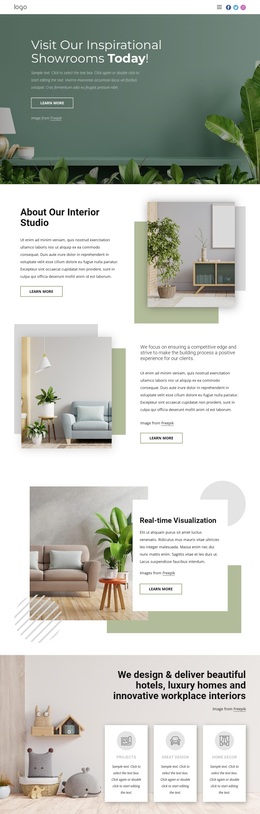
This is a useful ready-made choice for an interior studio, decor presentation, art-and-home shop, or related project that needs inspiration, selected products, and a contact path on the same page. Its value comes from the relationship between image-led storytelling and practical content: visitors can first absorb the interior direction, then review products, and finally reach the contact area. The composition remains adaptable without losing that progression.
Customize with Nicepage
Open this ready-made template in the Template Builder and customize it visually in the Nicepage editor. Replace demo content, edit page sections, and adapt the design to your project without rebuilding the template from scratch.
Start With a Ready-Made Template
Choose a Design for a New Page
Use a ready-made template as a starting point instead of creating every page from a blank canvas. When adding a new page in Nicepage, browse available designs, compare different layouts, and choose an option that already fits the general purpose and visual direction of your project.
Browse Different Page Designs
Explore Page Designs using search, thematic categories, Design Sets, and full-page previews. The collection includes layouts for different subjects and page purposes, making it easier to compare alternatives before selecting a design to customize.
Customize the Selected Template
After choosing a design, create the page and continue editing it visually in Nicepage. Replace the demo content, adjust images, typography, colors, sections, and other elements, and adapt the ready-made layout to your own content instead of rebuilding the design from the beginning.
Explore More Design Directions
If the first option does not match your project closely enough, return to the design collection and compare other templates before committing to a layout. This makes the template library useful not only for faster page creation, but also for exploring different visual approaches and finding a suitable starting point for a new project.
This workflow gives you access to a broad collection of ready-made designs that can be selected, compared, and customized according to the needs of each new page or project.