Learning science is fun Template



Edit Template Offline
2. Create new page and search for id 6175252
Edit Template Online
Create Awesome Websites


Free Nicepage Builder
Keywords
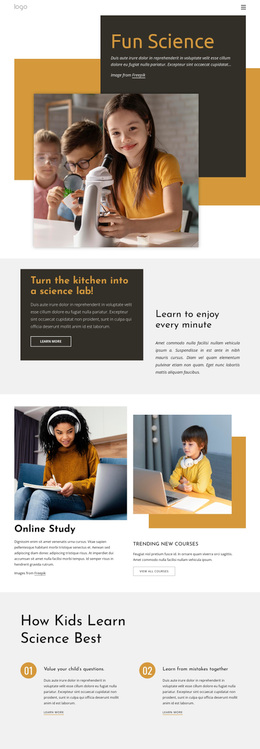
Three program choices turn science imagery into a family-focused design
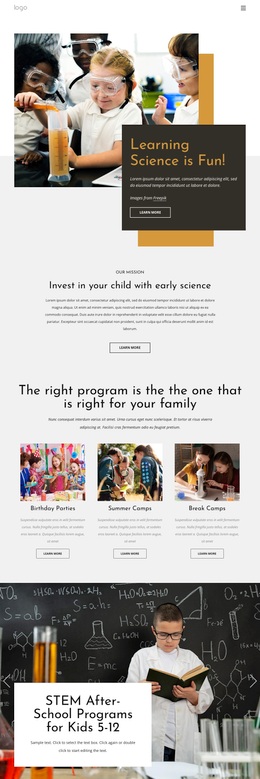
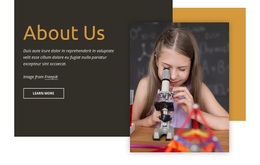
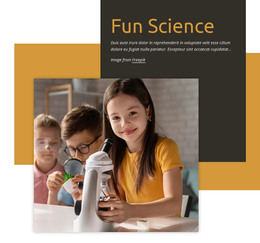
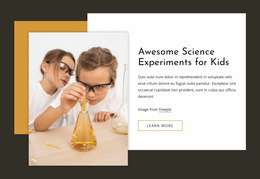
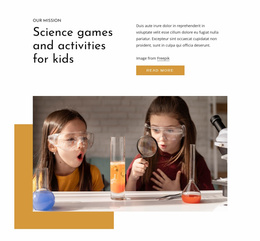
Large photographs of children engaged in science carry much of the message, while the page adds enough structured content to make the subject easy to understand. The opening hero establishes the playful learning theme through an image and overlapping dark panel. Immediately afterward, the mission section explains the early-science direction, so the visual introduction is connected to a clear educational purpose rather than standing alone.
The strongest selection point is the three-card program overview. Birthday Parties, Summer Camps, and Break Camps appear as equal choices with their own images, descriptions, and Learn more actions. The two-slide promotional carousel then broadens the content toward STEM After-School Programs and related offerings. Together, these sections make the design suitable for projects that need to present several family activities while keeping science and children’s engagement at the center.
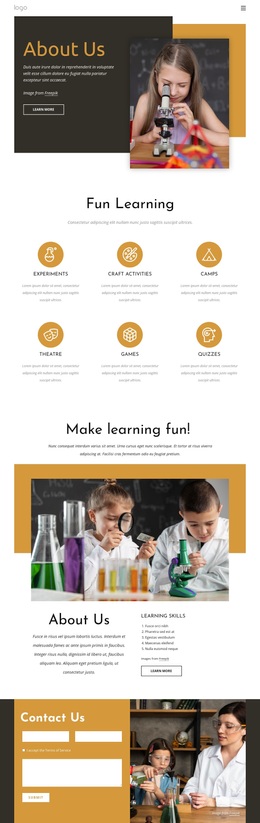
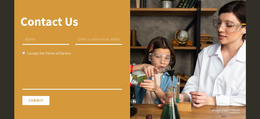
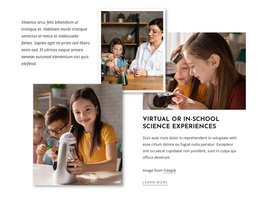
The six image-led feature cards provide additional coverage without changing the page’s visual character. Their repeated treatment contrasts with the large image-and-panel compositions, creating variety while retaining a consistent educational direction. The final Contact Us section adds a practical inquiry route beside another science photograph. This combination of visual storytelling, recognizable program categories, and a concrete contact point makes the design a useful choice for children’s education projects that need warmth, activity, and family-oriented information in one page.
Customize with Nicepage
Open this ready-made template in the Template Builder and customize it visually in the Nicepage editor. Replace demo content, edit page sections, and adapt the design to your project without rebuilding the template from scratch.
Start With a Ready-Made Template
Choose a Design for a New Page
Use a ready-made template as a starting point instead of creating every page from a blank canvas. When adding a new page in Nicepage, browse available designs, compare different layouts, and choose an option that already fits the general purpose and visual direction of your project.
Browse Different Page Designs
Explore Page Designs using search, thematic categories, Design Sets, and full-page previews. The collection includes layouts for different subjects and page purposes, making it easier to compare alternatives before selecting a design to customize.
Customize the Selected Template
After choosing a design, create the page and continue editing it visually in Nicepage. Replace the demo content, adjust images, typography, colors, sections, and other elements, and adapt the ready-made layout to your own content instead of rebuilding the design from the beginning.
Explore More Design Directions
If the first option does not match your project closely enough, return to the design collection and compare other templates before committing to a layout. This makes the template library useful not only for faster page creation, but also for exploring different visual approaches and finding a suitable starting point for a new project.
This workflow gives you access to a broad collection of ready-made designs that can be selected, compared, and customized according to the needs of each new page or project.