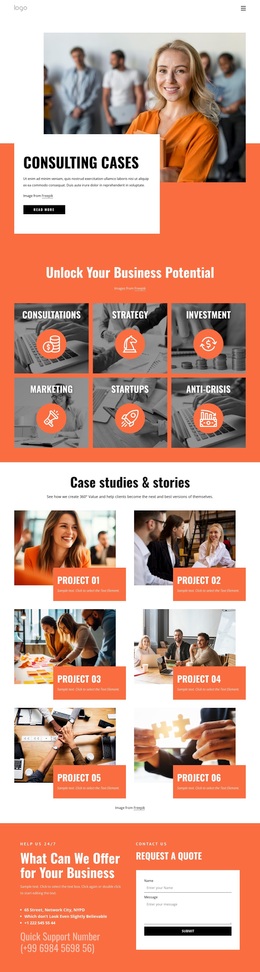
A leading global consulting company Template



Edit Template Offline
2. Create new page and search for id 5705019
Edit Template Online
Create Awesome Websites


Free Nicepage Builder
Keywords
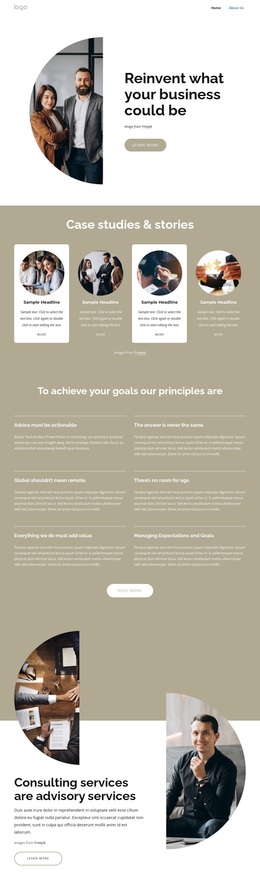
Four Case Studies Give the Consulting Profile a Distinctive Starting Point
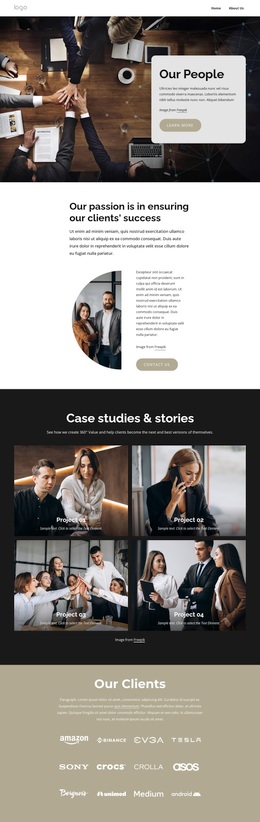
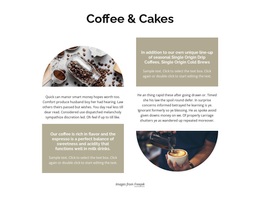
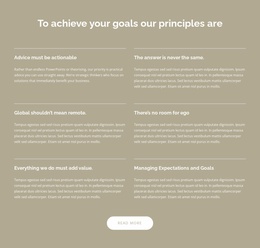
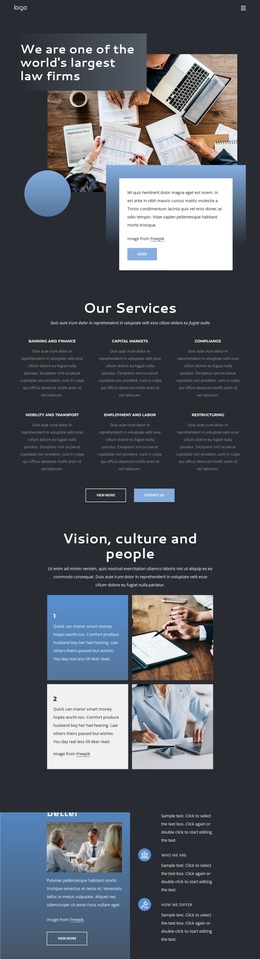
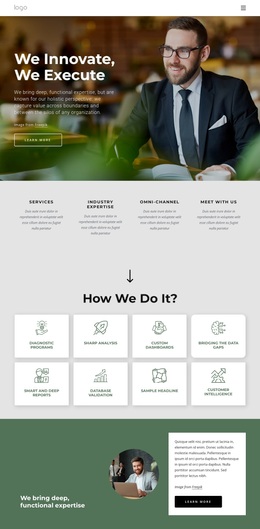
The four repeated case study cards are one of the clearest reasons to choose this design. They give the profile a story-led middle section, using circular images, labels, short summaries, and more links instead of relying only on long explanatory text. That structure makes the page suitable for a consulting project that needs to connect its services with examples of work or business situations. The six labeled principles add a second distinctive layer: they explain the company’s working ideas through a consistent two-column arrangement and a concluding read-more action.
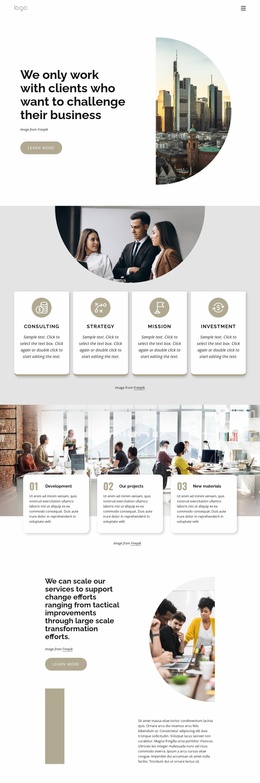
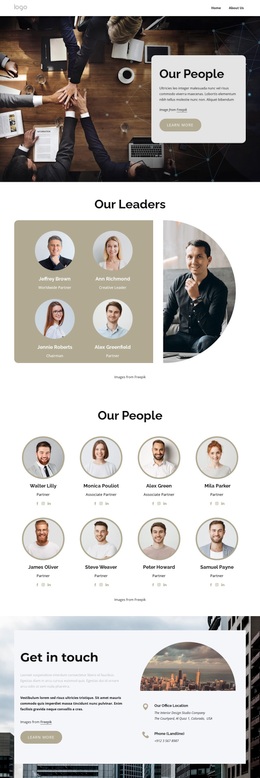
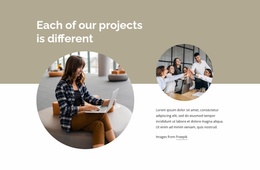
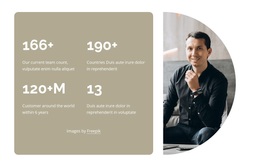
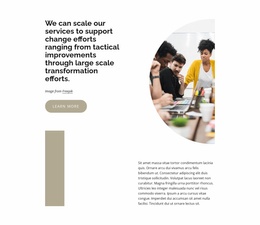
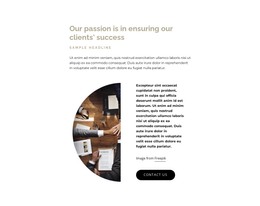
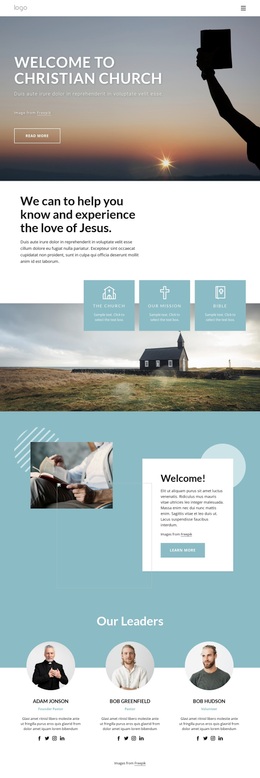
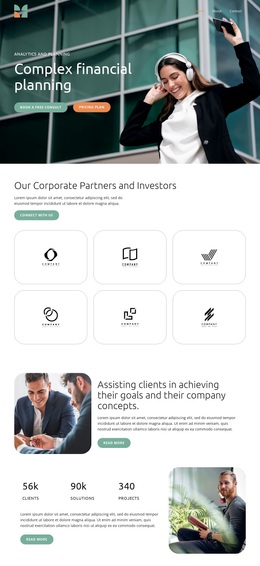
The visual treatment reinforces that content choice. A large curved photograph introduces the page, while the advisory-services section uses layered images around a white text panel. Later sections alternate between centered content, an offset pair of circular photographs, and overlapping colored statement panels. These changes keep the profile editorial and give different kinds of information their own visual setting. The closing get-in-touch area completes the selection with office and phone details, making the design more than a decorative consulting homepage. It is a useful option when a project needs to present principles, case stories, services, challenges, and contact information through one carefully varied profile layout rather than a page dominated by a single card grid or a long block of text.
Customize with Nicepage
Open this ready-made template in the Template Builder and customize it visually in the Nicepage editor. Replace demo content, edit page sections, and adapt the design to your project without rebuilding the template from scratch.
Start With a Ready-Made Template
Choose a Design for a New Page
Use a ready-made template as a starting point instead of creating every page from a blank canvas. When adding a new page in Nicepage, browse available designs, compare different layouts, and choose an option that already fits the general purpose and visual direction of your project.
Browse Different Page Designs
Explore Page Designs using search, thematic categories, Design Sets, and full-page previews. The collection includes layouts for different subjects and page purposes, making it easier to compare alternatives before selecting a design to customize.
Customize the Selected Template
After choosing a design, create the page and continue editing it visually in Nicepage. Replace the demo content, adjust images, typography, colors, sections, and other elements, and adapt the ready-made layout to your own content instead of rebuilding the design from the beginning.
Explore More Design Directions
If the first option does not match your project closely enough, return to the design collection and compare other templates before committing to a layout. This makes the template library useful not only for faster page creation, but also for exploring different visual approaches and finding a suitable starting point for a new project.
This workflow gives you access to a broad collection of ready-made designs that can be selected, compared, and customized according to the needs of each new page or project.