We offer tailored consulting services Template



Edit Template Offline
2. Create new page and search for id 5654796
Edit Template Online
Create Awesome Websites


Free Nicepage Builder
Keywords
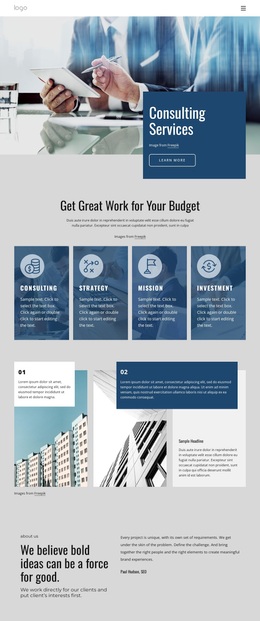
Five service tiles connect a company story with people and proof
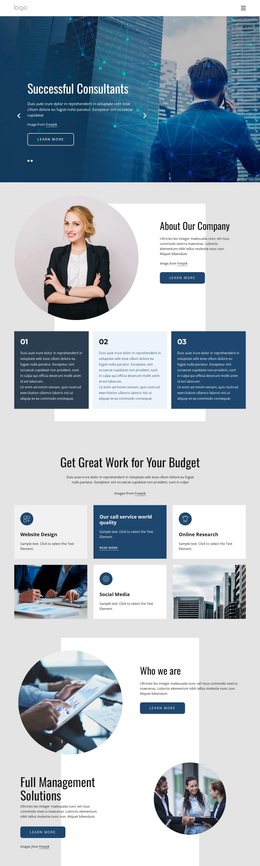
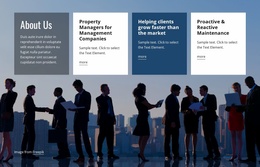
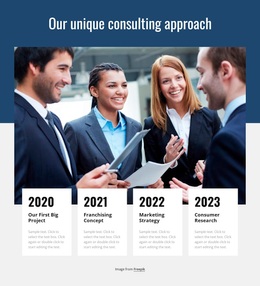
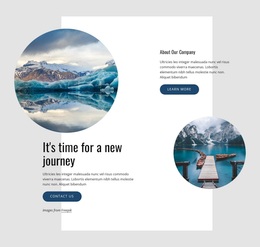
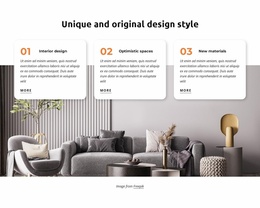
The strongest reason to choose this design is its coverage of several consulting presentation needs within one coherent visual direction. The hero carousel introduces two related messages rather than committing the opening to a single short statement. From there, the three numbered cards explain the company context, while the five service tiles make the offer more scannable. Website design, online research, social media, coaching, training, and management-oriented language give the layout room to represent a varied consulting practice without turning the page into a plain list.
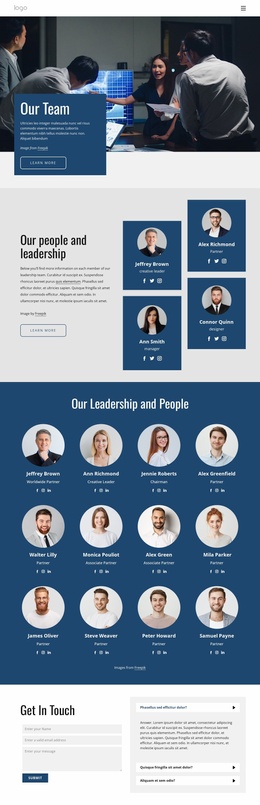
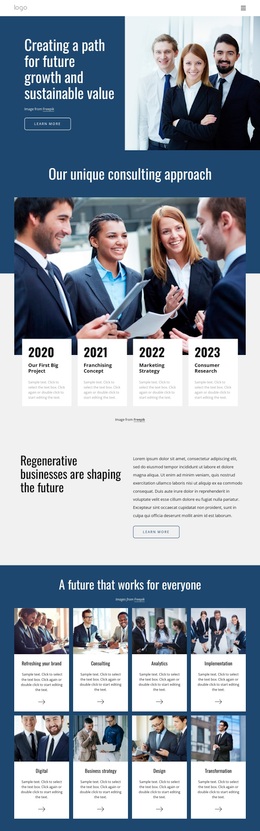
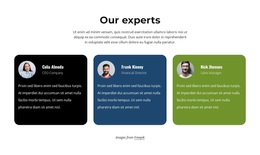
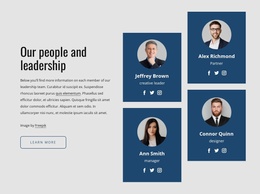
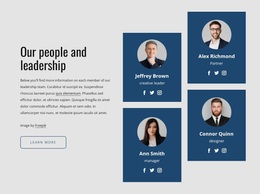
The design also balances service information with human and business context. Alternating management sections, four highlight panels, and the “Why Us” collage create places for company perspective and business-oriented examples. Three expert profile cards then make the organization easier to understand as a team, while the final FAQ and contact pairing handles questions and inquiries in the same closing area. This combination suits a consulting project that needs to explain what it does, show how its work is organized, introduce its experts, and invite further contact. The recurring photography and card structures distinguish this option from a layout centered only on a single service, product, or personal profile.
Customize with Nicepage
Open this ready-made template in the Template Builder and customize it visually in the Nicepage editor. Replace demo content, edit page sections, and adapt the design to your project without rebuilding the template from scratch.
Start With a Ready-Made Template
Choose a Design for a New Page
Use a ready-made template as a starting point instead of creating every page from a blank canvas. When adding a new page in Nicepage, browse available designs, compare different layouts, and choose an option that already fits the general purpose and visual direction of your project.
Browse Different Page Designs
Explore Page Designs using search, thematic categories, Design Sets, and full-page previews. The collection includes layouts for different subjects and page purposes, making it easier to compare alternatives before selecting a design to customize.
Customize the Selected Template
After choosing a design, create the page and continue editing it visually in Nicepage. Replace the demo content, adjust images, typography, colors, sections, and other elements, and adapt the ready-made layout to your own content instead of rebuilding the design from the beginning.
Explore More Design Directions
If the first option does not match your project closely enough, return to the design collection and compare other templates before committing to a layout. This makes the template library useful not only for faster page creation, but also for exploring different visual approaches and finding a suitable starting point for a new project.
This workflow gives you access to a broad collection of ready-made designs that can be selected, compared, and customized according to the needs of each new page or project.