Financial Advices Investment Template



Edit Template Offline
2. Create new page and search for id 4584705
Edit Template Online
Create Awesome Websites


Free Nicepage Builder
Keywords
Consulting Services, Packages, and Team Content Work Together
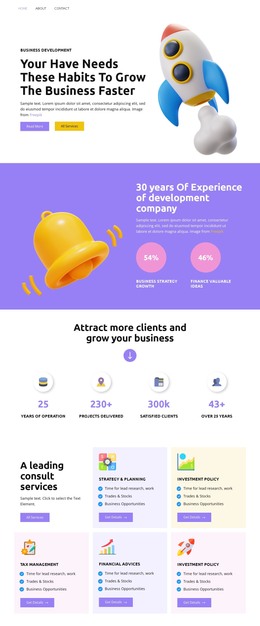
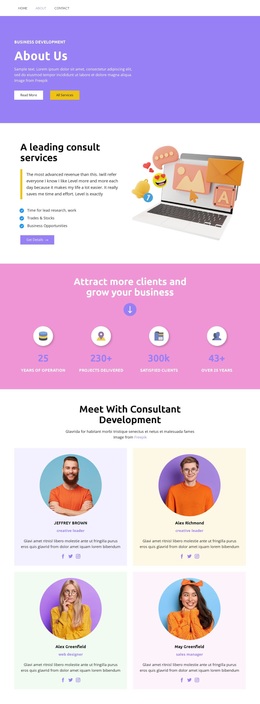
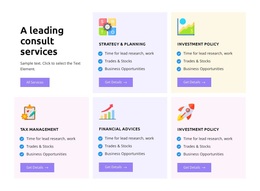
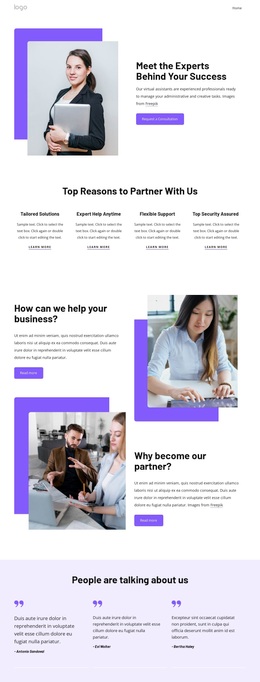
The design is built around more than a single consulting headline. Its opening About Us panel establishes the subject quickly, then the split overview gives the page recognizable content coverage through lead research and work, trades and stocks, and business opportunities. That combination makes the template a useful option for projects that need to explain several business-development capabilities without starting from a blank content arrangement.
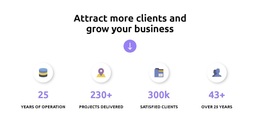
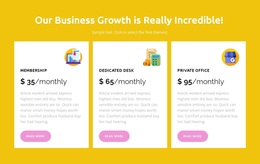
The supporting sections add distinct reasons to consider the layout. Four counters create a repeated visual pause for business metrics, while four consultant profile cards introduce named roles, portraits, descriptions, and social links. The team content gives the service message a human dimension. Three package cards extend the same page into a more concrete offer structure by presenting Membership, Dedicated Desk, and Private Office as separate monthly options with their own descriptions and actions.
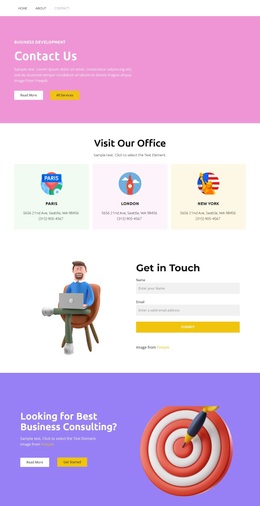
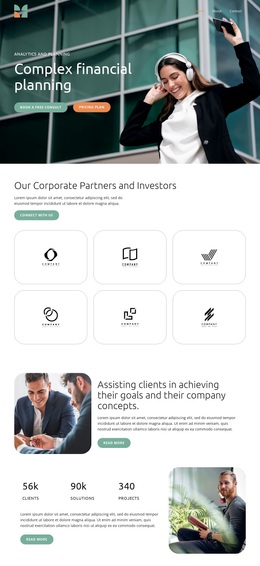
The page also covers the transition from interest to contact. A phone channel appears in the business skills section, six logo tiles create a recognizable showcase near the end, and the final purple block returns to the central consulting question with Read More and Get Started actions. The result is a design choice for consulting presentations that need service breadth, team context, package comparison, and a visible response invitation in one energetic visual direction. Its value comes from how those content roles are combined, rather than from any unsupported claim about the sample figures or demo names.
Customize with Nicepage
Open this ready-made template in the Template Builder and customize it visually in the Nicepage editor. Replace demo content, edit page sections, and adapt the design to your project without rebuilding the template from scratch.
Start With a Ready-Made Template
Choose a Design for a New Page
Use a ready-made template as a starting point instead of creating every page from a blank canvas. When adding a new page in Nicepage, browse available designs, compare different layouts, and choose an option that already fits the general purpose and visual direction of your project.
Browse Different Page Designs
Explore Page Designs using search, thematic categories, Design Sets, and full-page previews. The collection includes layouts for different subjects and page purposes, making it easier to compare alternatives before selecting a design to customize.
Customize the Selected Template
After choosing a design, create the page and continue editing it visually in Nicepage. Replace the demo content, adjust images, typography, colors, sections, and other elements, and adapt the ready-made layout to your own content instead of rebuilding the design from the beginning.
Explore More Design Directions
If the first option does not match your project closely enough, return to the design collection and compare other templates before committing to a layout. This makes the template library useful not only for faster page creation, but also for exploring different visual approaches and finding a suitable starting point for a new project.
This workflow gives you access to a broad collection of ready-made designs that can be selected, compared, and customized according to the needs of each new page or project.