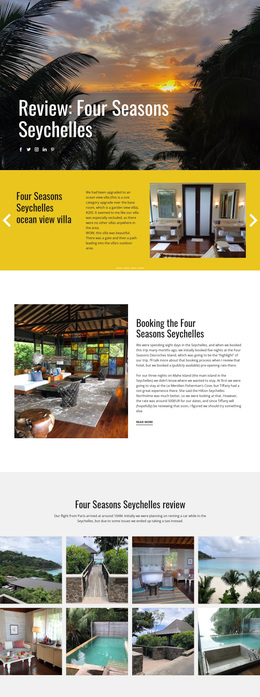
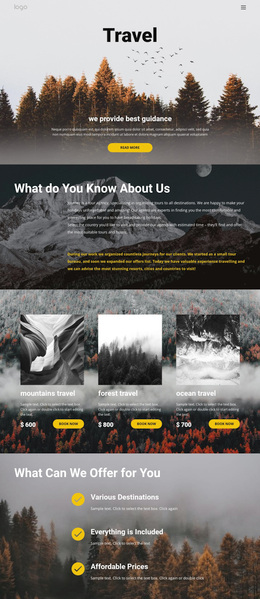
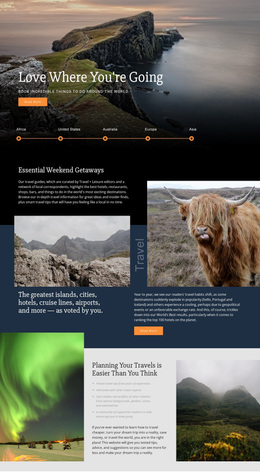
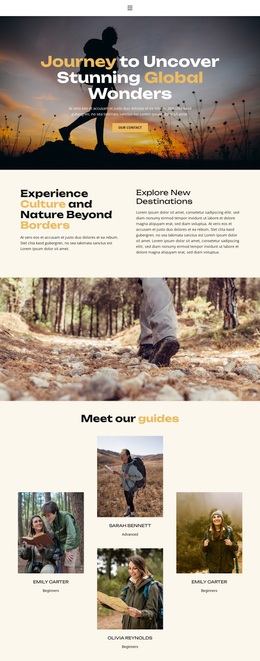
Portfolio photography Template


A Staggered Image Collection With Visual Range
The section pairs a concise centered introduction with nine photographic tiles, making its visual purpose apparent before the collection is scanned. The staggered multi-row grid is the defining design choice: images align along varied edges and rows instead of forming a repetitive rectangular strip. That arrangement gives a portfolio or travel photography presentation more geometric character while preserving a coherent image field.
The subject range strengthens the design’s usefulness for visual storytelling. Nature landscapes, portraits, a castle, a lake, and outdoor activities can occupy the same collection without the block needing additional interface elements to create variety. The white background and centered black typography keep the introductory material quiet, allowing the photographs to carry the strongest visual weight. Compact spacing maintains the connection between the heading, paragraph, and image group.
Among ready-made section alternatives, this option is especially suited to a project that needs an image-led portfolio area with a clear opening explanation and more visual rhythm than a standard grid. The nine-tile count gives the collection breadth, while the staggered arrangement prevents the section from feeling mechanically repeated. It can therefore be selected when the desired result is a recognizable photography section whose main distinction comes from the relationship between centered text and an edge-aligned geometric image composition.
Customize with Nicepage
Open this ready-made template in the Template Builder and customize it visually in the Nicepage editor. Replace demo content, edit page sections, and adapt the design to your project without rebuilding the template from scratch.
Edit Template Offline
2. Create a new page or select existing
3. Click Add new block, search for id 44831 and click enter
Edit Template Online
Create Awesome Websites


Free Nicepage Builder
Keywords
Start With a Ready-Made Template
Choose a Design for a New Page
Use a ready-made template as a starting point instead of creating every page from a blank canvas. When adding a new page in Nicepage, browse available designs, compare different layouts, and choose an option that already fits the general purpose and visual direction of your project.
Browse Different Page Designs
Explore Page Designs using search, thematic categories, Design Sets, and full-page previews. The collection includes layouts for different subjects and page purposes, making it easier to compare alternatives before selecting a design to customize.
Customize the Selected Template
After choosing a design, create the page and continue editing it visually in Nicepage. Replace the demo content, adjust images, typography, colors, sections, and other elements, and adapt the ready-made layout to your own content instead of rebuilding the design from the beginning.
Explore More Design Directions
If the first option does not match your project closely enough, return to the design collection and compare other templates before committing to a layout. This makes the template library useful not only for faster page creation, but also for exploring different visual approaches and finding a suitable starting point for a new project.
This workflow gives you access to a broad collection of ready-made designs that can be selected, compared, and customized according to the needs of each new page or project.