Creative marketing agency Template



Edit Template Offline
2. Create new page and search for id 2916074
Edit Template Online
Create Awesome Websites


Free Nicepage Builder
Keywords
Three Core Services Lead Into Capability, Support, and Work Evidence
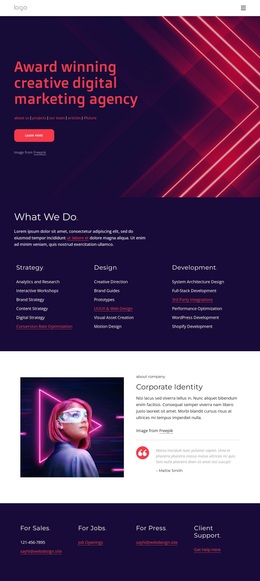
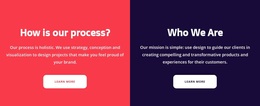
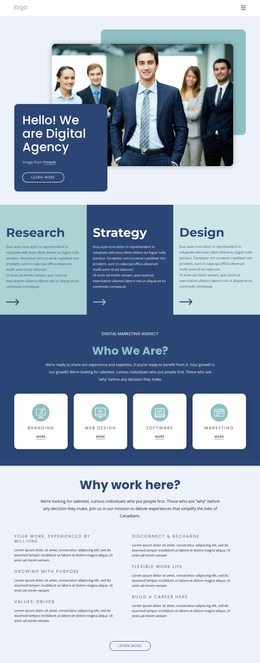
Strategy, Design, and Development establish the design’s clearest point of distinction: it presents a creative agency through both broad service categories and more specific capability detail. The later sections extend that foundation with brand identity, communication strategy, UI/UX and web design, full-stack development, analytics, and research. This coverage makes the template suitable for projects that need to show a wide agency offer without reducing the page to one narrow service.
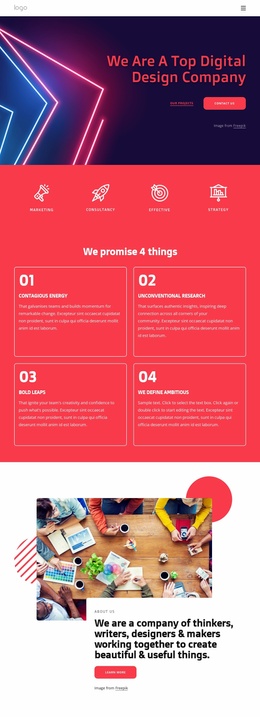
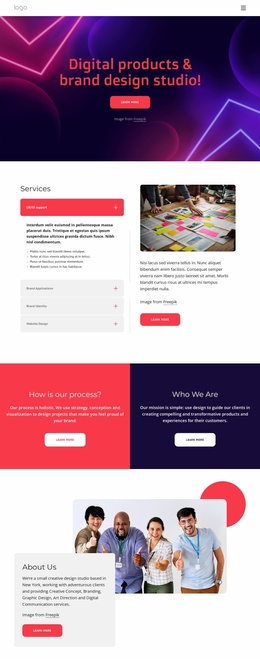
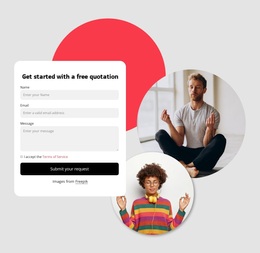
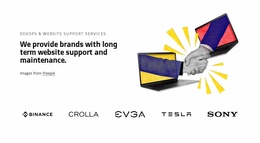
The visual direction strengthens that choice. Dark navy and white sections create a strong base, while vivid magenta and coral accents, bold uppercase headings, abstract neon imagery, and editorial photography give the page a recognizable creative character. The three image-led capability cards translate the service story into more scannable units, and the support-services section adds a longer-term website-care angle alongside five visible client logos.
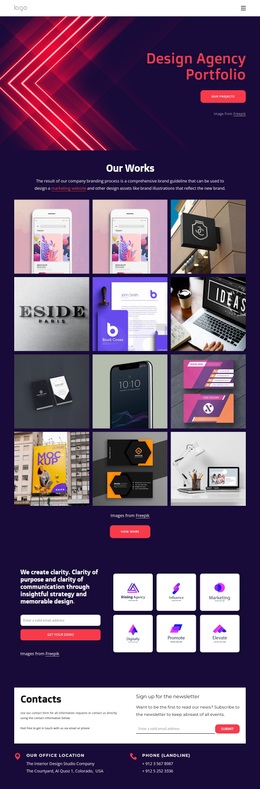
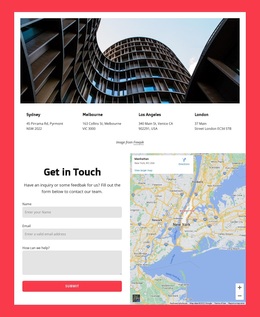
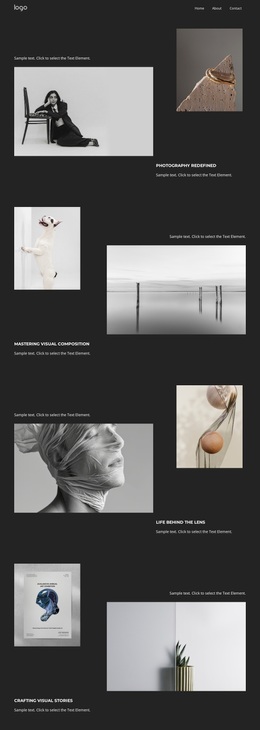
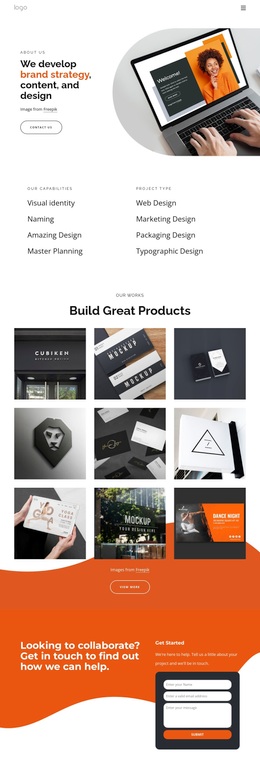
The nine-image Our Works gallery is another reason to choose this design: it gives portfolio material a central role instead of treating examples as a minor afterthought. The final contact and newsletter panel then balances visual storytelling with an ongoing communication route. Together, the service range, strong art direction, logo proof, portfolio density, and contact structure make this template a useful option for an agency that needs to present both creative identity and operational breadth.
Customize with Nicepage
Open this ready-made template in the Template Builder and customize it visually in the Nicepage editor. Replace demo content, edit page sections, and adapt the design to your project without rebuilding the template from scratch.
Start With a Ready-Made Template
Choose a Design for a New Page
Use a ready-made template as a starting point instead of creating every page from a blank canvas. When adding a new page in Nicepage, browse available designs, compare different layouts, and choose an option that already fits the general purpose and visual direction of your project.
Browse Different Page Designs
Explore Page Designs using search, thematic categories, Design Sets, and full-page previews. The collection includes layouts for different subjects and page purposes, making it easier to compare alternatives before selecting a design to customize.
Customize the Selected Template
After choosing a design, create the page and continue editing it visually in Nicepage. Replace the demo content, adjust images, typography, colors, sections, and other elements, and adapt the ready-made layout to your own content instead of rebuilding the design from the beginning.
Explore More Design Directions
If the first option does not match your project closely enough, return to the design collection and compare other templates before committing to a layout. This makes the template library useful not only for faster page creation, but also for exploring different visual approaches and finding a suitable starting point for a new project.
This workflow gives you access to a broad collection of ready-made designs that can be selected, compared, and customized according to the needs of each new page or project.