Crafting Visual Stories Template


Edit Template Offline
2. Create new page and search for id 6351732
Edit Template Online
Create Awesome Websites


Free Nicepage Builder
Keywords
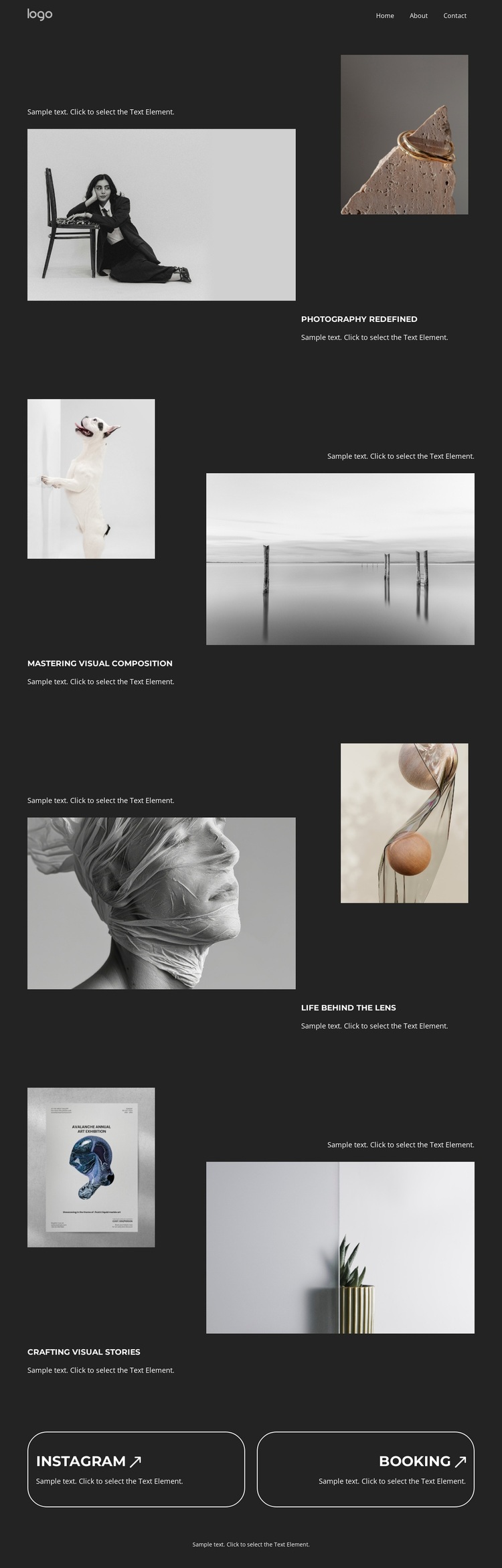
Four Distinct Image Relationships Shape the Portfolio Choice
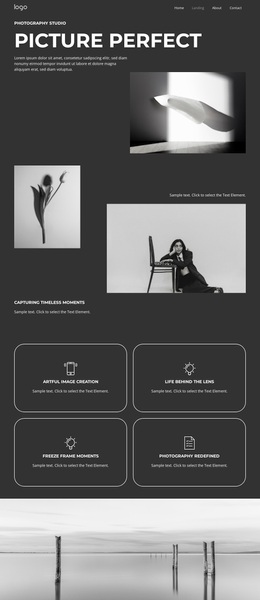
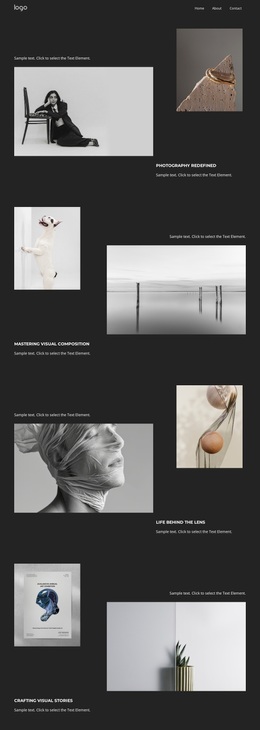
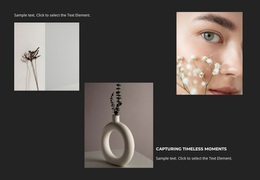
The design is built for projects where the images carry much of the message. Its four named themes give the portfolio more distinction than a single repeated gallery: Photography Redefined begins with a large monochrome portrait and a smaller still life; Mastering Visual Composition reverses the emphasis through a narrow vertical image and a wide landscape; Life Behind the Lens introduces textured portrait and botanical imagery; and Crafting Visual Stories closes the sequence with artwork and an interior still life. The changing scale and subject relationships make the page feel curated rather than mechanically repetitive.
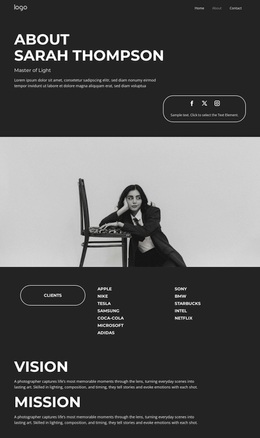
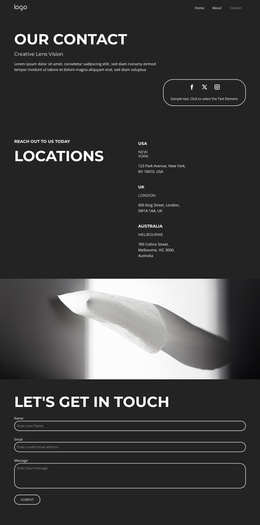
The dark charcoal background and high-contrast white typography keep attention on the photographs while giving every section a consistent editorial frame. As a design option, it suits a photographer who wants selected work, visual composition, and thematic presentation to lead before practical contact information. The Instagram and Booking panels add a clear bridge from viewing the portfolio to following the work or making an inquiry. Navigation for Home, Landing, About, and Contact also gives the page a recognizable site context without requiring the design to be treated as a confirmed multi-page set. The strongest reason to choose this template is its combination of varied photographic evidence, structured storytelling, and a visible booking-oriented close.
Customize with Nicepage
Open this ready-made template in the Template Builder and customize it visually in the Nicepage editor. Replace demo content, edit page sections, and adapt the design to your project without rebuilding the template from scratch.
Start With a Ready-Made Template
Choose a Design for a New Page
Use a ready-made template as a starting point instead of creating every page from a blank canvas. When adding a new page in Nicepage, browse available designs, compare different layouts, and choose an option that already fits the general purpose and visual direction of your project.
Browse Different Page Designs
Explore Page Designs using search, thematic categories, Design Sets, and full-page previews. The collection includes layouts for different subjects and page purposes, making it easier to compare alternatives before selecting a design to customize.
Customize the Selected Template
After choosing a design, create the page and continue editing it visually in Nicepage. Replace the demo content, adjust images, typography, colors, sections, and other elements, and adapt the ready-made layout to your own content instead of rebuilding the design from the beginning.
Explore More Design Directions
If the first option does not match your project closely enough, return to the design collection and compare other templates before committing to a layout. This makes the template library useful not only for faster page creation, but also for exploring different visual approaches and finding a suitable starting point for a new project.
This workflow gives you access to a broad collection of ready-made designs that can be selected, compared, and customized according to the needs of each new page or project.