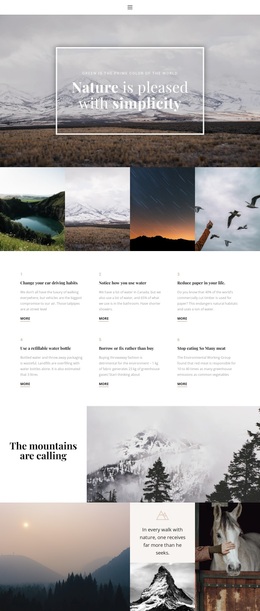
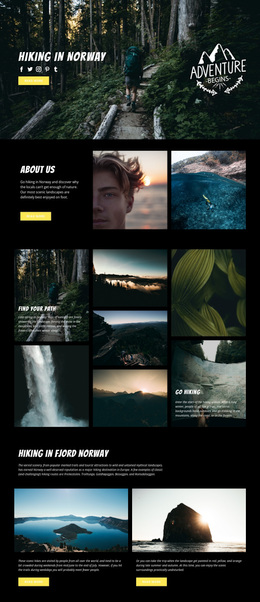
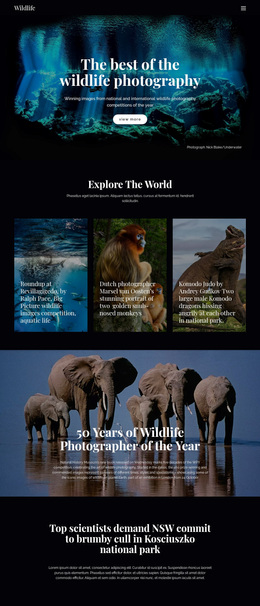
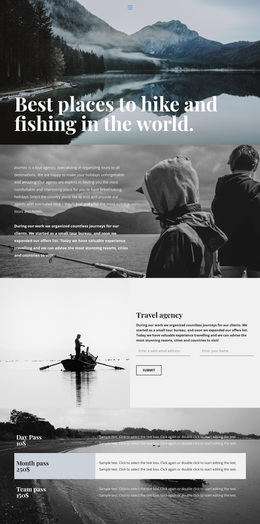
Gallery with nature photo Template


A Four-Scene Strip Brings Variety Without Losing Unity
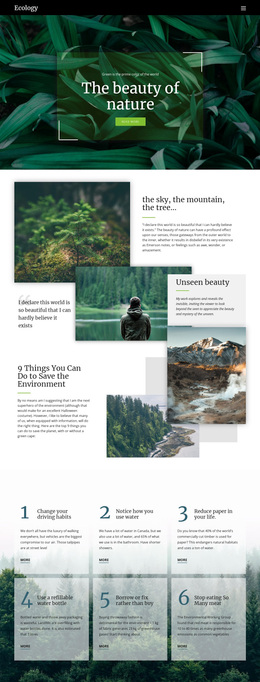
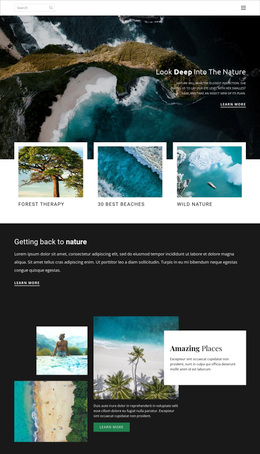
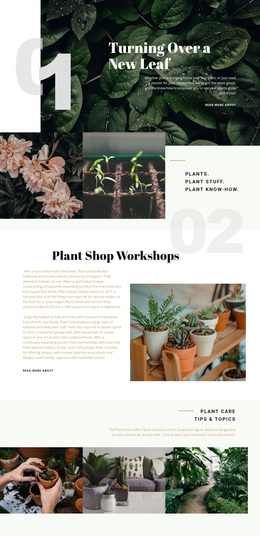
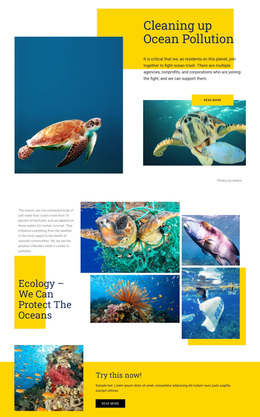
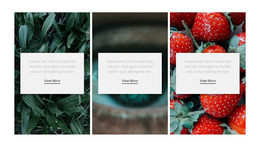
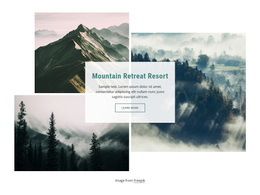
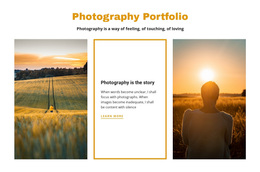
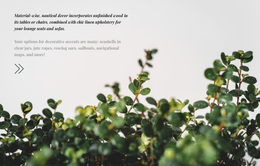
The strongest reason to choose this block is the way it compresses four different nature scenes into one disciplined visual band. A coastal shoreline, rocky stream, leafy plant, and wooded road give the section a broad environmental range, while the equal-height vertical panels make the content feel intentionally related. The narrow crops create a strong rhythm from left to right instead of presenting the images as a loose collection.
This arrangement suits projects that need photography to carry the section without adding a long explanation. There is no visible heading or caption text, so the design remains immediate and image-led. Hover overlay areas provide a light interaction layer, but they do not interrupt the photographs with labels. Lightbox viewing adds a practical benefit by allowing each selected image to be seen beyond the compact crop.
Compared with a conventional grid of cards, the single-row strip offers a more continuous gallery experience and a stronger sense of visual direction. It can be selected when a page needs a compact nature, outdoor, travel, or landscape section that shows several related moods at once. The result is a specific layout choice: four aligned photographs, restrained spacing, and closer viewing built into the image presentation.
Customize with Nicepage
Open this ready-made template in the Template Builder and customize it visually in the Nicepage editor. Replace demo content, edit page sections, and adapt the design to your project without rebuilding the template from scratch.
Edit Template Offline
2. Create a new page or select existing
3. Click Add new block, search for id 134615 and click enter
Edit Template Online
Create Awesome Websites


Free Nicepage Builder
Keywords
Start With a Ready-Made Template
Choose a Design for a New Page
Use a ready-made template as a starting point instead of creating every page from a blank canvas. When adding a new page in Nicepage, browse available designs, compare different layouts, and choose an option that already fits the general purpose and visual direction of your project.
Browse Different Page Designs
Explore Page Designs using search, thematic categories, Design Sets, and full-page previews. The collection includes layouts for different subjects and page purposes, making it easier to compare alternatives before selecting a design to customize.
Customize the Selected Template
After choosing a design, create the page and continue editing it visually in Nicepage. Replace the demo content, adjust images, typography, colors, sections, and other elements, and adapt the ready-made layout to your own content instead of rebuilding the design from the beginning.
Explore More Design Directions
If the first option does not match your project closely enough, return to the design collection and compare other templates before committing to a layout. This makes the template library useful not only for faster page creation, but also for exploring different visual approaches and finding a suitable starting point for a new project.
This workflow gives you access to a broad collection of ready-made designs that can be selected, compared, and customized according to the needs of each new page or project.