Become a super reader Template


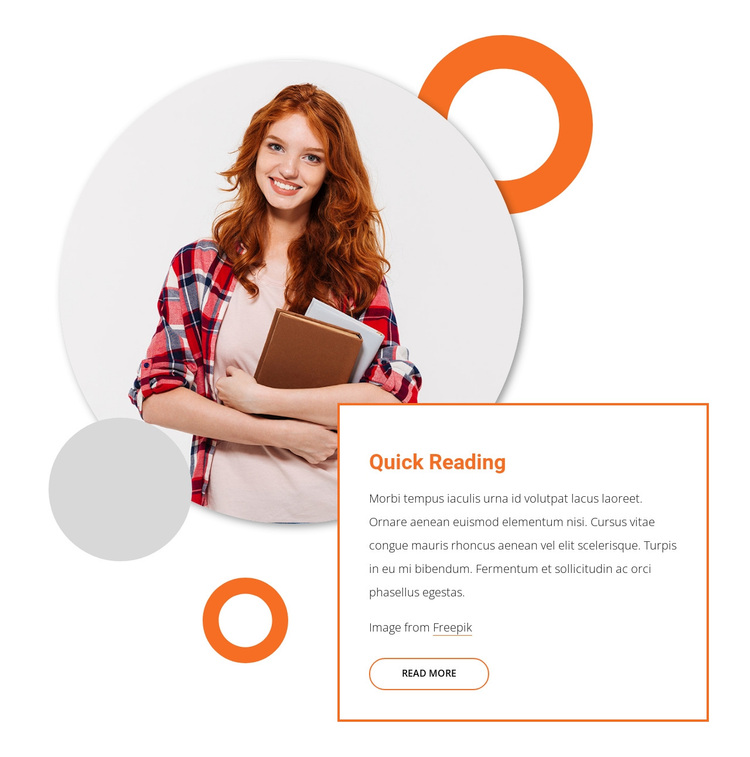
A Layered Portrait Gives the Reading Section a Distinctive Shape
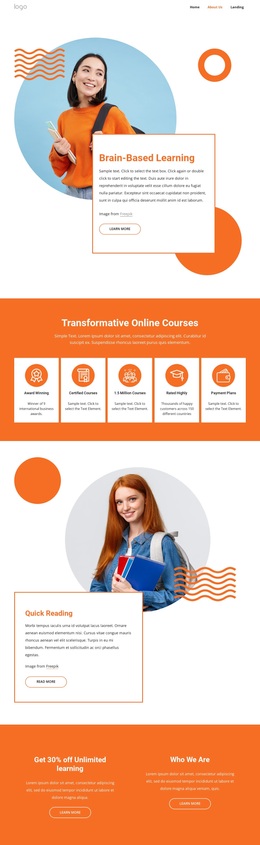
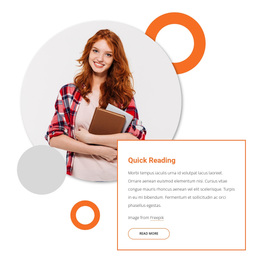
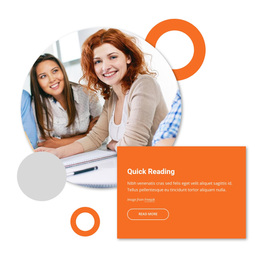
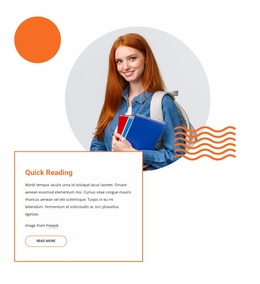
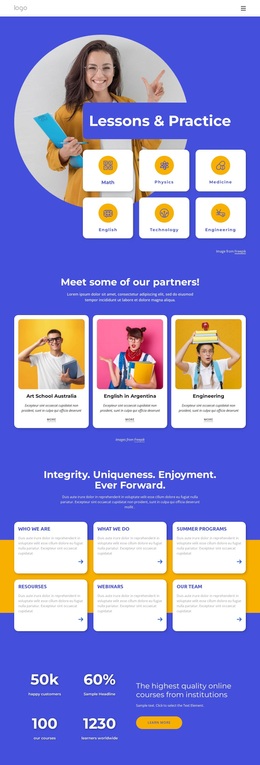
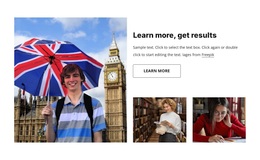
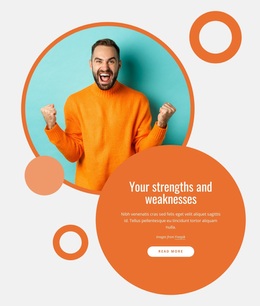
The main design choice is the contrast between one large circular portrait and a compact text card that reaches across the lower-right portion of the composition. The woman holding books makes the reading theme visible before the visitor reads the “Quick Reading” heading or supporting paragraph. A single read-more action then gives the card a clear continuation point, while the image attribution line preserves the supporting credit within the section.
Orange rings and light gray circular shapes surround the portrait and create a layered frame rather than a conventional image box. The white card’s thin orange border provides a complementary geometric counterweight, separating the concise copy from the softer circular forms. This combination makes the block a useful choice when a page needs a reading or education-related message with more visual character than a standard paragraph row. The design remains focused: one image carries the visual emphasis, one card carries the information, and one action signals what may follow. Other page sections can provide additional explanation or navigation, allowing this block to remain a clearly defined and reusable design option.
Customize with Nicepage
Open this ready-made template in the Template Builder and customize it visually in the Nicepage editor. Replace demo content, edit page sections, and adapt the design to your project without rebuilding the template from scratch.
Edit Template Offline
2. Create a new page or select existing
3. Click Add new block, search for id 1083448 and click enter
Edit Template Online
Create Awesome Websites


Free Nicepage Builder
Keywords
Start With a Ready-Made Template
Choose a Design for a New Page
Use a ready-made template as a starting point instead of creating every page from a blank canvas. When adding a new page in Nicepage, browse available designs, compare different layouts, and choose an option that already fits the general purpose and visual direction of your project.
Browse Different Page Designs
Explore Page Designs using search, thematic categories, Design Sets, and full-page previews. The collection includes layouts for different subjects and page purposes, making it easier to compare alternatives before selecting a design to customize.
Customize the Selected Template
After choosing a design, create the page and continue editing it visually in Nicepage. Replace the demo content, adjust images, typography, colors, sections, and other elements, and adapt the ready-made layout to your own content instead of rebuilding the design from the beginning.
Explore More Design Directions
If the first option does not match your project closely enough, return to the design collection and compare other templates before committing to a layout. This makes the template library useful not only for faster page creation, but also for exploring different visual approaches and finding a suitable starting point for a new project.
This workflow gives you access to a broad collection of ready-made designs that can be selected, compared, and customized according to the needs of each new page or project.