The perfect place to escape your everyday routine Website Template


Edit Template Offline
2. Create new page and search for id 6224155
Edit Template Online
Create Awesome Websites


Free Nicepage Builder
Keywords
The Eight-Category Grid Gives a Spa Site Room to Grow
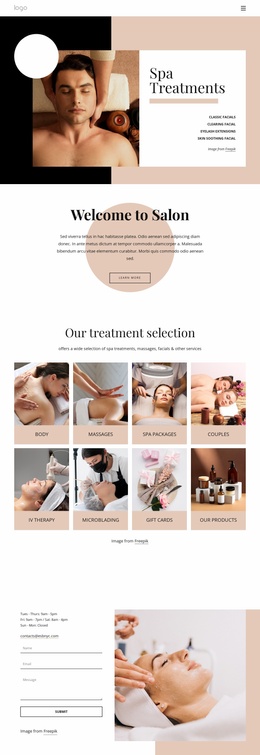
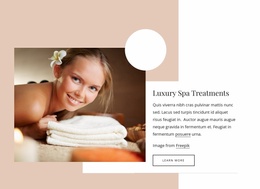
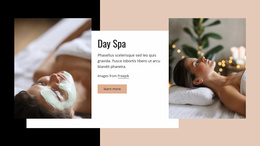
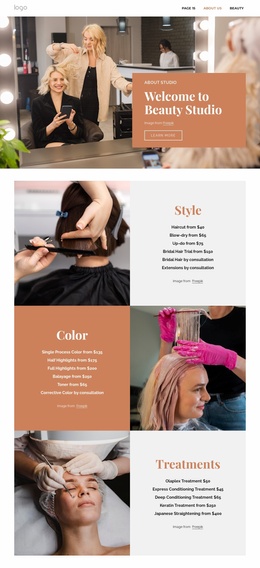
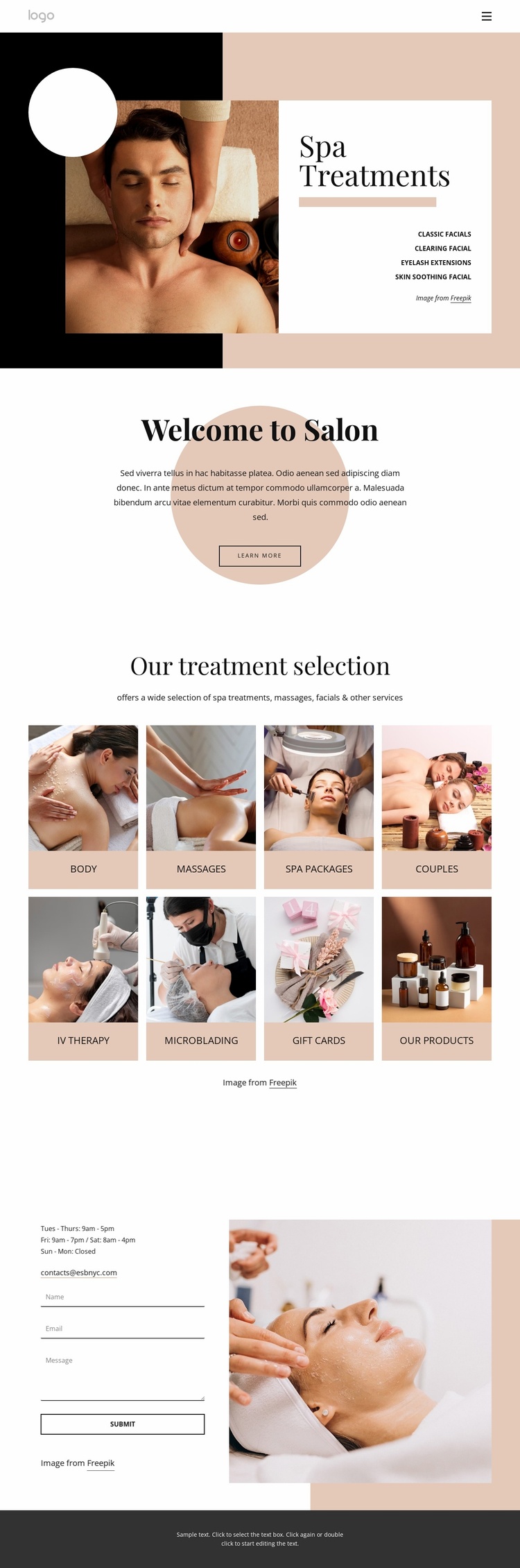
The design already identifies several important content areas for a salon or spa project. Spa Treatments establishes the main service direction through a treatment list beside a large photograph, while the warm background and white text panel separate the introduction from the rest of the page. The following Welcome to Salon section adds a short explanatory layer and a Learn more action, creating a natural place for broader studio or brand information.
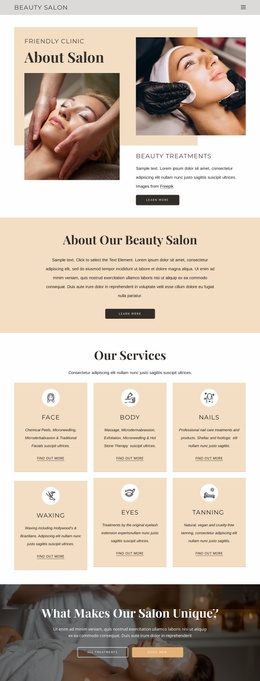
The central Our treatment selection grid is especially useful as a website foundation because it organizes eight image-based categories rather than presenting one undifferentiated service paragraph. Facials, body treatments, massages, spa packages, couples services, and other beauty or product categories can act as distinct content areas that later support more detailed descriptions or related pages, without claiming that those additional pages already exist.
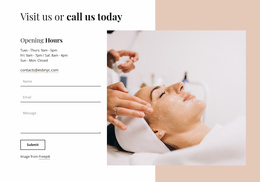
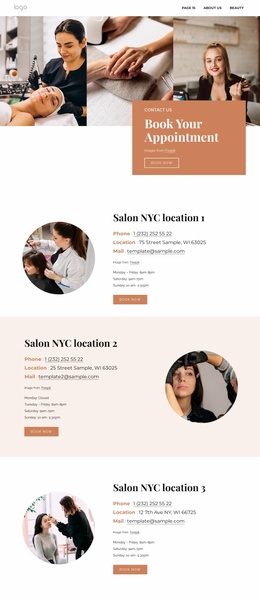
The closing Visit us or call us today section supplies the practical contact foundation. Opening hours and an email channel answer basic visit questions, while the contact form provides a direct inquiry point beside a large beauty image. Navigation and the dark footer establish shared site boundaries. Together, the service grid, introductory content, and contact region give a wider website project a clear starting information architecture that can expand while preserving the page’s editorial spa character.
Customize with Nicepage
Open this ready-made template in the Website Template Builder and customize it visually in the Nicepage editor. Replace demo content, edit page sections, and adapt the design to your project without rebuilding the template from scratch.
Build a Complete Website From This Template
Customize the Website Visually
Use this ready-made website template as a starting point for your project and adapt its pages visually in Nicepage. Change content, images, typography, navigation, sections, and other design elements while keeping the website together as a single editable project.
Manage Website Pages in One Project
Use the Pages panel to open, add, duplicate, and manage the pages of your website. Work on individual pages while keeping navigation and the overall site structure accessible from the same project, making it easier to develop a complete website instead of managing separate page files.
Expand the Website With Matching Designs
When you need additional pages or sections, use Page Design Sets to find Page and Block Designs created in the same visual style. Design Sets group matching designs together, making it easier to expand the website with new content while maintaining a consistent look across its pages and sections.
Organize Larger Multi-Page Websites
As the website grows, use Page Folders to organize related pages and keep larger multi-page projects easier to navigate in the editor. This is especially useful for websites with separate service pages, company information, contacts, landing pages, and other content areas.
This workflow makes the template a practical foundation for building and expanding a complete website while managing its pages, content, and visual design within one Nicepage project.