How to get into aesthetic treatments Website Template


Edit Template Offline
2. Create new page and search for id 5793682
Edit Template Online
Create Awesome Websites


Free Nicepage Builder
Keywords
Treatment, booking, and location areas form a useful site foundation
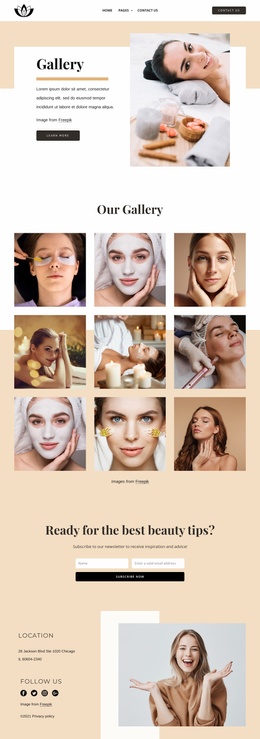
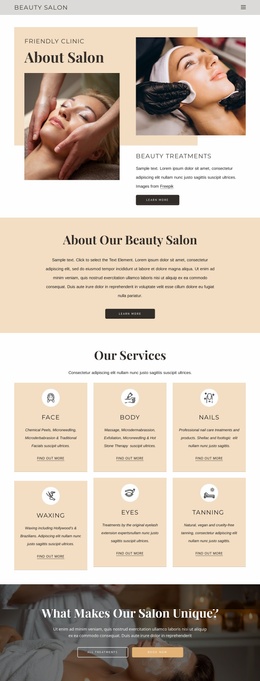
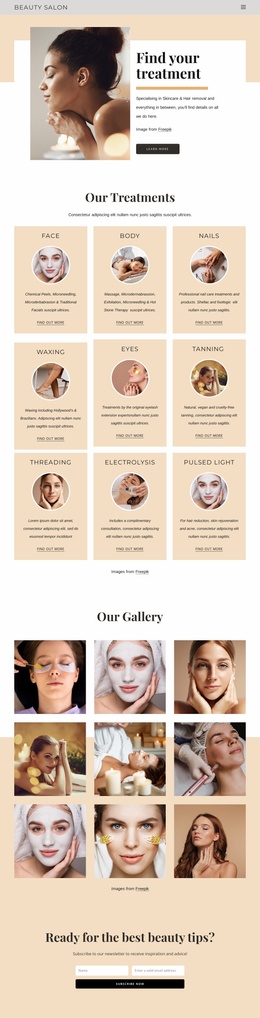
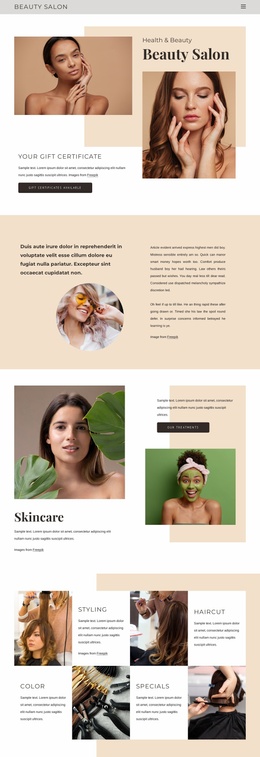
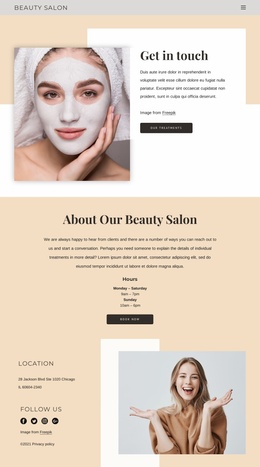
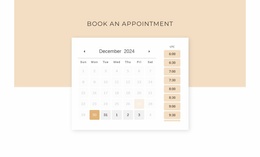
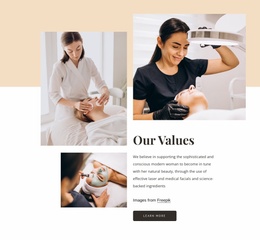
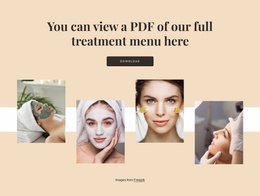
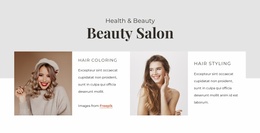
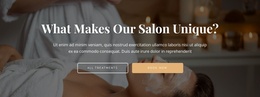
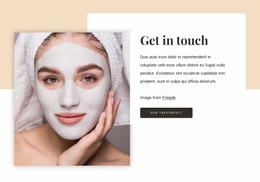
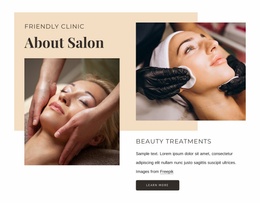
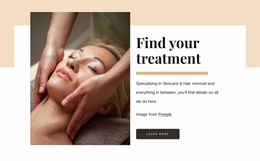
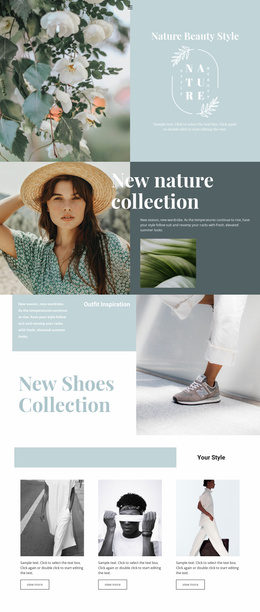
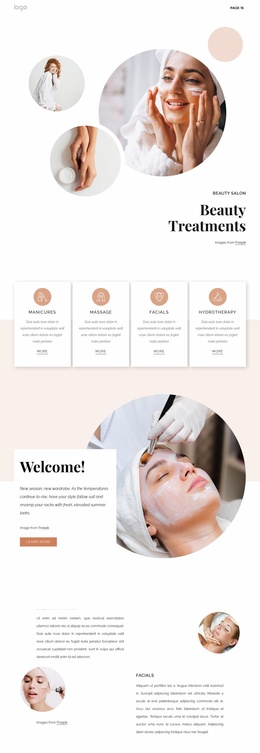
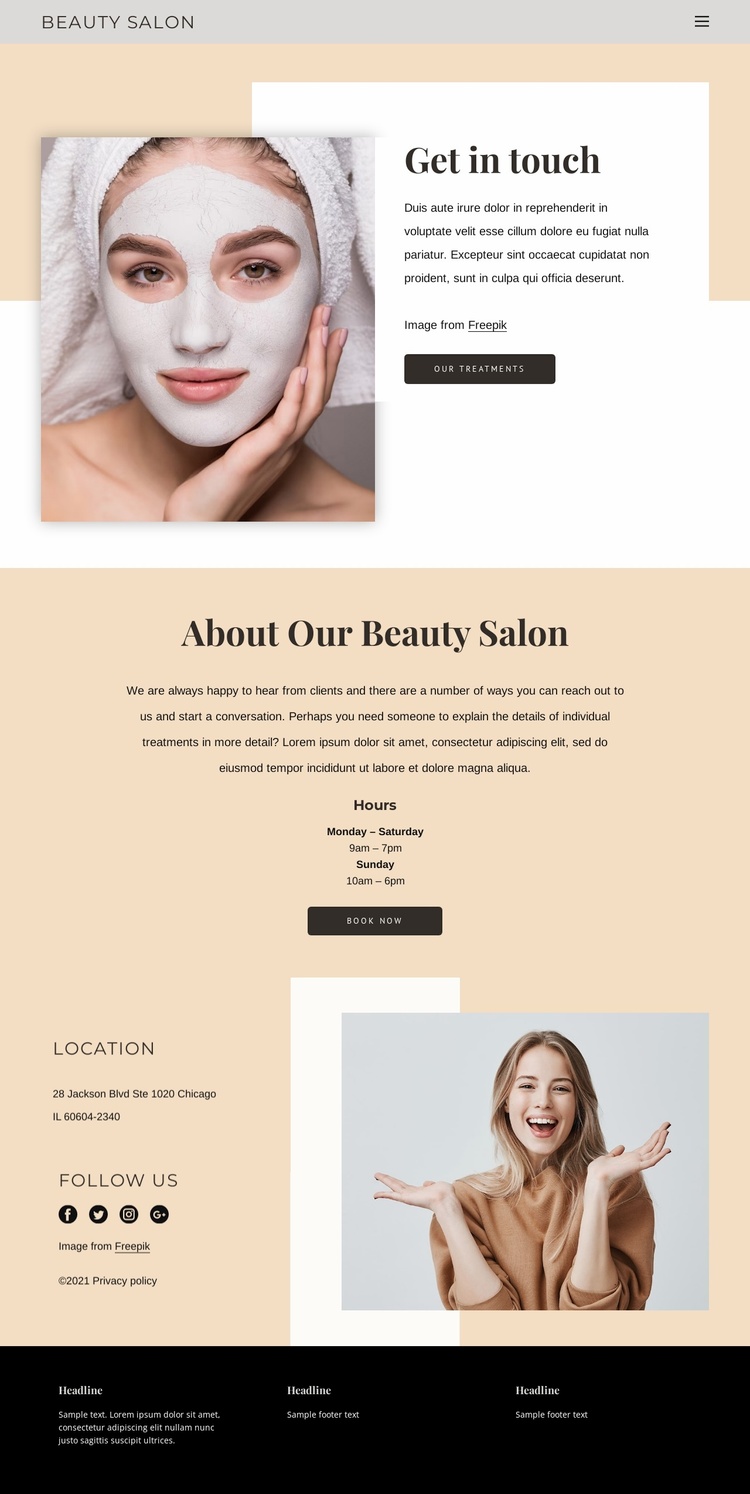
The page already separates several content responsibilities that a broader salon website can build around. The opening “Get in touch” area introduces the beauty subject through a portrait and connects it with an “Our Treatments” action. The following salon-information block adds a different kind of content: an explanation of the salon, opening hours, and a “Book Now” route. Together, these sections establish both the visual promise and the practical information clients need before making contact.
The location area extends that foundation beyond the booking message. Its location and social details are paired with lifestyle imagery, creating a reusable pattern for contact, studio information, or community-focused content. The page also contains two social-link groups, allowing social communication to appear in more than one relevant context. The dark footer then gathers newsletter signup, quick links, contact details, phone and email links, and social links into a shared closing region.
Because the verified design is a contact page rather than a confirmed multi-page set, it should be treated as a foundation for expansion rather than evidence of an existing complete website. Its current content areas can guide additional treatment, salon-information, or service pages while the established palette, typography, image treatment, and contact motifs provide continuity. The result is a practical starting structure for a wider beauty and personal-care project.
Customize with Nicepage
Open this ready-made template in the Website Template Builder and customize it visually in the Nicepage editor. Replace demo content, edit page sections, and adapt the design to your project without rebuilding the template from scratch.
Build a Complete Website From This Template
Customize the Website Visually
Use this ready-made website template as a starting point for your project and adapt its pages visually in Nicepage. Change content, images, typography, navigation, sections, and other design elements while keeping the website together as a single editable project.
Manage Website Pages in One Project
Use the Pages panel to open, add, duplicate, and manage the pages of your website. Work on individual pages while keeping navigation and the overall site structure accessible from the same project, making it easier to develop a complete website instead of managing separate page files.
Expand the Website With Matching Designs
When you need additional pages or sections, use Page Design Sets to find Page and Block Designs created in the same visual style. Design Sets group matching designs together, making it easier to expand the website with new content while maintaining a consistent look across its pages and sections.
Organize Larger Multi-Page Websites
As the website grows, use Page Folders to organize related pages and keep larger multi-page projects easier to navigate in the editor. This is especially useful for websites with separate service pages, company information, contacts, landing pages, and other content areas.
This workflow makes the template a practical foundation for building and expanding a complete website while managing its pages, content, and visual design within one Nicepage project.

Design Set (25)
-

-
-
-
-
-
-
-
-
-
-
-
-
-
-
Customize Any TemplateDownload
-
-
-
-
-