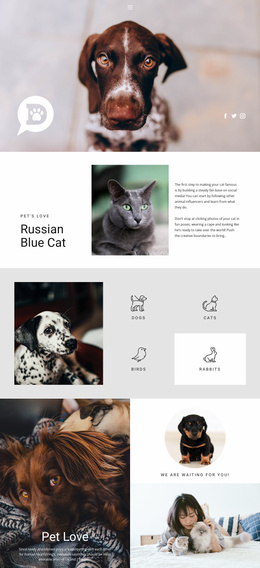
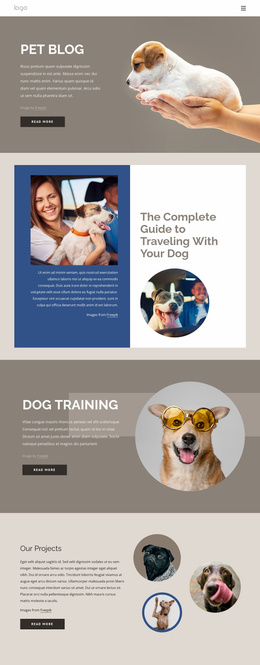
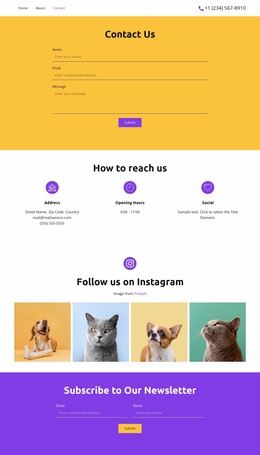
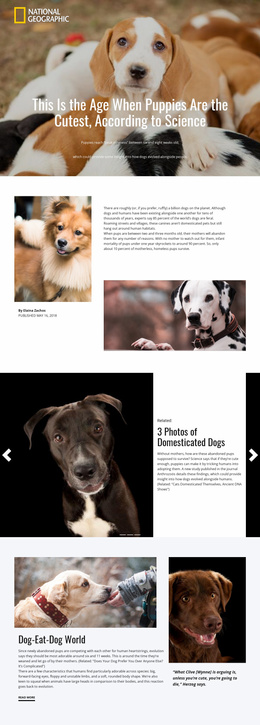
Pet guide Website Template


A Reusable Opening Section for Cat Information
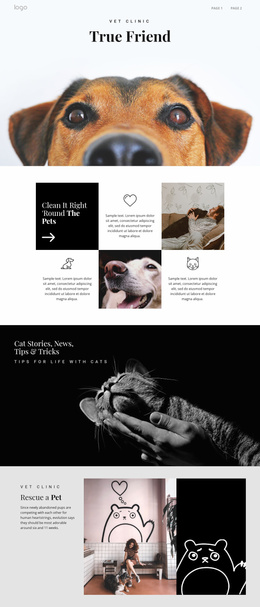
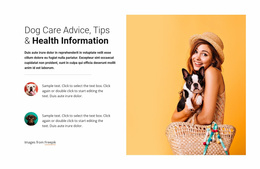
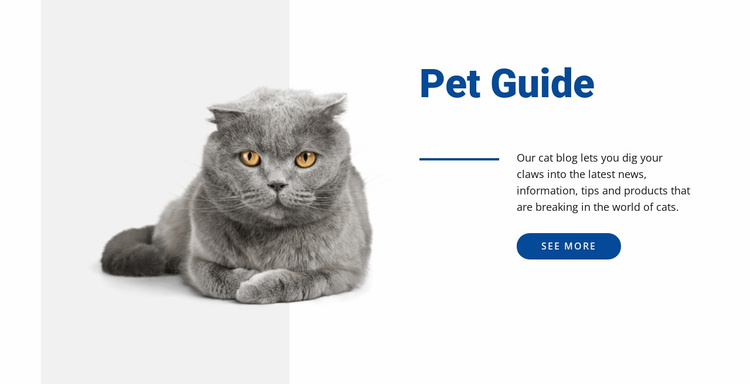
The block defines one clear content area for a broader website project: an introduction to cat news, information, tips, and products. Its large cat image gives the section a recognizable entry point, while the Pet Guide heading and compact paragraph explain what visitors may find beyond this opening message. The rounded See more button supplies a visible route onward, so the section can lead into more detailed content handled by neighboring blocks or pages.
Its left-image, right-text structure also makes the design reusable. The image can carry the subject visually without requiring a long explanation, and the right column keeps the heading, paragraph, accent line, and action in one controlled group. That separation helps the section retain its role when placed among other content areas, such as articles, tips, product information, or additional pet topics.
As one section within a broader Website Template project, Pet Guide should coordinate with the surrounding visual system rather than stand in for it. The blue heading, line, and button can become useful recurring cues, while other sections provide their own content functions. Nicepage Page Design Sets can help locate related page and block designs around an existing visual direction, but this block itself contributes one introductory pattern: a focused cat topic, one supporting image, and a clear next step.
Customize with Nicepage
Open this ready-made template in the Website Template Builder and customize it visually in the Nicepage editor. Replace demo content, edit page sections, and adapt the design to your project without rebuilding the template from scratch.
Edit Template Offline
2. Create a new page or select existing
3. Click Add new block, search for id 53854 and click enter
Edit Template Online
Create Awesome Websites


Free Nicepage Builder
Keywords
Build a Complete Website From This Template
Customize the Website Visually
Use this ready-made website template as a starting point for your project and adapt its pages visually in Nicepage. Change content, images, typography, navigation, sections, and other design elements while keeping the website together as a single editable project.
Manage Website Pages in One Project
Use the Pages panel to open, add, duplicate, and manage the pages of your website. Work on individual pages while keeping navigation and the overall site structure accessible from the same project, making it easier to develop a complete website instead of managing separate page files.
Expand the Website With Matching Designs
When you need additional pages or sections, use Page Design Sets to find Page and Block Designs created in the same visual style. Design Sets group matching designs together, making it easier to expand the website with new content while maintaining a consistent look across its pages and sections.
Organize Larger Multi-Page Websites
As the website grows, use Page Folders to organize related pages and keep larger multi-page projects easier to navigate in the editor. This is especially useful for websites with separate service pages, company information, contacts, landing pages, and other content areas.
This workflow makes the template a practical foundation for building and expanding a complete website while managing its pages, content, and visual design within one Nicepage project.