Book a couple tour One Page Template



Edit Template Offline
2. Create new page and search for id 6069755
Edit Template Online
Create Awesome Websites


Free Nicepage Builder
Keywords
From Couples Vacations to a Final Contact Section
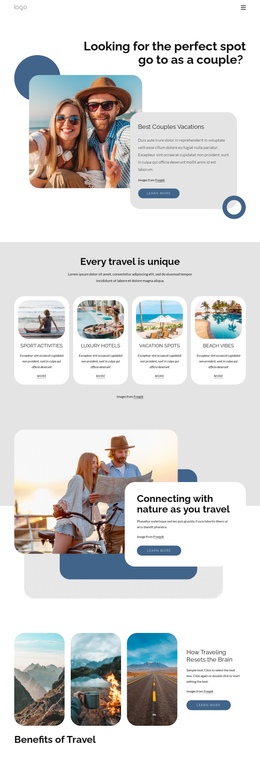
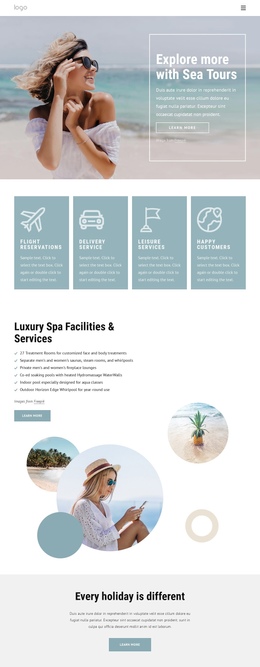
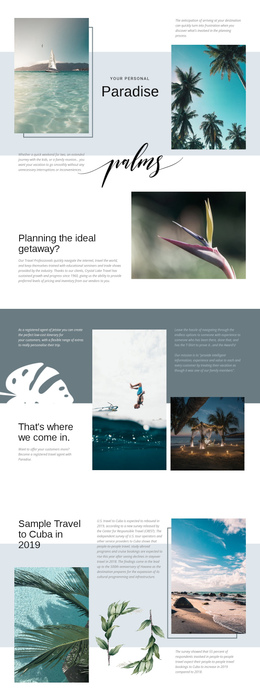
The page has a natural sequence for a continuous one-page experience. The opening Over Grid section establishes couples travel with a large image, bold “Best Couples Vacations” heading, supporting card, and Learn more action. Visitors then reach “Every travel is unique,” where four equal cards act as distinct content destinations for Sport Activities, Luxury Hotels, Vacation Spots, and Beach Vibes. The repeated card structure makes the category overview easy to scan without separating each subject into another URL.
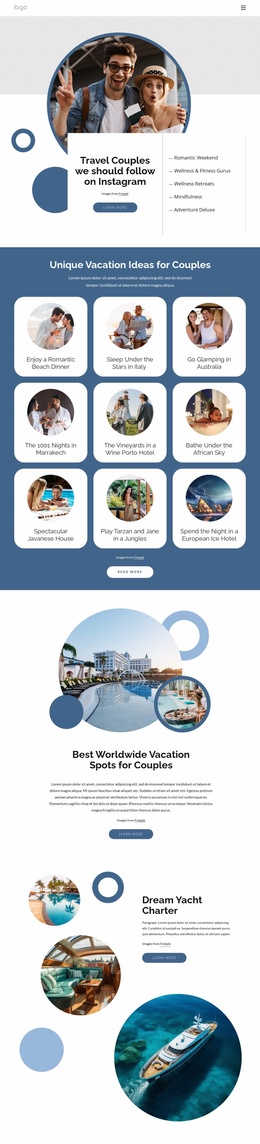
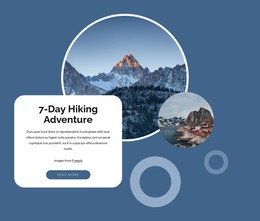
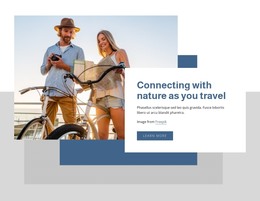
The middle of the page changes rhythm through a split nature feature, a three-image Benefits of Travel gallery, and a full-width beach photograph carrying the message “Designed for every type of traveler.” The circular collage around “Summer Vacation Ideas” adds another recognizable stopping point. Together, these sections let the visitor move from broad inspiration to particular travel themes while remaining within one document.
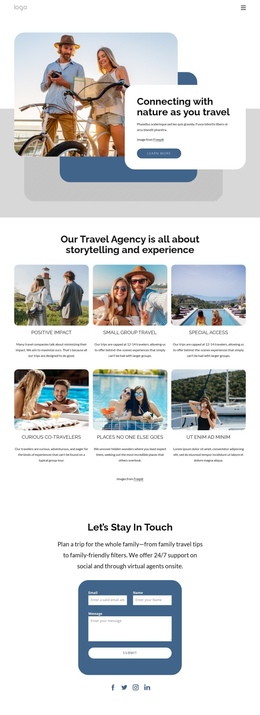
The four testimonial entries provide a later reassurance point, and the “Let’s Stay In Touch” area works as the closing destination with a message, contact form, and social links. The dark footer then gives the page a clear endpoint. This arrangement supports section-based navigation and progressive exploration, rather than reducing the entire design to one repeated conversion prompt.
Customize with Nicepage
Open this ready-made template in the One Page Template Builder and customize it visually in the Nicepage editor. Replace demo content, edit page sections, and adapt the design to your project without rebuilding the template from scratch.
Build a Navigable One-Page Website
Connect the Menu to Page Sections
Organize the website as a sequence of sections on a single page and use the Menu For One-Page Site to connect menu items with individual page Blocks. Visitors can jump directly to sections such as About, Services, Testimonials, or Contact without opening separate pages.
Keep the Website on One URL
A one-page template can combine several parts of a small website within one continuous page. Arrange the Header, introduction, services, portfolio, company information, reviews, contact details, and other relevant sections in the order that fits the project while keeping them accessible through the same page navigation.
Make Long Pages Easier to Navigate
For longer one-page websites, keep navigation labels short and connected to meaningful sections so visitors can move through the page without relying only on scrolling. You can also use the Back To Top element to provide a quick way back to the beginning after longer sections.
This workflow makes the template suitable for compact websites that need several distinct content sections while keeping the complete visitor experience on one URL.