Manage sugar in food One Page Template


Edit Template Offline
2. Create new page and search for id 14382
Edit Template Online
Create Awesome Websites


Free Nicepage Builder
Keywords
From Sugar Strategies to Health Context, Each Section Becomes a Page Destination
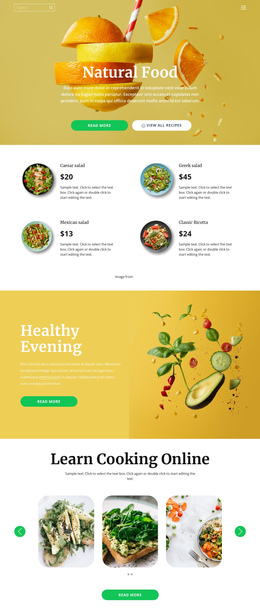
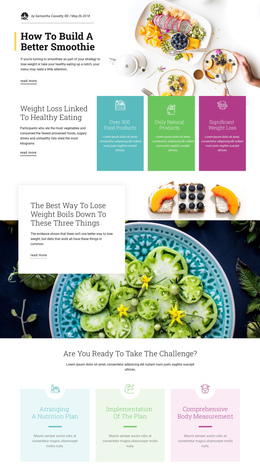
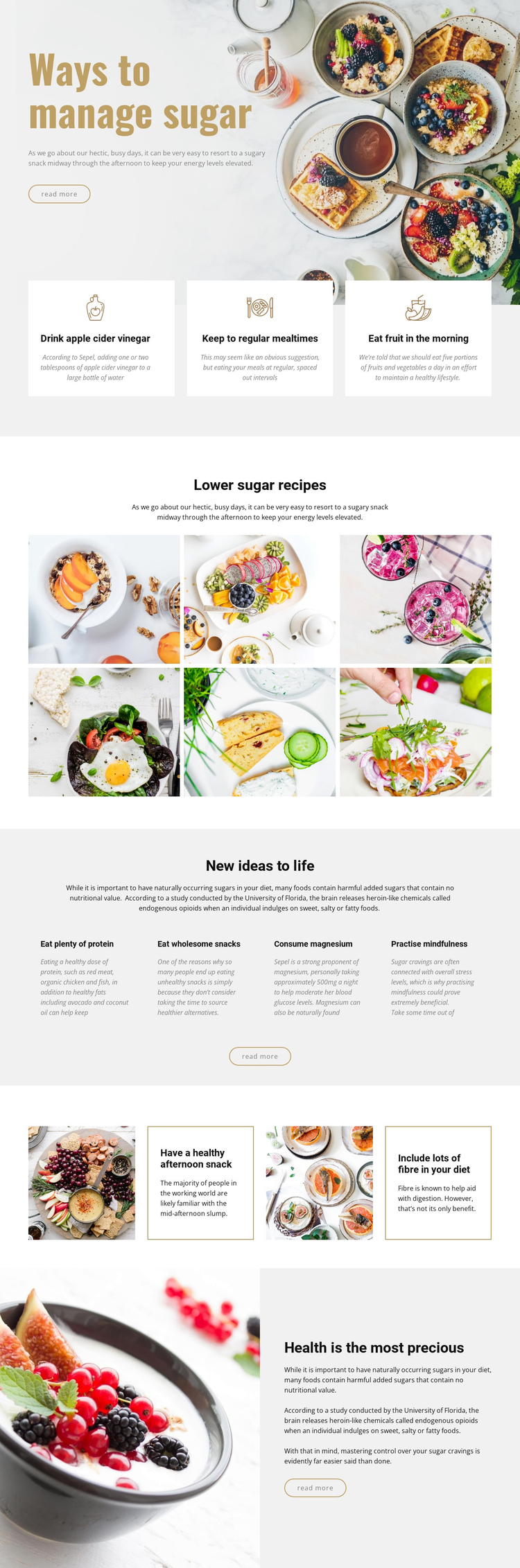
The page’s section order supports a continuous content journey rather than requiring the advice to be divided into separate pages. The opening “Ways to manage sugar” block introduces the subject, then three equal cards create a compact destination for immediate strategies involving meals and fruit. The lower-sugar recipe gallery follows as a distinct visual stop, with its six food photographs giving the visitor a reason to continue through the single document.
The next group changes from recipes to broader lifestyle suggestions, covering protein, wholesome snacks, magnesium, and mindfulness in four concise columns. After that, the alternating image-and-text panels isolate afternoon snacking and fibre as another meaningful part of the sequence. The final split block gathers the page around “Health is the most precious,” returning to a large food photograph and a closing read-more action. These shifts in topic and layout create identifiable content destinations even though the information remains on one page. The design can therefore support a one-page structure built around introduction, practical strategies, recipe inspiration, lifestyle ideas, additional eating guidance, and conclusion. Its primary strength here is movement through several related sections, not a claim that every link already uses anchor navigation.
Customize with Nicepage
Open this ready-made template in the One Page Template Builder and customize it visually in the Nicepage editor. Replace demo content, edit page sections, and adapt the design to your project without rebuilding the template from scratch.
Build a Navigable One-Page Website
Connect the Menu to Page Sections
Organize the website as a sequence of sections on a single page and use the Menu For One-Page Site to connect menu items with individual page Blocks. Visitors can jump directly to sections such as About, Services, Testimonials, or Contact without opening separate pages.
Keep the Website on One URL
A one-page template can combine several parts of a small website within one continuous page. Arrange the Header, introduction, services, portfolio, company information, reviews, contact details, and other relevant sections in the order that fits the project while keeping them accessible through the same page navigation.
Make Long Pages Easier to Navigate
For longer one-page websites, keep navigation labels short and connected to meaningful sections so visitors can move through the page without relying only on scrolling. You can also use the Back To Top element to provide a quick way back to the beginning after longer sections.
This workflow makes the template suitable for compact websites that need several distinct content sections while keeping the complete visitor experience on one URL.