Good mood good food One Page Template


Edit Template Offline
2. Create new page and search for id 14548
Edit Template Online
Create Awesome Websites


Free Nicepage Builder
Keywords
The Gallery, Categories, and Recipe Blocks Create Natural Destinations
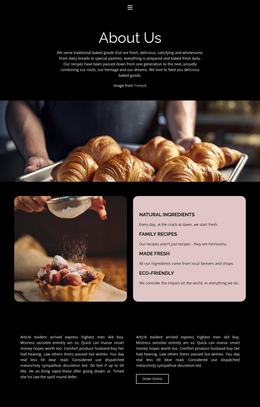
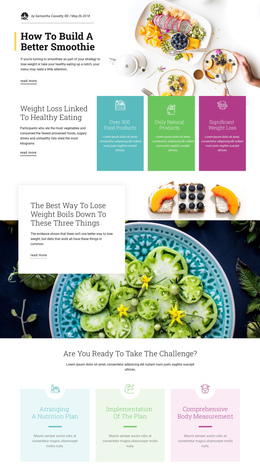
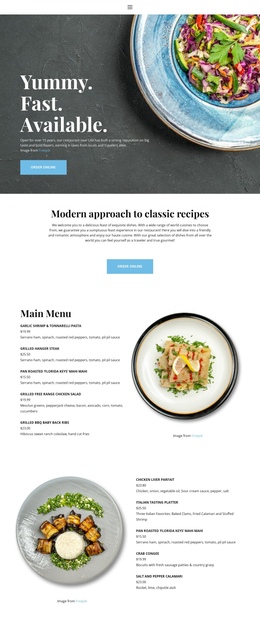
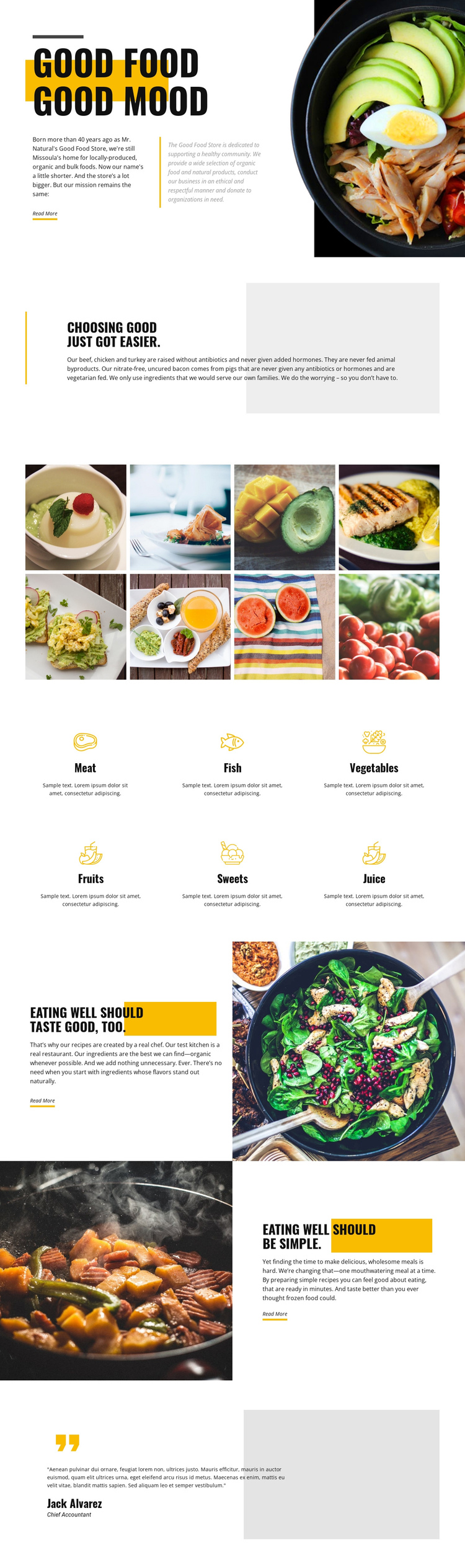
The page’s section order supports a continuous content journey because each major area answers a different question about the store. The opening establishes the Good Food Store identity and food philosophy. The following quality section explains the standards behind the selection, including locally produced, organic, and bulk foods and meat raised without antibiotics and added hormones. The eight-image gallery then offers a visual destination before the six category items name the available food groups.
The two split sections continue the journey with distinct editorial purposes. The first connects chef-created recipes and organic ingredients with a meal photograph. The second reverses the image-and-text arrangement to present convenient meals as a separate content point. These shifts in composition help visitors recognize that recipes and simplicity are different parts of the store’s message, even though both support the broader food philosophy. Read More actions can serve as destinations for fuller explanations when actual linked content is supplied.
The testimonial-style panel provides a closing area after the informational sections, giving the long page a defined endpoint. This structure suits a one-page presentation because identity, sourcing, imagery, categories, recipes, convenience, and customer-oriented commentary remain available within one continuous document. The design does not require an unsupported claim about existing anchor navigation; its verified section sequence alone provides the meaningful content divisions that navigation could later address.
Customize with Nicepage
Open this ready-made template in the One Page Template Builder and customize it visually in the Nicepage editor. Replace demo content, edit page sections, and adapt the design to your project without rebuilding the template from scratch.
Build a Navigable One-Page Website
Connect the Menu to Page Sections
Organize the website as a sequence of sections on a single page and use the Menu For One-Page Site to connect menu items with individual page Blocks. Visitors can jump directly to sections such as About, Services, Testimonials, or Contact without opening separate pages.
Keep the Website on One URL
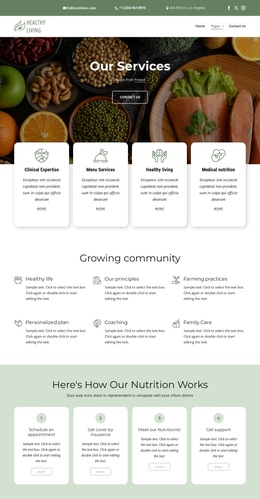
A one-page template can combine several parts of a small website within one continuous page. Arrange the Header, introduction, services, portfolio, company information, reviews, contact details, and other relevant sections in the order that fits the project while keeping them accessible through the same page navigation.
Make Long Pages Easier to Navigate
For longer one-page websites, keep navigation labels short and connected to meaningful sections so visitors can move through the page without relying only on scrolling. You can also use the Back To Top element to provide a quick way back to the beginning after longer sections.
This workflow makes the template suitable for compact websites that need several distinct content sections while keeping the complete visitor experience on one URL.