Unwind in Winter One Page Template


Edit Template Offline
2. Create new page and search for id 6426018
Edit Template Online
Create Awesome Websites


Free Nicepage Builder
Keywords
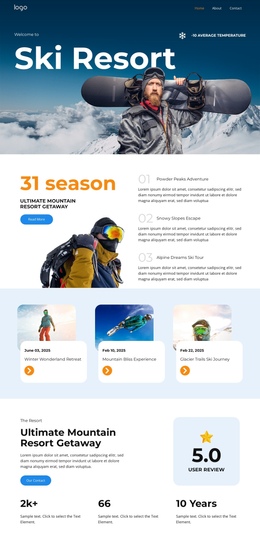
The event sequence creates several destinations on one page
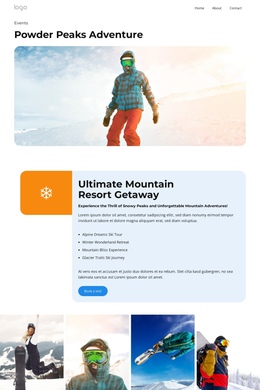
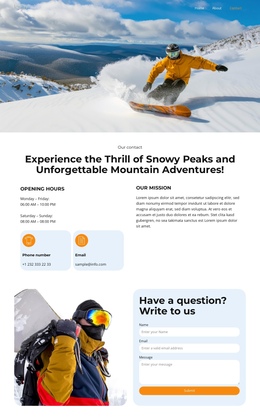
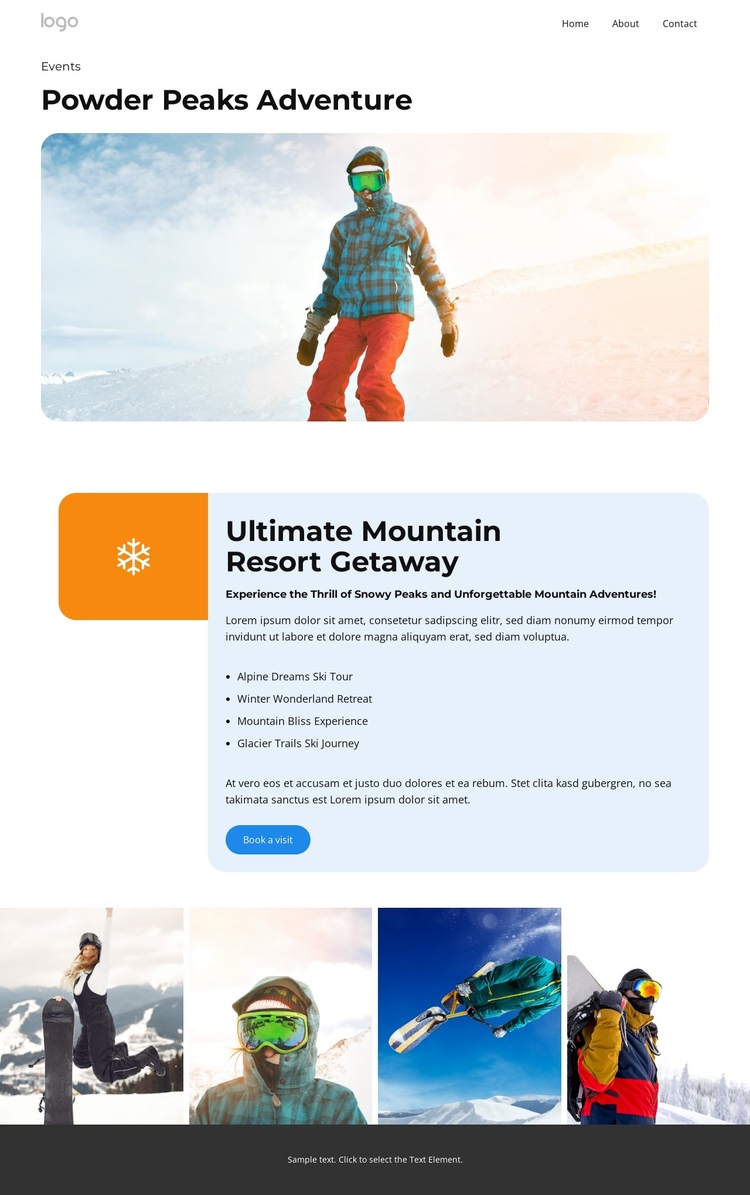
The page supports a one-page structure because its major information groups can be understood as successive destinations within one continuous document. Navigation appears at the top, giving visitors a way to identify Home, About, Events, Pricing, and Contact without changing the underlying event presentation. The opening Events label, Powder Peaks Adventure heading, and wide snowy image establish the first content destination and orient visitors before the more detailed resort section.
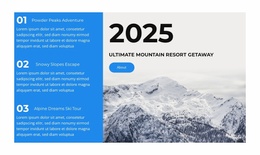
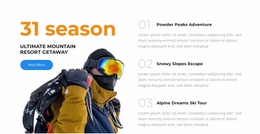
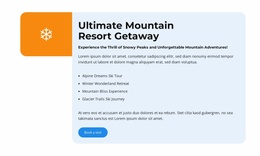
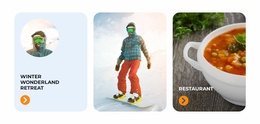
The rounded blue panel creates a second destination focused on the Ultimate Mountain Resort Getaway. Its four named experiences work as a grouped content area rather than as four separate pages: Alpine Dreams Ski Tour, Winter Wonderland Retreat, Mountain Bliss Experience, and Glacier Trails Ski Journey can be reviewed within the same visit. The four-image gallery then provides a distinct visual destination, while Our Contact and Book a visit represent separate action points within the same page flow.
This sequence differs from a purely conversion-led reading because the design contains several content roles: introduction, experience information, image showcase, contact route, and booking response. The analysis confirms the sections and navigation labels, but it does not verify anchor links or a one-page menu configuration. The structure is therefore suitable for one-page navigation conceptually, with the final implementation deciding how visitors move between these verified destinations.
Customize with Nicepage
Open this ready-made template in the One Page Template Builder and customize it visually in the Nicepage editor. Replace demo content, edit page sections, and adapt the design to your project without rebuilding the template from scratch.
Build a Navigable One-Page Website
Connect the Menu to Page Sections
Organize the website as a sequence of sections on a single page and use the Menu For One-Page Site to connect menu items with individual page Blocks. Visitors can jump directly to sections such as About, Services, Testimonials, or Contact without opening separate pages.
Keep the Website on One URL
A one-page template can combine several parts of a small website within one continuous page. Arrange the Header, introduction, services, portfolio, company information, reviews, contact details, and other relevant sections in the order that fits the project while keeping them accessible through the same page navigation.
Make Long Pages Easier to Navigate
For longer one-page websites, keep navigation labels short and connected to meaningful sections so visitors can move through the page without relying only on scrolling. You can also use the Back To Top element to provide a quick way back to the beginning after longer sections.
This workflow makes the template suitable for compact websites that need several distinct content sections while keeping the complete visitor experience on one URL.