Volvo XC60 off-road car Joomla Template


Edit Template Offline
2. Create new page and search for id 72817
Edit Template Online
Create Awesome Websites


Free Nicepage Builder
Keywords
Vehicle, Maintenance, and Tier Content Divide the CMS Presentation
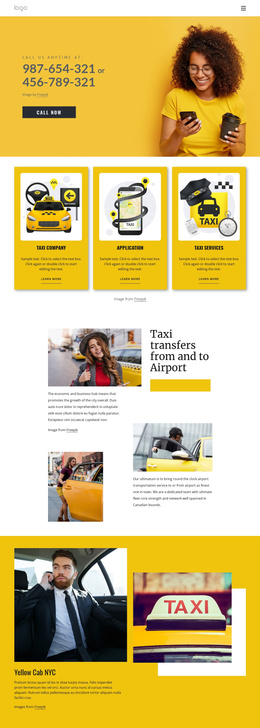
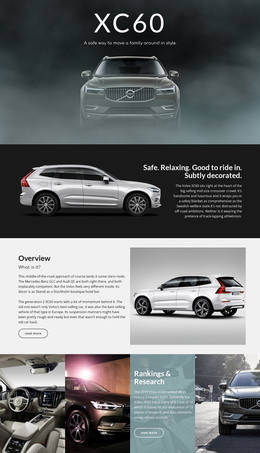
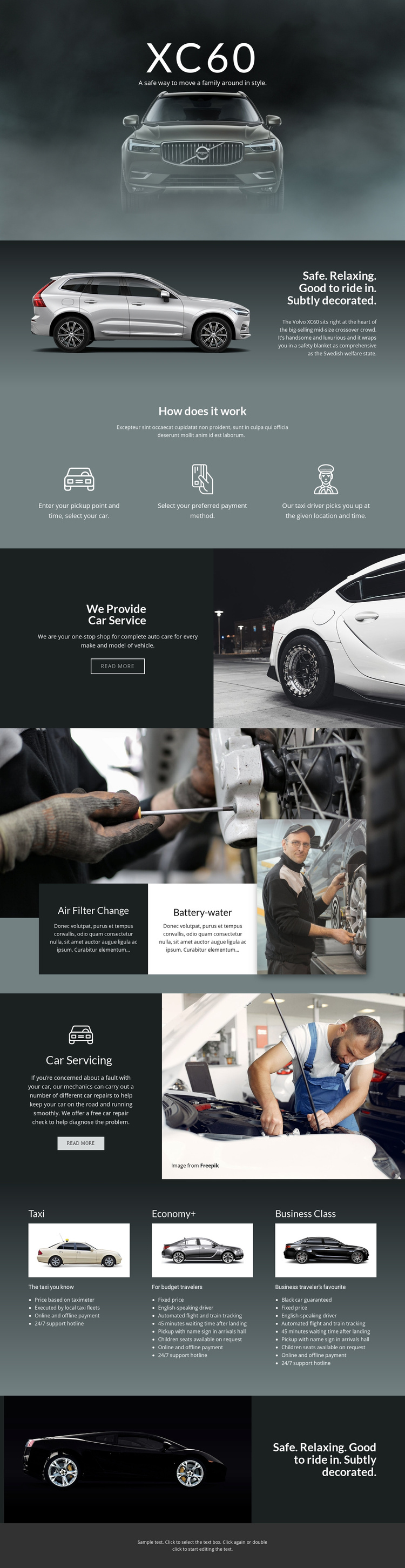
The design separates its subject into structured content regions that can be understood and maintained individually in a Joomla-oriented project. The XC60 hero and vehicle overview provide the primary vehicle information, while the transportation process turns operational details into three concise stages: selecting pickup, choosing payment, and being collected by a driver. These regions can remain distinct from the later service material, which focuses on auto care, air filter changes, battery-water service, and general car servicing.
The repeated transportation tier area gives the page another strong content boundary. Taxi, Economy+, and Business Class are presented as named options with vehicle imagery, descriptions, and feature lists. That arrangement supports organized service information without claiming that any specific Joomla Articles, categories, or modules already exist. It simply shows how the design divides recurring informational material into visually coordinated regions that can be mapped to managed content.
Shared navigation, the mobile menu, and the dark footer provide common site areas around those subject-specific sections. This is useful for a CMS project in which transportation offerings and maintenance descriptions may change while the visual relationships remain stable. The design can therefore carry structured automotive content from the XC60 introduction through service explanations and tier comparisons, with the page’s visual continuity helping separate editorial information from the vehicle imagery that supports it.
Customize with Nicepage
Open this ready-made template in the Joomla Page Builder and customize it visually in the Nicepage editor. Replace demo content, edit page sections, and adapt the design to your project without rebuilding the template from scratch.
Work With This Template in Joomla
Customize and Install the Joomla Template
Start with this ready-made template instead of building the Joomla design from scratch. Customize its layout, content, typography, images, sections, and other design elements visually in the Nicepage application, then export and install the Joomla Template, Nicepage Extension, and supported content on your Joomla website.
Edit the Template Directly in Joomla
After installation, you can edit the Joomla Template directly in Joomla with the Nicepage Joomla Extension. Customize the Header, Footer, Colors, Fonts, typography, and Page Templates from the Joomla workflow while keeping the site design connected with your CMS content.
Edit Joomla Articles Visually
Use the Nicepage Joomla Extension to open and edit Joomla Articles visually from the Joomla Administrator. Change text, images, sections, layouts, and other page content in the Nicepage editor while continuing to manage the Articles through Joomla.
Joomla Content and Template Integration
Use the customized template together with Joomla Articles, module Positions, menus, forms, Blog Pages, and other supported CMS elements. With the Nicepage Extension used as the Site Style Source, shared design settings can be applied across Joomla Articles while Joomla continues to provide the CMS environment for managing site content.
This workflow combines a ready-made Joomla Template with visual customization, direct template editing in Joomla, and continued content management through the Nicepage Joomla Extension.