Red oval truck transportaion Joomla Template


Edit Template Offline
2. Create new page and search for id 18275
Edit Template Online
Create Awesome Websites


Free Nicepage Builder
Keywords
Truck Models and Technology Regions Form Structured Site Content
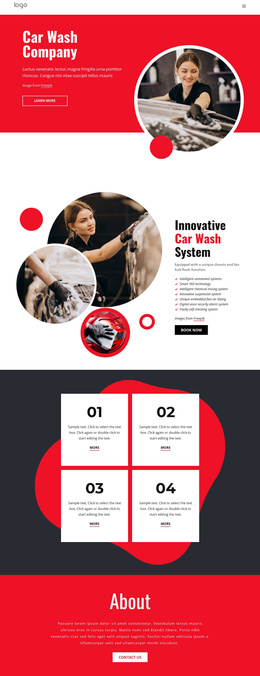
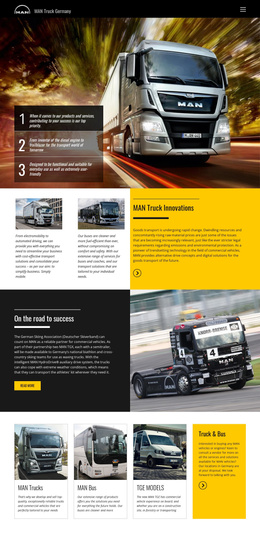
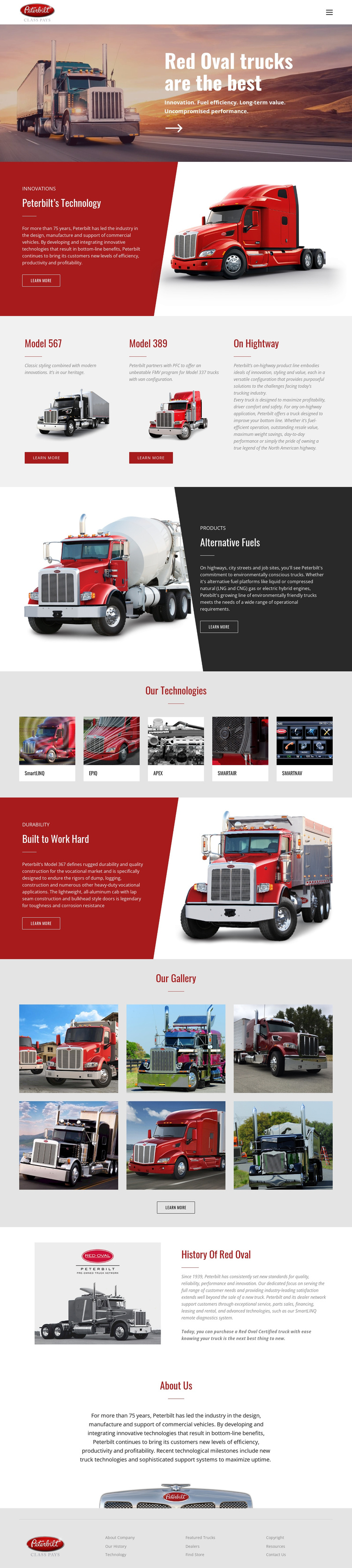
The page divides the Red Oval presentation into recurring informational regions that are easy to understand as managed site content. The navigation header establishes the shared brand area, while the hero provides the opening company message and a Learn More action. Below it, the three model cards separate Model 567, Model 389, and On Highway into distinct product-oriented units rather than merging them into one paragraph.
The technology content is divided in a similarly useful way. Peterbilt’s Technology introduces one featured subject through a red panel and truck image, Alternative Fuels creates a separate dark feature region, and Our Technologies groups five labeled tiles into a compact category display. Those relationships give the design several structured areas for transportation information, while the six-photo gallery provides a separate visual content region. The History Of Red Oval and About Us sections then supply company-level information without competing with the model showcase.
A Joomla implementation could therefore preserve a shared navigation and footer while organizing the page’s model, technology, gallery, and company regions around managed content. The design does not need to be interpreted as one undifferentiated page. Its repeated cards, image collections, feature panels, and informational sections already suggest a coherent CMS content hierarchy, with the visual system connecting those regions.
Customize with Nicepage
Open this ready-made template in the Joomla Page Builder and customize it visually in the Nicepage editor. Replace demo content, edit page sections, and adapt the design to your project without rebuilding the template from scratch.
Work With This Template in Joomla
Customize and Install the Joomla Template
Start with this ready-made template instead of building the Joomla design from scratch. Customize its layout, content, typography, images, sections, and other design elements visually in the Nicepage application, then export and install the Joomla Template, Nicepage Extension, and supported content on your Joomla website.
Edit the Template Directly in Joomla
After installation, you can edit the Joomla Template directly in Joomla with the Nicepage Joomla Extension. Customize the Header, Footer, Colors, Fonts, typography, and Page Templates from the Joomla workflow while keeping the site design connected with your CMS content.
Edit Joomla Articles Visually
Use the Nicepage Joomla Extension to open and edit Joomla Articles visually from the Joomla Administrator. Change text, images, sections, layouts, and other page content in the Nicepage editor while continuing to manage the Articles through Joomla.
Joomla Content and Template Integration
Use the customized template together with Joomla Articles, module Positions, menus, forms, Blog Pages, and other supported CMS elements. With the Nicepage Extension used as the Site Style Source, shared design settings can be applied across Joomla Articles while Joomla continues to provide the CMS environment for managing site content.
This workflow combines a ready-made Joomla Template with visual customization, direct template editing in Joomla, and continued content management through the Nicepage Joomla Extension.