Mustang Joomla Template


Edit Template Offline
2. Create new page and search for id 24072
Edit Template Online
Create Awesome Websites


Free Nicepage Builder
Keywords
Model Features Divide the Page into Structured Joomla Content Areas
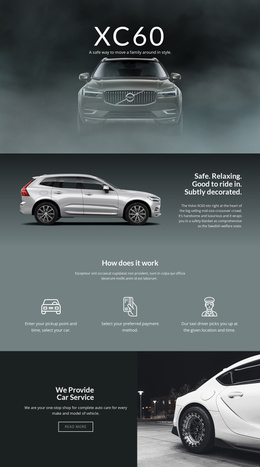
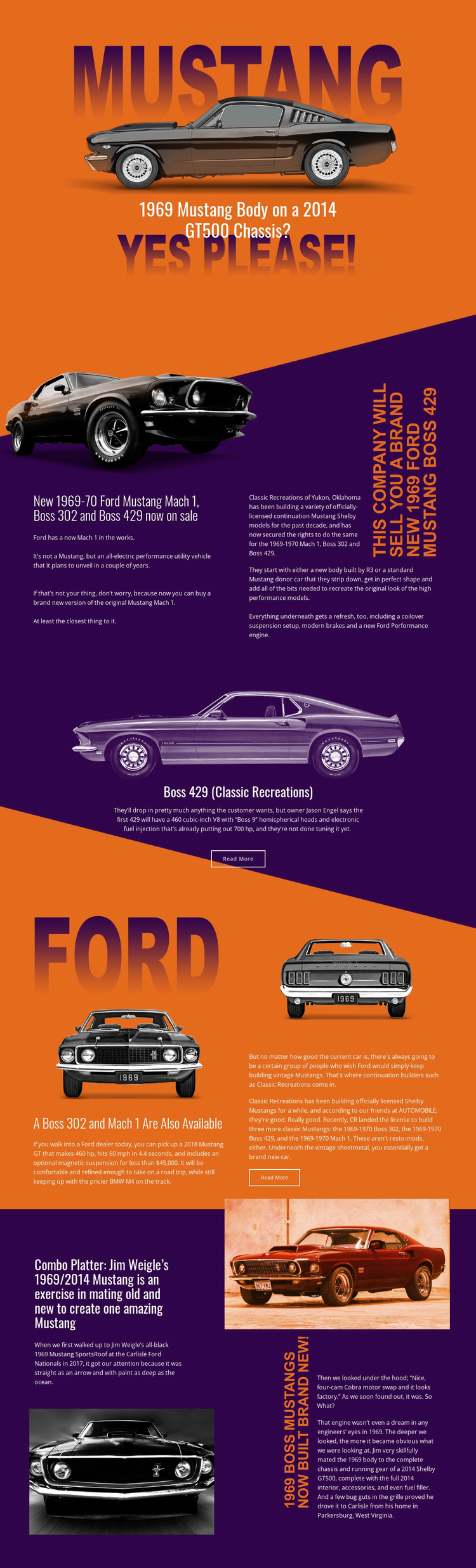
The continuation-model section provides a natural structured content area for the Mach 1, Boss 302, and Boss 429 discussion, while the separate Boss 429 panel gives one model its own focused editorial region. The later section about the Boss 302 and Mach 1 adds another content group, and the final split and wide areas extend the page into a custom-build story. Together, these regions separate related automotive information without losing the shared Mustang visual direction.
Navigation can reflect that structure by treating the hero, continuation models, Boss 429 feature, additional models, and custom build as meaningful areas of the page. The split layouts are particularly suitable for pairing an image-led introduction with supporting article content, while the centered Boss 429 block can remain a distinct feature region. The recurring Read More actions also identify places where an editorial project may connect visitors with longer material, provided those destinations are supplied by the Joomla project.
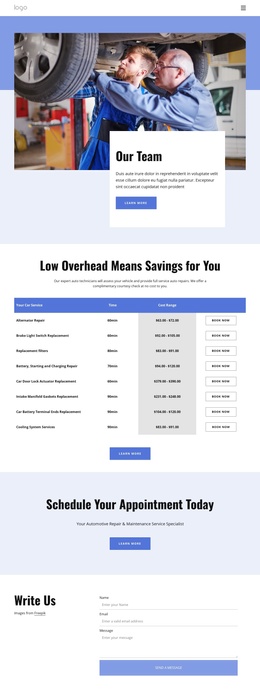
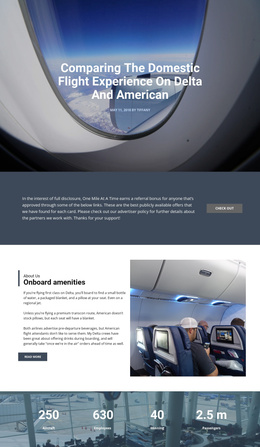
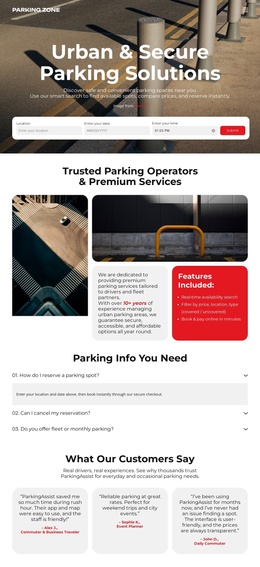
The template does not prove that Joomla Articles, categories, or module positions already exist. Its value is the clarity of its content divisions: automotive model coverage, a focused feature, and a closing build narrative. Those divisions can be mapped to CMS-managed content while the orange backgrounds, dark purple contrast, and bold typography preserve a coordinated Joomla site presentation.
Customize with Nicepage
Open this ready-made template in the Joomla Page Builder and customize it visually in the Nicepage editor. Replace demo content, edit page sections, and adapt the design to your project without rebuilding the template from scratch.
Work With This Template in Joomla
Customize and Install the Joomla Template
Start with this ready-made template instead of building the Joomla design from scratch. Customize its layout, content, typography, images, sections, and other design elements visually in the Nicepage application, then export and install the Joomla Template, Nicepage Extension, and supported content on your Joomla website.
Edit the Template Directly in Joomla
After installation, you can edit the Joomla Template directly in Joomla with the Nicepage Joomla Extension. Customize the Header, Footer, Colors, Fonts, typography, and Page Templates from the Joomla workflow while keeping the site design connected with your CMS content.
Edit Joomla Articles Visually
Use the Nicepage Joomla Extension to open and edit Joomla Articles visually from the Joomla Administrator. Change text, images, sections, layouts, and other page content in the Nicepage editor while continuing to manage the Articles through Joomla.
Joomla Content and Template Integration
Use the customized template together with Joomla Articles, module Positions, menus, forms, Blog Pages, and other supported CMS elements. With the Nicepage Extension used as the Site Style Source, shared design settings can be applied across Joomla Articles while Joomla continues to provide the CMS environment for managing site content.
This workflow combines a ready-made Joomla Template with visual customization, direct template editing in Joomla, and continued content management through the Nicepage Joomla Extension.