Free practice quiz Joomla Template


Four Structured Quiz Stages Create a Joomla Content Region
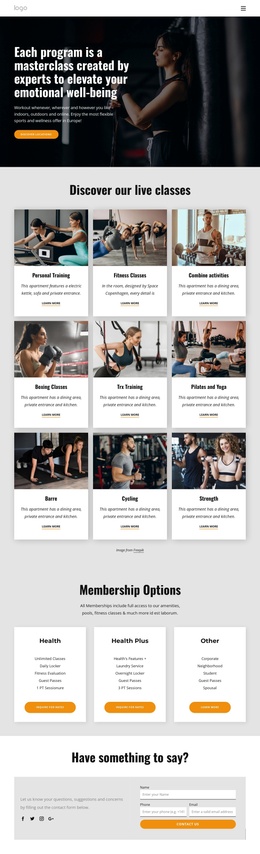
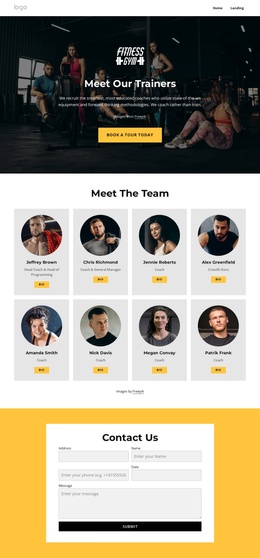
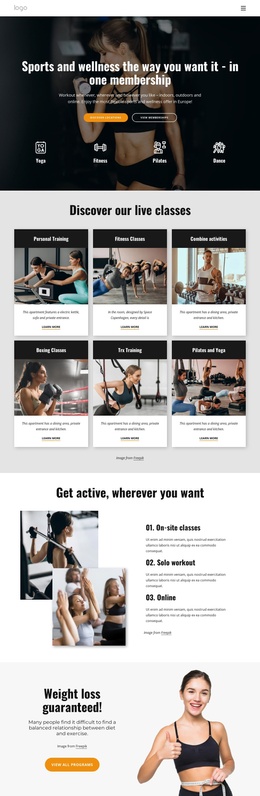
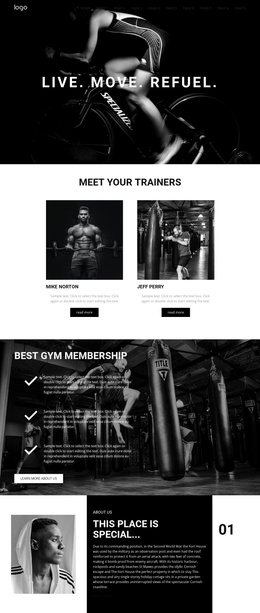
The “Free Practice Quiz” heading and centered introduction establish a recognizable content region that can participate in a Joomla-managed page. Its main information is organized as four sequential stages rather than one long text area. The first stage asks which illustration shows ushtrasana and presents three selectable yoga posture images. Later stages use radio-choice questions about asana, spinal alignment, and the benefits of home practice. The progress indicator keeps those questions connected as one assessment, while Back, Next, and Submit provide the visible controls for moving through it.
This structure suits a page area where interactive wellness information needs to remain visually distinct from neighboring content. The decorative image and pastel artwork identify the yoga subject, while the centered white layout leaves enough separation between the question, answer choices, and navigation. In a Joomla-oriented project, the quiz can function as a reusable content section alongside other managed information, with its question groups and image choices retained as one coherent visual unit. Joomla Articles can provide a broader editorial context when appropriate, but the important contribution here is the block’s structured assessment pattern rather than an invented CMS element. The four-stage sequence gives the page a clear interactive content destination without making this section a complete site or template.
Customize with Nicepage
Open this ready-made template in the Joomla Page Builder and customize it visually in the Nicepage editor. Replace demo content, edit page sections, and adapt the design to your project without rebuilding the template from scratch.
Edit Template Offline
2. Create a new page or select existing
3. Click Add new block, search for id 6534259 and click enter
Edit Template Online
Create Awesome Websites


Free Nicepage Builder
Keywords
Work With This Template in Joomla
Customize and Install the Joomla Template
Start with this ready-made template instead of building the Joomla design from scratch. Customize its layout, content, typography, images, sections, and other design elements visually in the Nicepage application, then export and install the Joomla Template, Nicepage Extension, and supported content on your Joomla website.
Edit the Template Directly in Joomla
After installation, you can edit the Joomla Template directly in Joomla with the Nicepage Joomla Extension. Customize the Header, Footer, Colors, Fonts, typography, and Page Templates from the Joomla workflow while keeping the site design connected with your CMS content.
Edit Joomla Articles Visually
Use the Nicepage Joomla Extension to open and edit Joomla Articles visually from the Joomla Administrator. Change text, images, sections, layouts, and other page content in the Nicepage editor while continuing to manage the Articles through Joomla.
Joomla Content and Template Integration
Use the customized template together with Joomla Articles, module Positions, menus, forms, Blog Pages, and other supported CMS elements. With the Nicepage Extension used as the Site Style Source, shared design settings can be applied across Joomla Articles while Joomla continues to provide the CMS environment for managing site content.
This workflow combines a ready-made Joomla Template with visual customization, direct template editing in Joomla, and continued content management through the Nicepage Joomla Extension.