Running world Joomla Template



Edit Template Offline
2. Create new page and search for id 859207
Edit Template Online
Create Awesome Websites


Free Nicepage Builder
Keywords
Club information and contact regions suit structured Joomla content
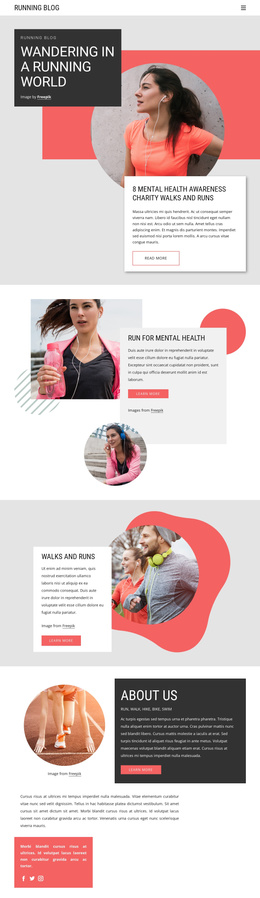
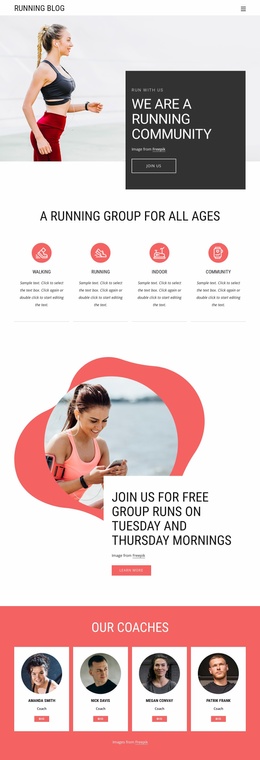
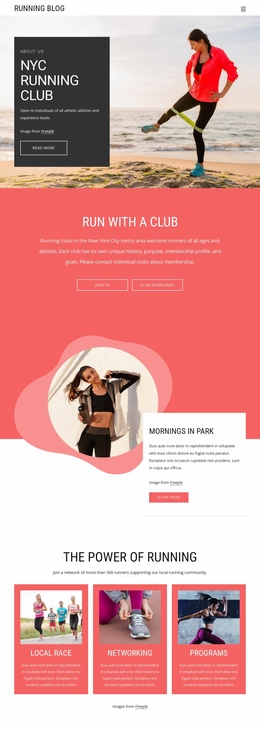
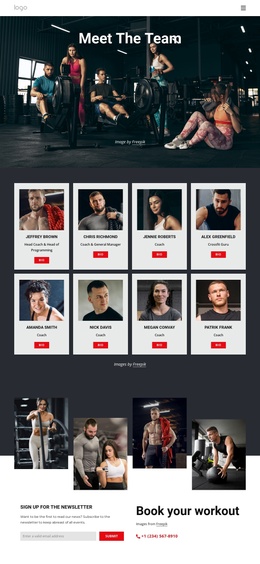
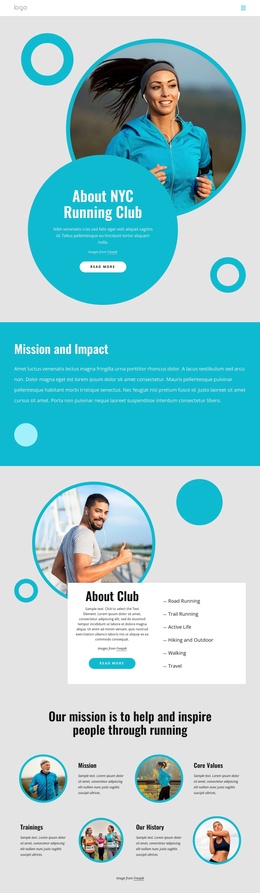
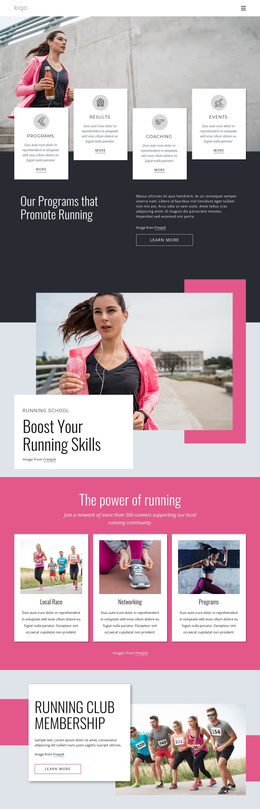
The page divides its subject matter into content areas that can be understood and maintained separately. The hero introduces the running blog through a featured mental health awareness charity walks and runs item, while the later sections distinguish mental health, walks and runs, About Us, runner profiles, and running club explanations. This division is useful for a CMS-managed site because recurring informational subjects have visible places in the navigation and page composition rather than being blended into one uninterrupted article.
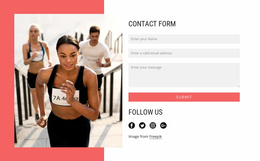
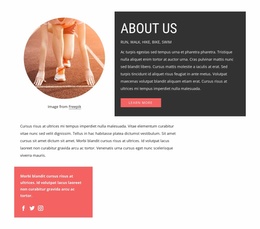
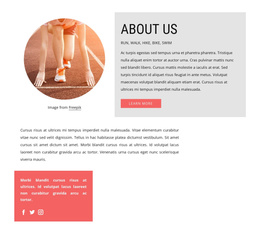
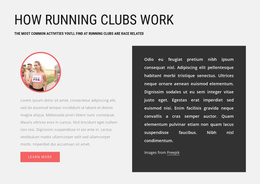
The running club section is especially structured: its heading explains how clubs work, its subtitle refers to race-related activities, and two text columns provide room for supporting information. The About Us block adds community context and social links, while the contact region supplies a clear response area with name, email, and message inputs. Together, these regions can support organized editorial content, community updates, and contact information while retaining shared visual treatment.
A Joomla implementation can therefore interpret the design through its menus, information sections, recurring image-text areas, and final contact region. The page does not need to be treated as a generic article; its content boundaries already suggest how different subjects could remain coordinated while being managed as distinct site material. The red, charcoal, white, and light-gray presentation then gives those regions a consistent visual frame.
Customize with Nicepage
Open this ready-made template in the Joomla Page Builder and customize it visually in the Nicepage editor. Replace demo content, edit page sections, and adapt the design to your project without rebuilding the template from scratch.
Work With This Template in Joomla
Customize and Install the Joomla Template
Start with this ready-made template instead of building the Joomla design from scratch. Customize its layout, content, typography, images, sections, and other design elements visually in the Nicepage application, then export and install the Joomla Template, Nicepage Extension, and supported content on your Joomla website.
Edit the Template Directly in Joomla
After installation, you can edit the Joomla Template directly in Joomla with the Nicepage Joomla Extension. Customize the Header, Footer, Colors, Fonts, typography, and Page Templates from the Joomla workflow while keeping the site design connected with your CMS content.
Edit Joomla Articles Visually
Use the Nicepage Joomla Extension to open and edit Joomla Articles visually from the Joomla Administrator. Change text, images, sections, layouts, and other page content in the Nicepage editor while continuing to manage the Articles through Joomla.
Joomla Content and Template Integration
Use the customized template together with Joomla Articles, module Positions, menus, forms, Blog Pages, and other supported CMS elements. With the Nicepage Extension used as the Site Style Source, shared design settings can be applied across Joomla Articles while Joomla continues to provide the CMS environment for managing site content.
This workflow combines a ready-made Joomla Template with visual customization, direct template editing in Joomla, and continued content management through the Nicepage Joomla Extension.