Why pets make us happier Joomla Template


Edit Template Offline
2. Create new page and search for id 1083136
Edit Template Online
Create Awesome Websites


Free Nicepage Builder
Keywords
Dog Care Advice Organizes the Main Content Regions
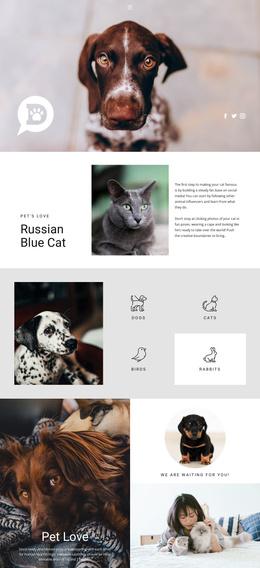
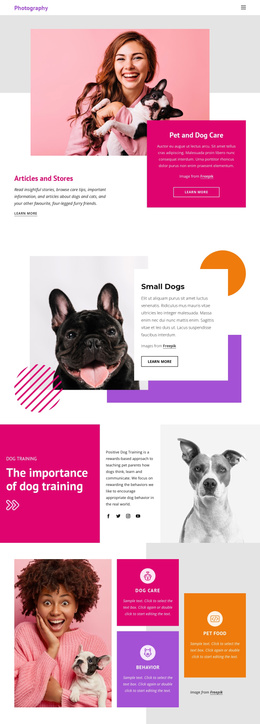
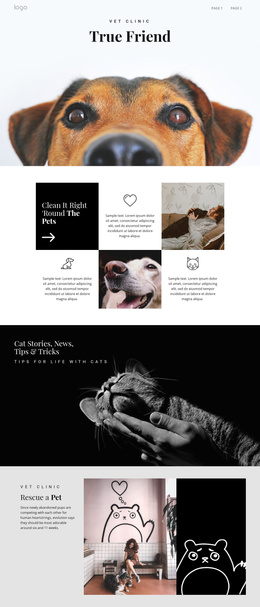
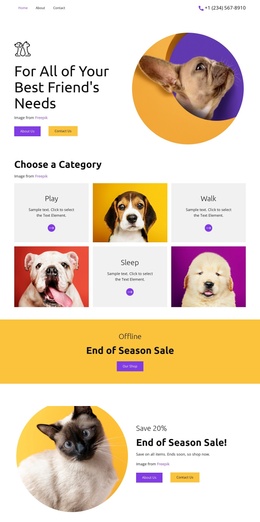
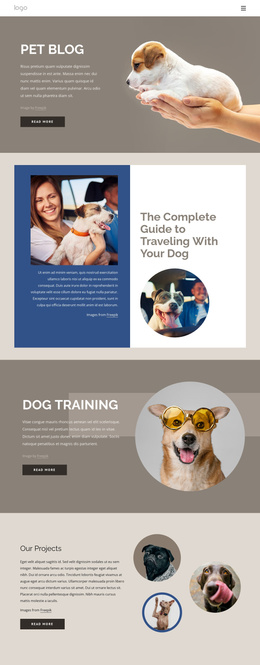
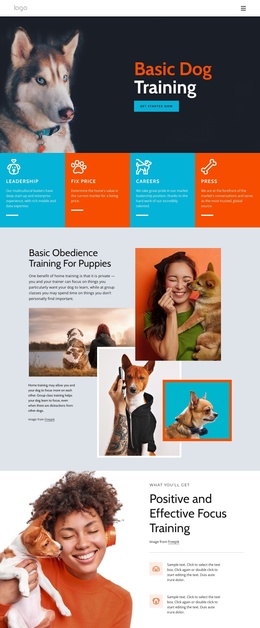
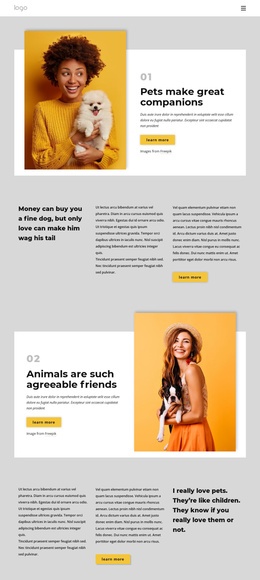
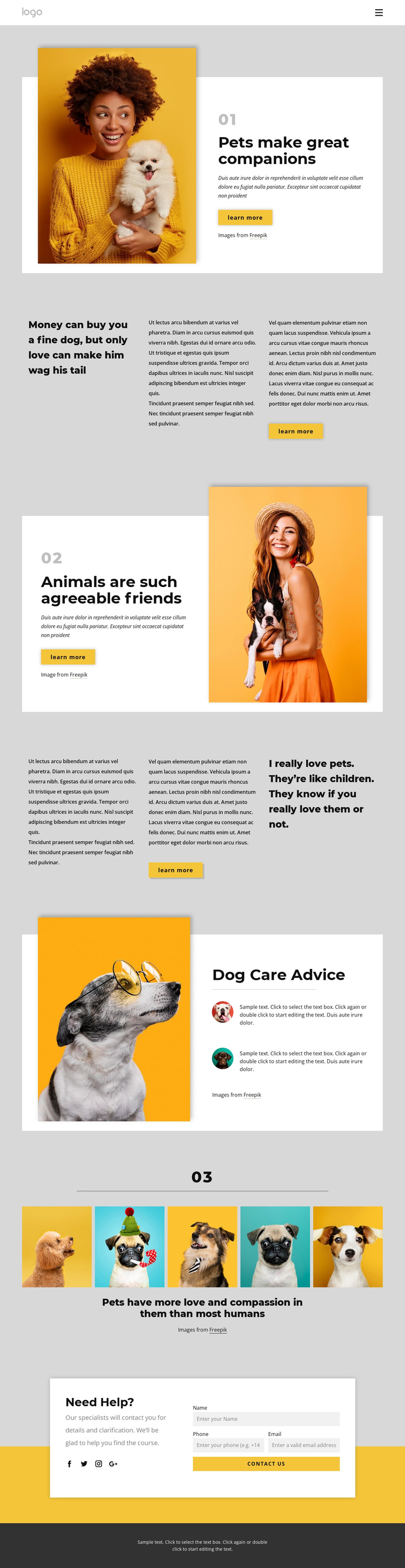
The design divides its subject matter into clear information regions that can be understood as managed site content. The first split section introduces pet companionship with a large image, heading, and Learn more action. A later reversed split section continues the same theme from the opposite visual direction, while the two thirds sections provide separate areas for quotations and supporting paragraphs. The 01, 02, and 03 markers reinforce this progression and give the page recognizable content stages.
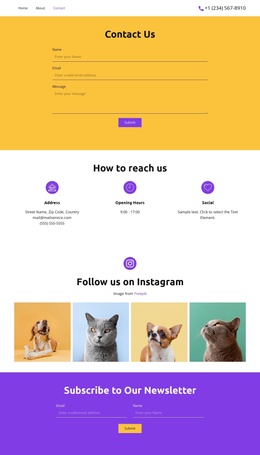
The Dog Care Advice panel supplies a more structured information unit: a prominent dog image is paired with a heading and two repeated advice items. That pattern can accommodate recurring guidance without changing the surrounding presentation. The five-image gallery adds a distinct visual content region, and the navigation and mobile navigation give visitors a route through the page’s sections. At the end, the Need Help? area brings together explanatory copy, a contact form with name, phone, and email inputs, social links for Facebook, Twitter, Instagram, and Google, and a Contact us action. In a Joomla-managed project, these defined regions provide a practical relationship between navigation, informational content, visual media, and inquiries. The design therefore supports organized pet-care communication while retaining a consistent shared appearance across its main content areas.
Customize with Nicepage
Open this ready-made template in the Joomla Page Builder and customize it visually in the Nicepage editor. Replace demo content, edit page sections, and adapt the design to your project without rebuilding the template from scratch.
Work With This Template in Joomla
Customize and Install the Joomla Template
Start with this ready-made template instead of building the Joomla design from scratch. Customize its layout, content, typography, images, sections, and other design elements visually in the Nicepage application, then export and install the Joomla Template, Nicepage Extension, and supported content on your Joomla website.
Edit the Template Directly in Joomla
After installation, you can edit the Joomla Template directly in Joomla with the Nicepage Joomla Extension. Customize the Header, Footer, Colors, Fonts, typography, and Page Templates from the Joomla workflow while keeping the site design connected with your CMS content.
Edit Joomla Articles Visually
Use the Nicepage Joomla Extension to open and edit Joomla Articles visually from the Joomla Administrator. Change text, images, sections, layouts, and other page content in the Nicepage editor while continuing to manage the Articles through Joomla.
Joomla Content and Template Integration
Use the customized template together with Joomla Articles, module Positions, menus, forms, Blog Pages, and other supported CMS elements. With the Nicepage Extension used as the Site Style Source, shared design settings can be applied across Joomla Articles while Joomla continues to provide the CMS environment for managing site content.
This workflow combines a ready-made Joomla Template with visual customization, direct template editing in Joomla, and continued content management through the Nicepage Joomla Extension.