Opportunity to make a change Joomla Template


Edit Template Offline
2. Create new page and search for id 6174819
Edit Template Online
Create Awesome Websites


Free Nicepage Builder
Keywords
Project, Testimonial, and Contact Regions Form a Structured CMS Layout
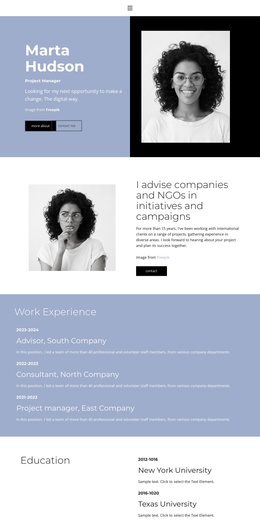
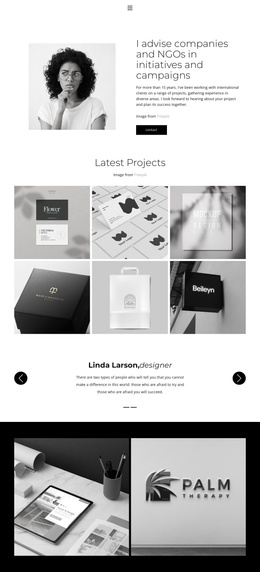
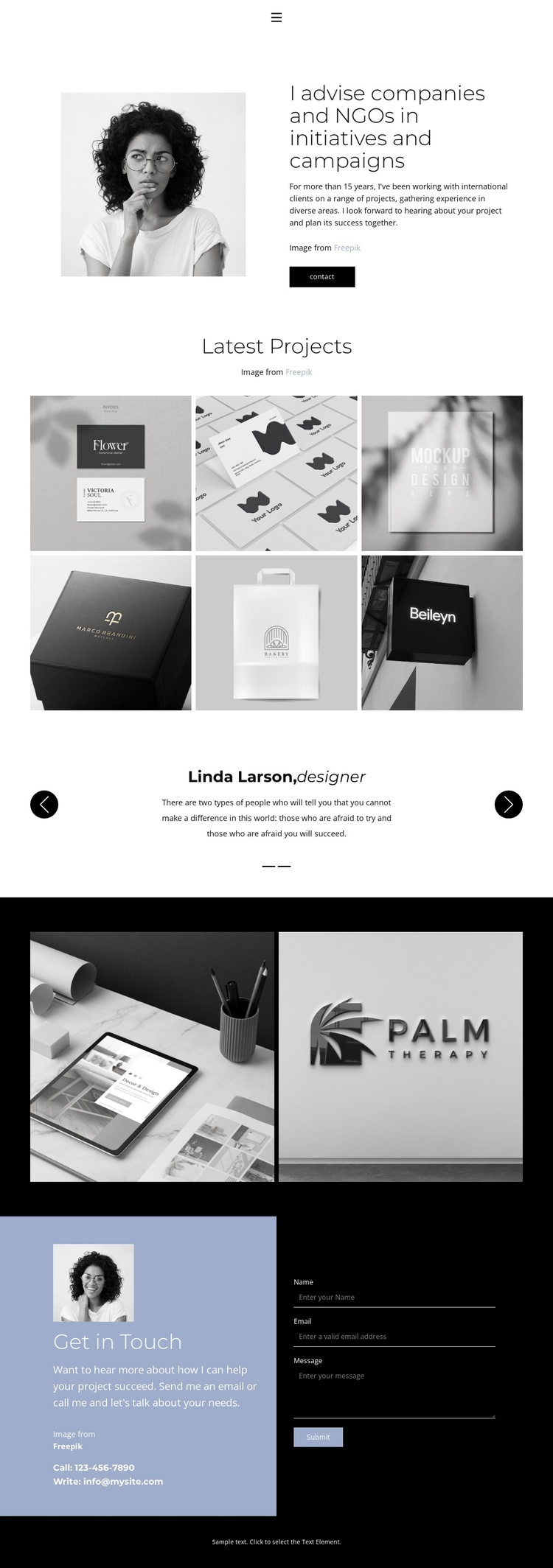
The navigation and shared closing elements give the design recognizable site regions, while the middle of the page divides the advisor’s information into distinct content areas. The opening profile can hold the central description of the advisor and the initiatives or campaigns being presented. The six-image Latest Projects gallery then supplies a separate visual region for selected work, making it easier to distinguish project content from the introductory profile.
The two testimonial entries provide another repeated information area with its own carousel controls. Because the speakers are demo content, they should be treated as structural evidence of a testimonial region rather than as verified client statements. The later two-image gallery adds a second project-oriented area inside a dark full-width band, giving the page an additional region for related imagery without changing the overall visual direction. This separation is useful when recurring informational content must remain organized.
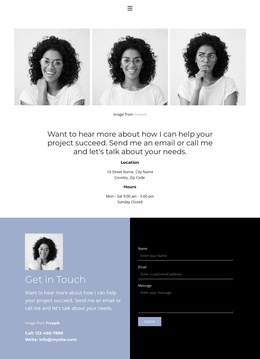
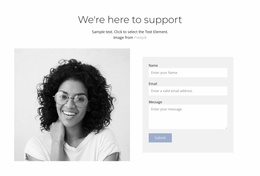
The contact block brings together a heading, telephone and email channels, and a form with name, email, and message inputs. In a Joomla-managed project, these areas can be understood as coordinated content regions around which site navigation and contact information are maintained. The black footer supplies a final shared boundary. The design therefore maps naturally to a structured CMS page: profile content first, project material and supporting testimonials in the middle, and a clearly defined inquiry region at the end, without assuming that Joomla Articles or module positions already exist.
Customize with Nicepage
Open this ready-made template in the Joomla Page Builder and customize it visually in the Nicepage editor. Replace demo content, edit page sections, and adapt the design to your project without rebuilding the template from scratch.
Work With This Template in Joomla
Customize and Install the Joomla Template
Start with this ready-made template instead of building the Joomla design from scratch. Customize its layout, content, typography, images, sections, and other design elements visually in the Nicepage application, then export and install the Joomla Template, Nicepage Extension, and supported content on your Joomla website.
Edit the Template Directly in Joomla
After installation, you can edit the Joomla Template directly in Joomla with the Nicepage Joomla Extension. Customize the Header, Footer, Colors, Fonts, typography, and Page Templates from the Joomla workflow while keeping the site design connected with your CMS content.
Edit Joomla Articles Visually
Use the Nicepage Joomla Extension to open and edit Joomla Articles visually from the Joomla Administrator. Change text, images, sections, layouts, and other page content in the Nicepage editor while continuing to manage the Articles through Joomla.
Joomla Content and Template Integration
Use the customized template together with Joomla Articles, module Positions, menus, forms, Blog Pages, and other supported CMS elements. With the Nicepage Extension used as the Site Style Source, shared design settings can be applied across Joomla Articles while Joomla continues to provide the CMS environment for managing site content.
This workflow combines a ready-made Joomla Template with visual customization, direct template editing in Joomla, and continued content management through the Nicepage Joomla Extension.