The digital way Joomla Template


Edit Template Offline
2. Create new page and search for id 6174818
Edit Template Online
Create Awesome Websites


Free Nicepage Builder
Keywords
Experience, Skills, and Contact Regions Form a Manageable Profile Structure
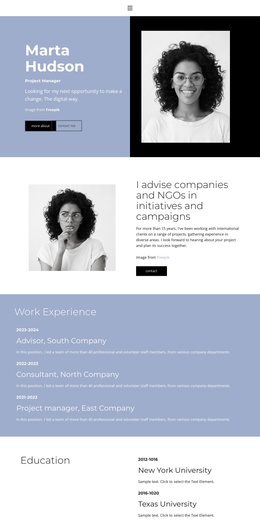
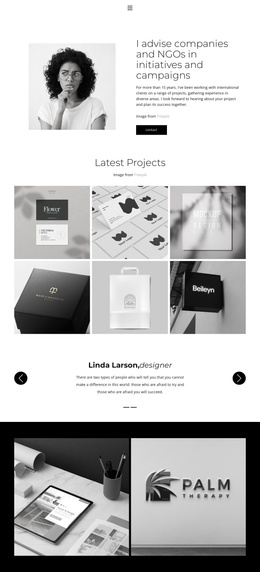
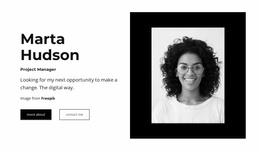
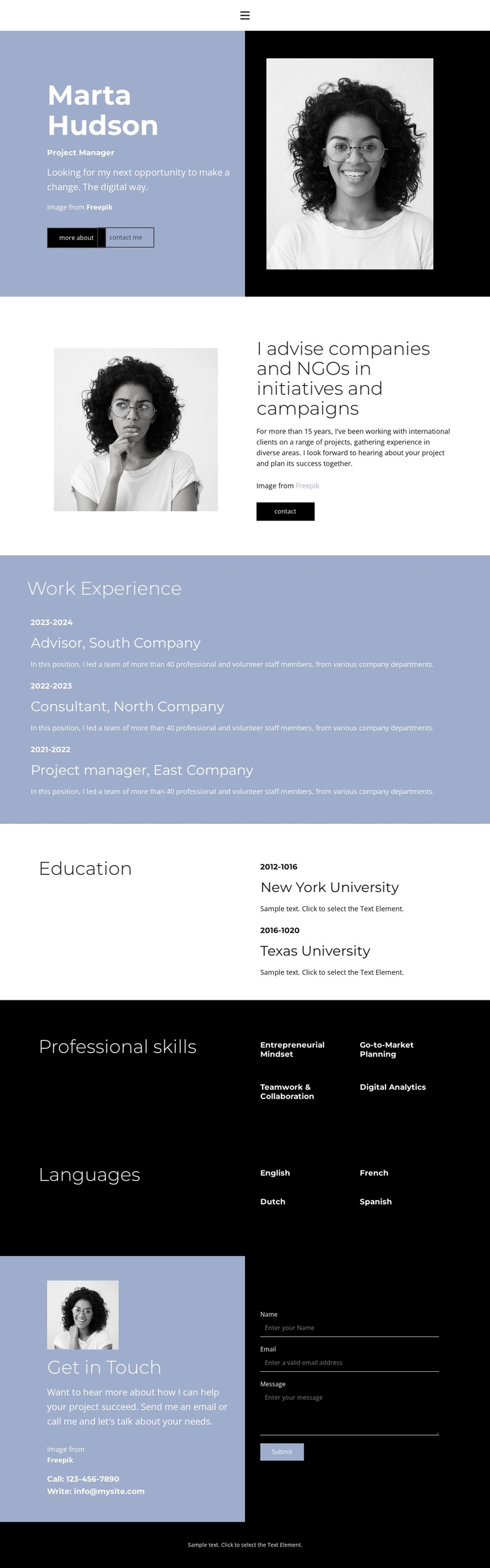
The design divides professional information into clearly recognizable content regions. The opening split panel can serve as the profile introduction, combining a role label, summary copy, portrait, and Download Resume action. A second portrait and advisory paragraph provide another focused area before the page moves into the employment record. This separation helps distinguish identity and overview content from the more detailed sections that follow.
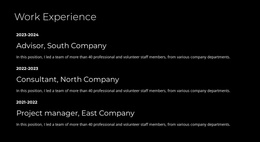
Work Experience is presented as three stacked entries with dates, titles, company names, and descriptions, making it a natural structured information area. Education uses a separate light section with two entries, while Professional skills and Languages each use a heading column and two columns of short labels. The skills include entrepreneurial mindset, go-to-market planning, teamwork and collaboration, and digital analytics; the language list includes English, French, Dutch, and Spanish. These differences give each region a specific editorial role instead of treating the resume as one undivided text block.
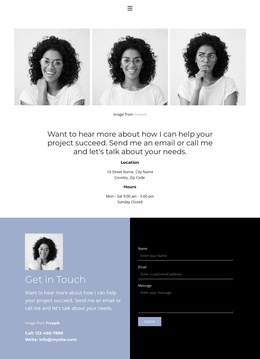
The final Get in Touch section connects contact details with a message form containing name, email, and message inputs. In a Joomla-managed project, this provides a clear content and inquiry area after the profile evidence, while the shared blue-and-black visual treatment keeps navigation through the sections coherent. The design can therefore organize profile content, recurring informational entries, and contact communication within one CMS-oriented page structure without claiming that specific Joomla articles or modules already exist.
Customize with Nicepage
Open this ready-made template in the Joomla Page Builder and customize it visually in the Nicepage editor. Replace demo content, edit page sections, and adapt the design to your project without rebuilding the template from scratch.
Work With This Template in Joomla
Customize and Install the Joomla Template
Start with this ready-made template instead of building the Joomla design from scratch. Customize its layout, content, typography, images, sections, and other design elements visually in the Nicepage application, then export and install the Joomla Template, Nicepage Extension, and supported content on your Joomla website.
Edit the Template Directly in Joomla
After installation, you can edit the Joomla Template directly in Joomla with the Nicepage Joomla Extension. Customize the Header, Footer, Colors, Fonts, typography, and Page Templates from the Joomla workflow while keeping the site design connected with your CMS content.
Edit Joomla Articles Visually
Use the Nicepage Joomla Extension to open and edit Joomla Articles visually from the Joomla Administrator. Change text, images, sections, layouts, and other page content in the Nicepage editor while continuing to manage the Articles through Joomla.
Joomla Content and Template Integration
Use the customized template together with Joomla Articles, module Positions, menus, forms, Blog Pages, and other supported CMS elements. With the Nicepage Extension used as the Site Style Source, shared design settings can be applied across Joomla Articles while Joomla continues to provide the CMS environment for managing site content.
This workflow combines a ready-made Joomla Template with visual customization, direct template editing in Joomla, and continued content management through the Nicepage Joomla Extension.