Nature and inspiration Joomla Template


A Split Nature Composition for Structured Joomla Content
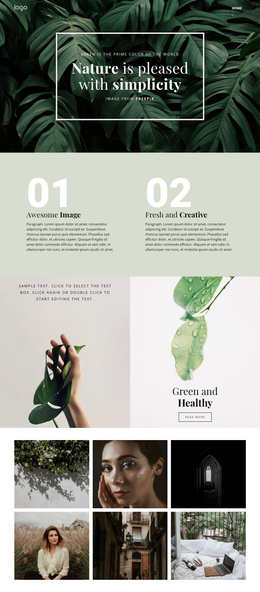
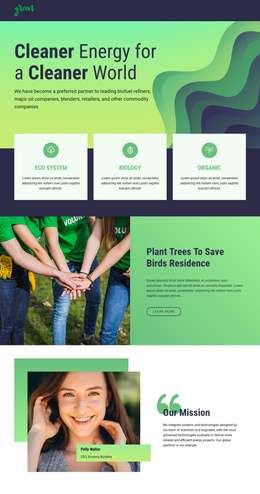
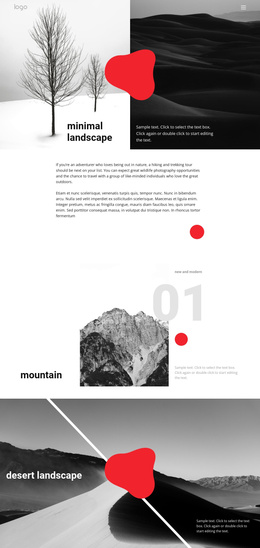
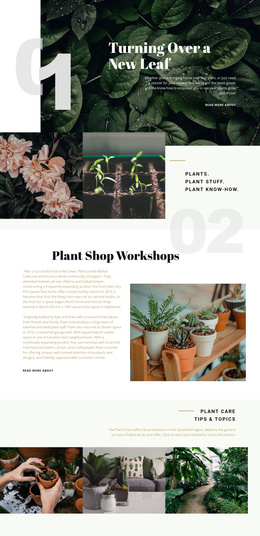
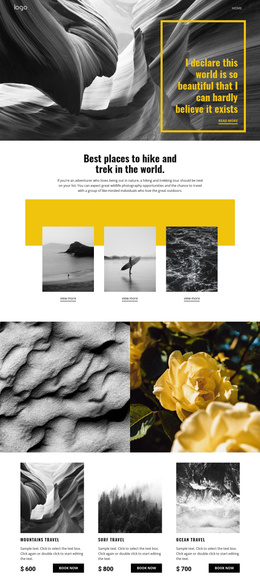
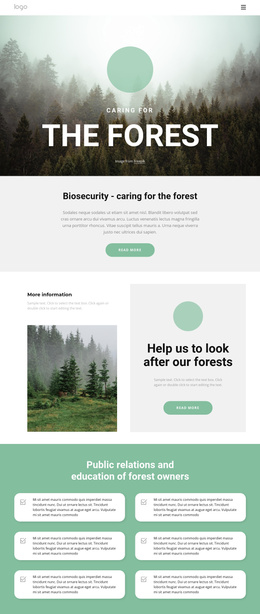
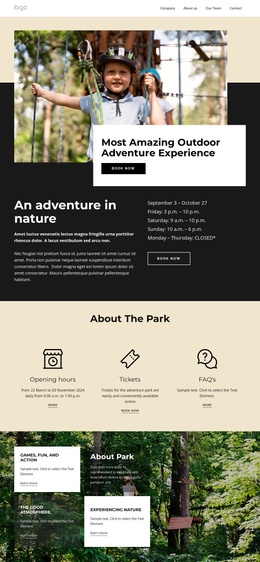
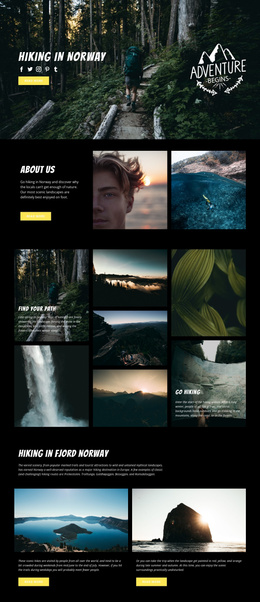
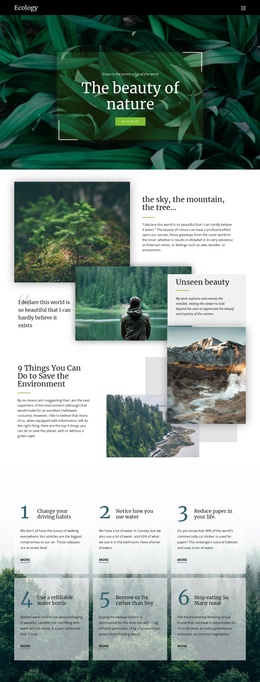
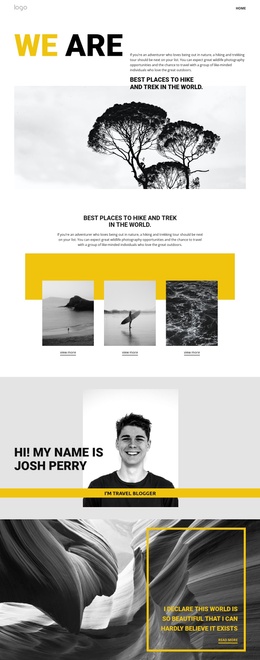
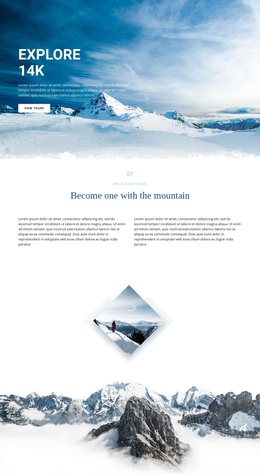
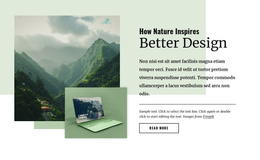
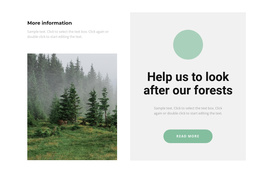
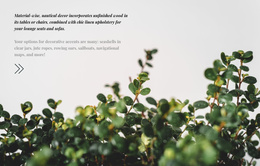
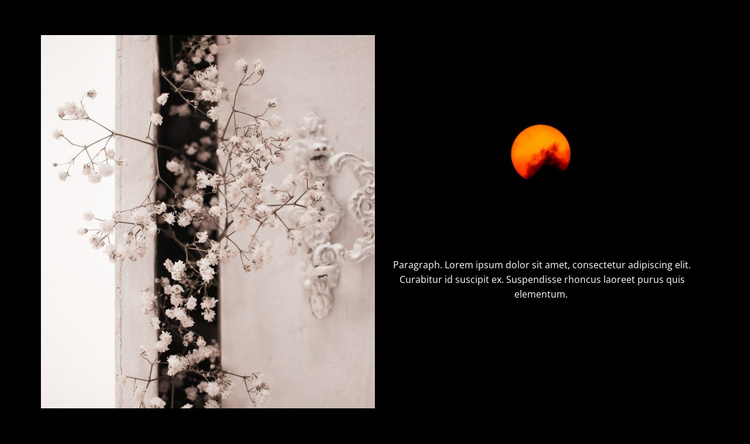
The two equal-width panels divide the section into a visual area and a supporting content area without breaking the block into separate page-level pieces. On the left, the pale floral scene supplies the dominant nature reference. On the right, the dark image-backed field gives the centered paragraph a controlled reading zone, while the warm orange circular image accent above it introduces a smaller visual marker. Together, these elements form a structured information region that can sit naturally among other content areas in a Joomla-managed page.
The absence of a heading keeps the paragraph dependent on its surrounding context, so the broader page can establish the subject before this section or explain it afterward. At the same time, the consistent width of the two panels makes the block easy to recognize as one stable content unit. The image and text are not competing for the same space: the left side carries atmosphere, and the right side carries the short written message.
In a Joomla-oriented project, this arrangement can serve as a reusable visual content region for article-like or editorial information while the wider site manages its other content separately. The block contributes a defined section role and visual treatment; it does not need to contain Joomla-specific controls to remain useful within the CMS-managed page structure.
Customize with Nicepage
Open this ready-made template in the Joomla Page Builder and customize it visually in the Nicepage editor. Replace demo content, edit page sections, and adapt the design to your project without rebuilding the template from scratch.
Edit Template Offline
2. Create a new page or select existing
3. Click Add new block, search for id 61107 and click enter
Edit Template Online
Create Awesome Websites


Free Nicepage Builder
Keywords
Work With This Template in Joomla
Customize and Install the Joomla Template
Start with this ready-made template instead of building the Joomla design from scratch. Customize its layout, content, typography, images, sections, and other design elements visually in the Nicepage application, then export and install the Joomla Template, Nicepage Extension, and supported content on your Joomla website.
Edit the Template Directly in Joomla
After installation, you can edit the Joomla Template directly in Joomla with the Nicepage Joomla Extension. Customize the Header, Footer, Colors, Fonts, typography, and Page Templates from the Joomla workflow while keeping the site design connected with your CMS content.
Edit Joomla Articles Visually
Use the Nicepage Joomla Extension to open and edit Joomla Articles visually from the Joomla Administrator. Change text, images, sections, layouts, and other page content in the Nicepage editor while continuing to manage the Articles through Joomla.
Joomla Content and Template Integration
Use the customized template together with Joomla Articles, module Positions, menus, forms, Blog Pages, and other supported CMS elements. With the Nicepage Extension used as the Site Style Source, shared design settings can be applied across Joomla Articles while Joomla continues to provide the CMS environment for managing site content.
This workflow combines a ready-made Joomla Template with visual customization, direct template editing in Joomla, and continued content management through the Nicepage Joomla Extension.